
How to add doubles pairs to your league on LADER
Add fixed doubles pairs to your league, from Manage Doubles or from two players on Manage Players, and bring them into your sessions.
Prefer to read?
Transcript
In a fixed-pairs league, each pair plays together all season. Add your pairs to the league once, then bring them into each session.
Open Manage Doubles, and click Add Doubles Pair.
For each player, start typing a name or email to find a player you already have, or type a new name to add one. Tick Stay on page to add several pairs in a row. Then click Add Doubles Pair.
You can also pair two players from Manage Players. Tick the two players, and click Create Doubles Pair.
A pair keeps its two players. To use different players, create a new pair.
When you schedule a session, choose All doubles pairs from league under Players to add, and every pair is copied in. Pairs play in the Groups format.
For a session that's already scheduled, open its Session Players.
Click Add Player/Pair, and choose Players/pairs from a league.
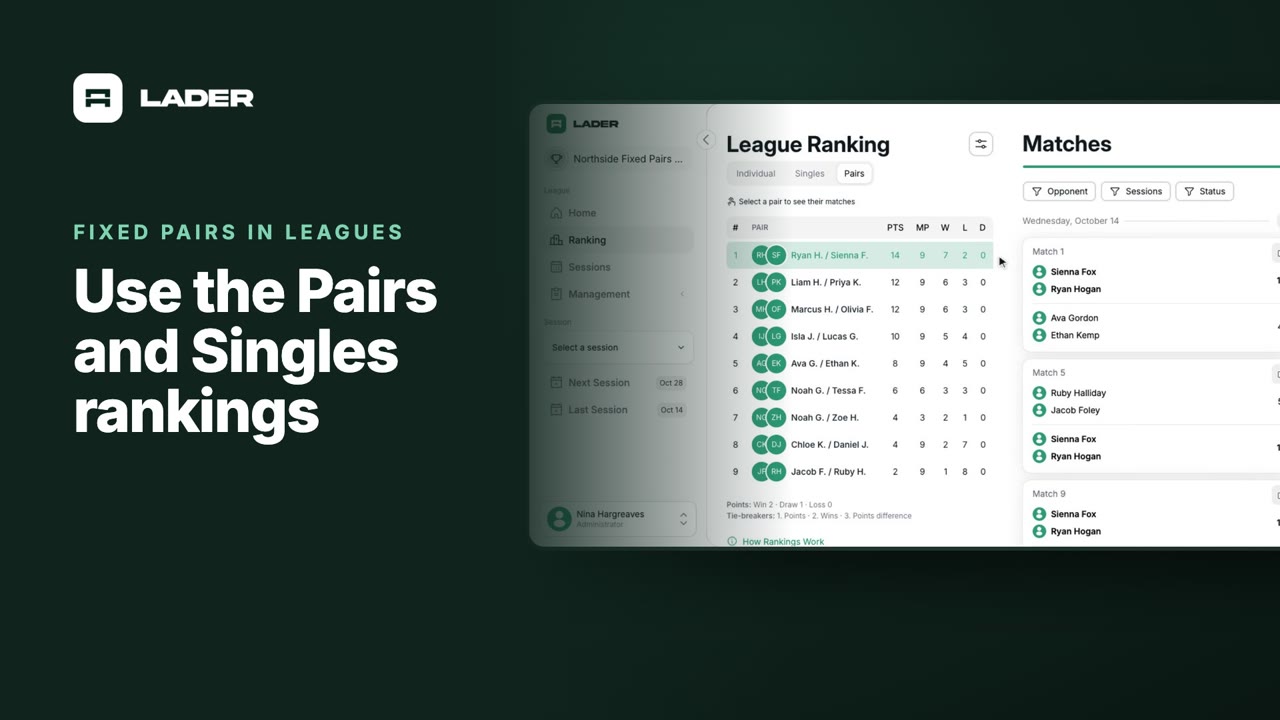
That's it for this video. Next up: the Pairs and Singles league rankings.
Still stuck?
Send us a message and we will walk you through it, or book a demo and we will show you live.
More in Fixed pairs in leagues
The clubs, events and people shown are fictional demo data. Narration uses an AI-generated voice.