
Help Center
Learn LADER, one video at a time
Short video walkthroughs for organizers and players. Organizers: set up your first tournament, from sign-up to opening registration. Players: register for a tournament, then find your matches and enter your scores on the day.
 10:11
10:11Organizers: start here
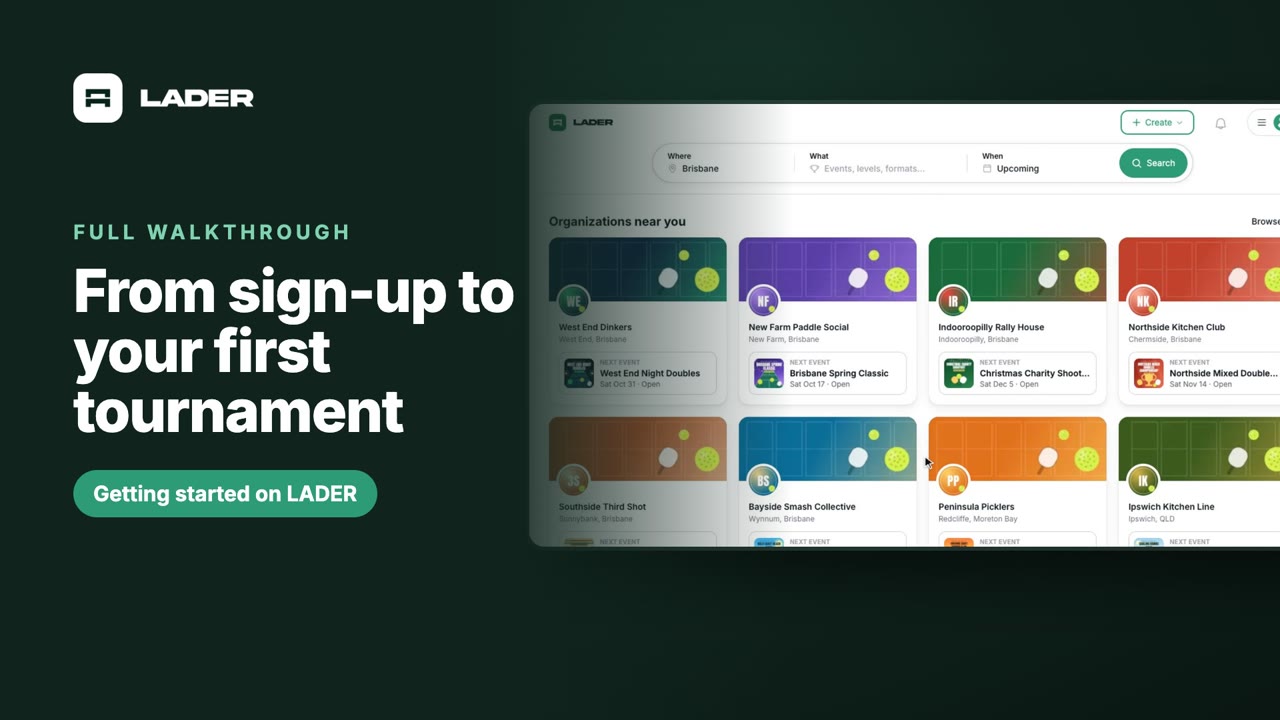
Getting started on LADER: from sign-up to your first tournament
A complete walkthrough for new organizers: sign up, create your organization, connect a payment account, create a tournament, add divisions, set up registration with every add-on, and open registration.
Watch the full walkthroughGetting started
Run your first pickleball tournament on LADER: sign up, create your organization, connect payments, create a tournament, add divisions, set up registration and open it to players. Watch the full walkthrough or jump to the part you need.
 0:53
0:53Part 1
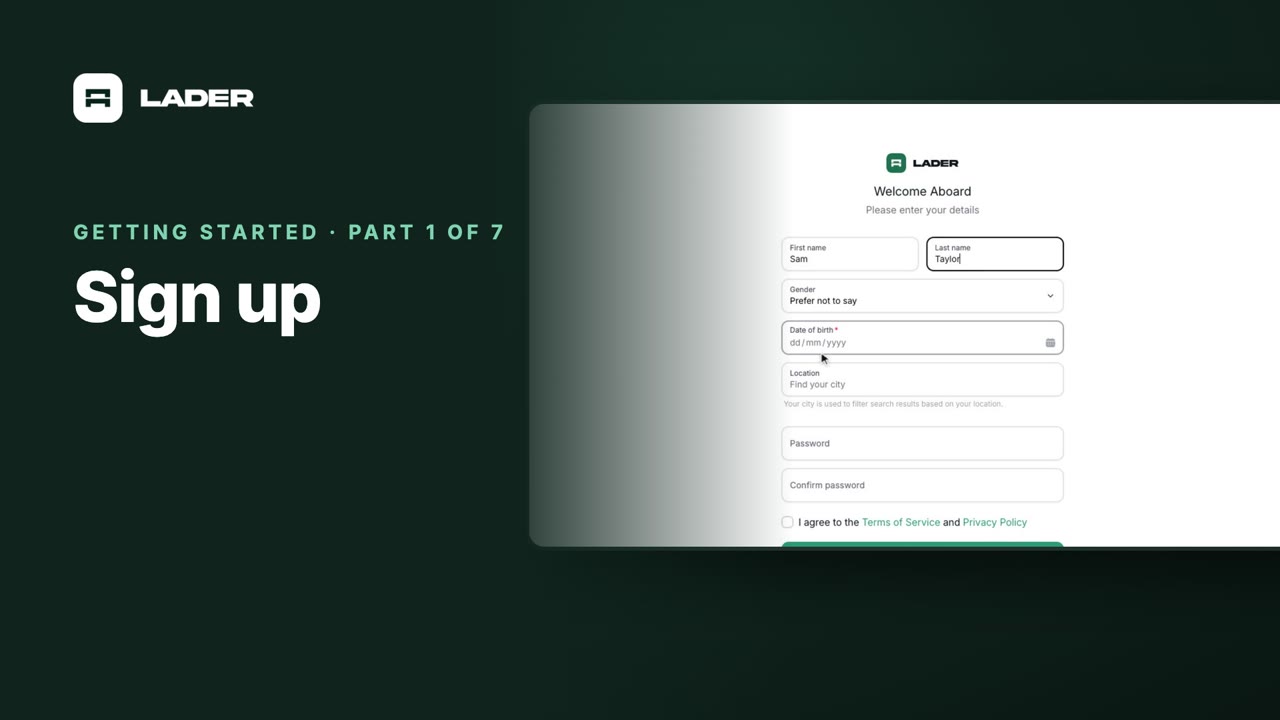
Sign up
Create your LADER account: enter your email, verify it with the six-character code, and add your details.
 1:45
1:45Part 2
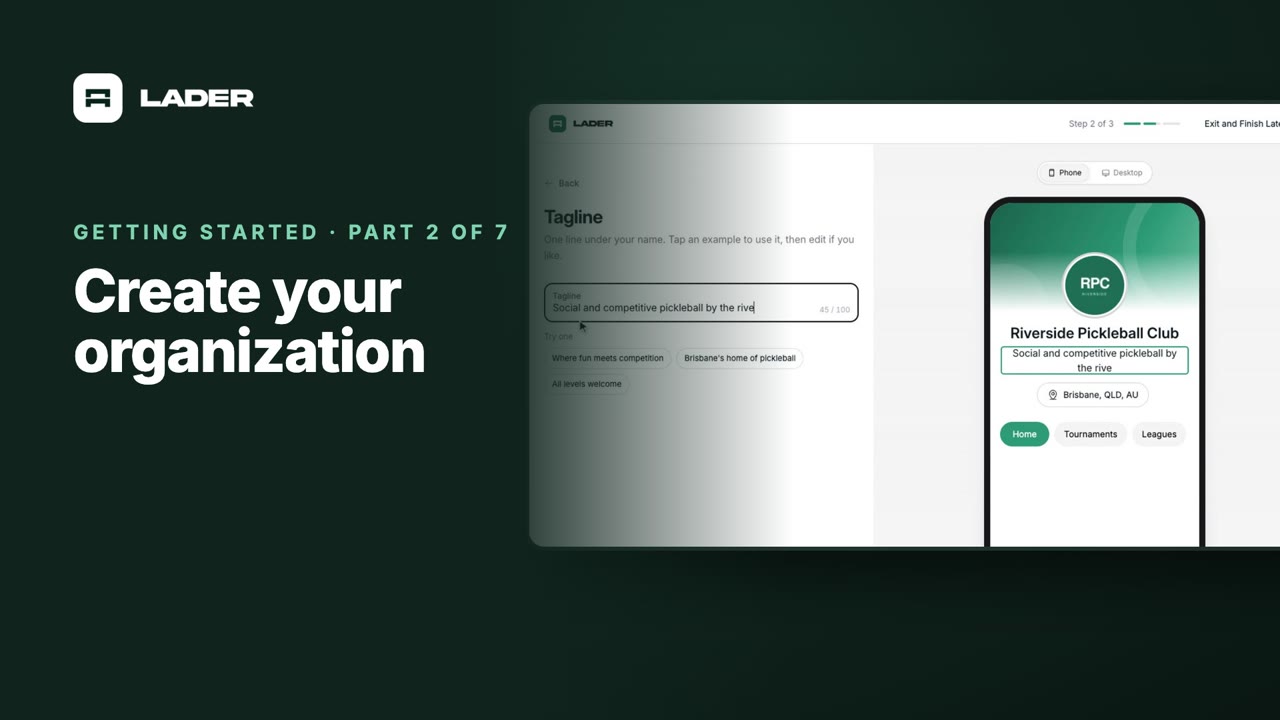
Create your organization
Every tournament is hosted by an organization. Create yours, build its page with a logo, cover and tagline, and choose a plan.
 0:48
0:48Part 3
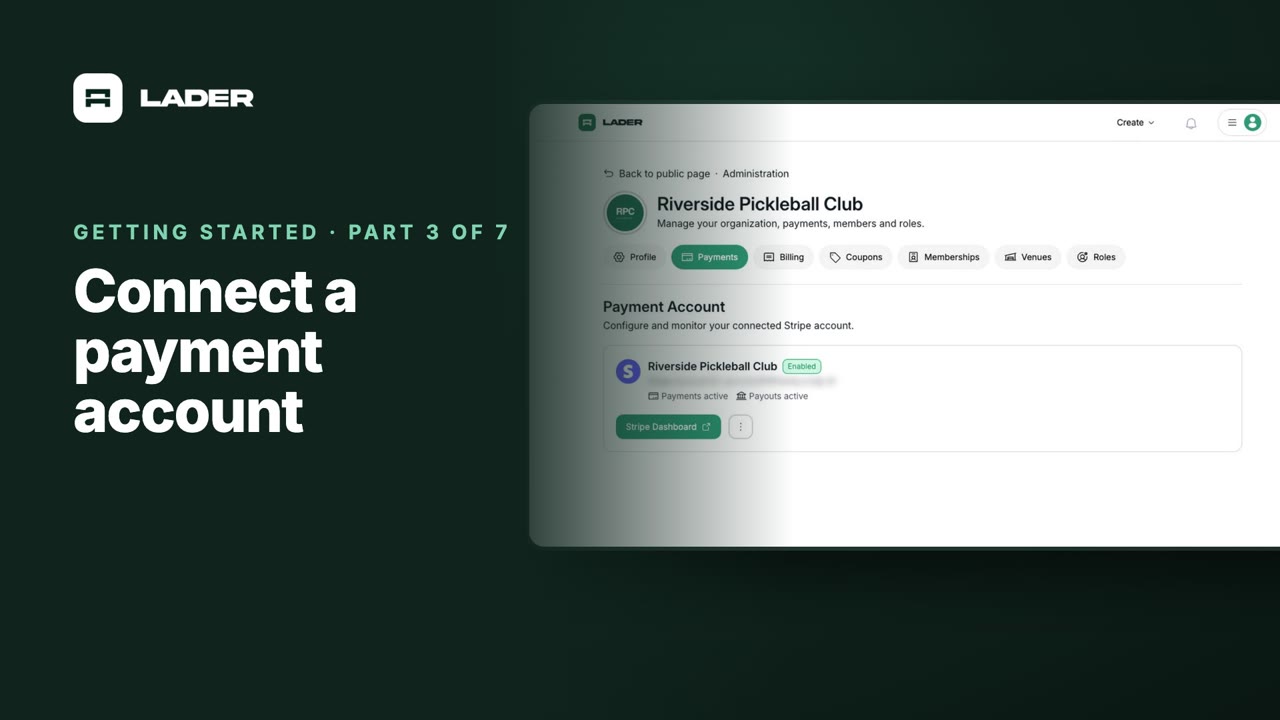
Connect a payment account
Connect Stripe so players can pay when they register. It’s required before registration can open, even for free events.
 1:05
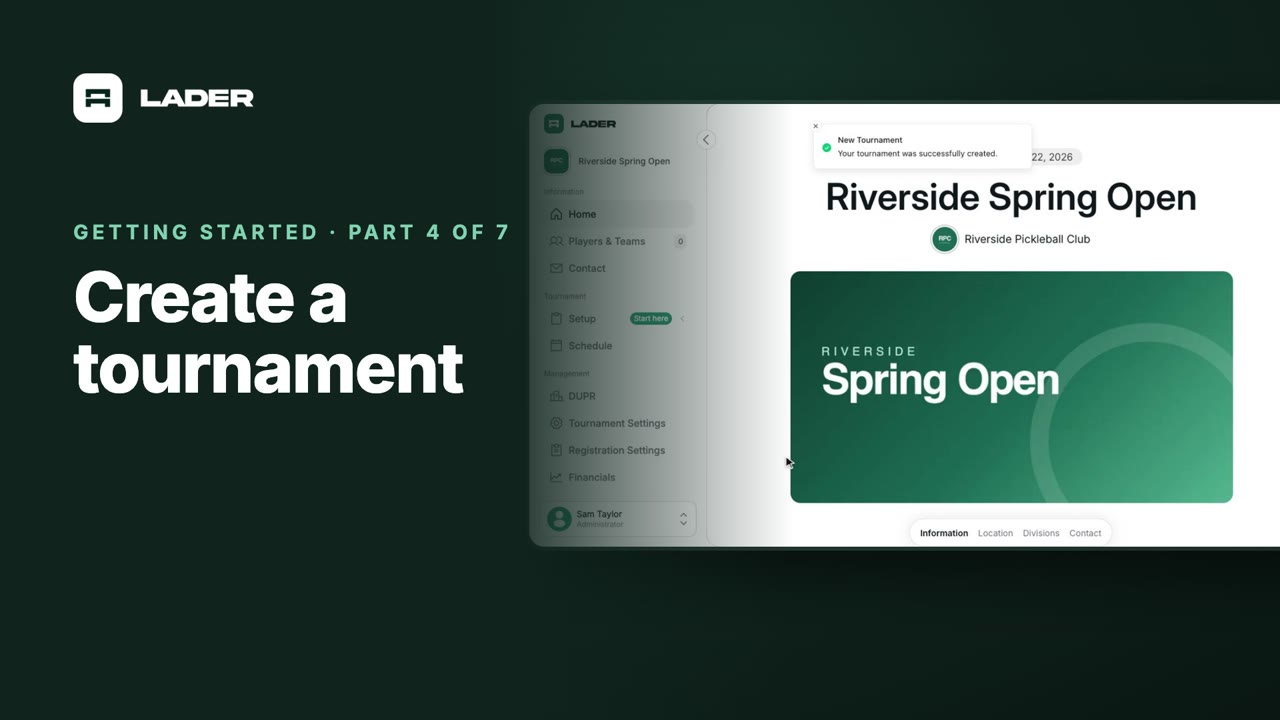
1:05Part 4
Create a tournament
Create a tournament: name, dates, location, thumbnail and cover images, description, contact details and visibility.
 0:50
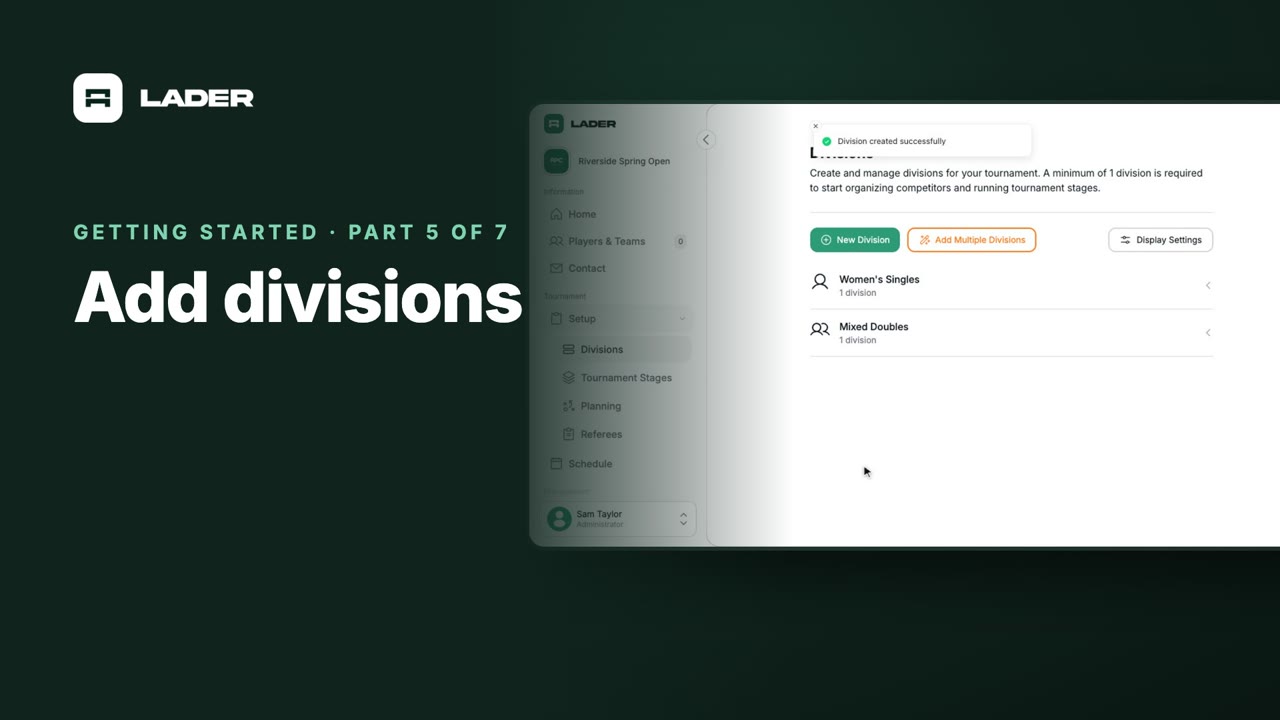
0:50Part 5
Add divisions
Add the divisions players enter: type, gender, skill level and the number of spots available.
 4:14
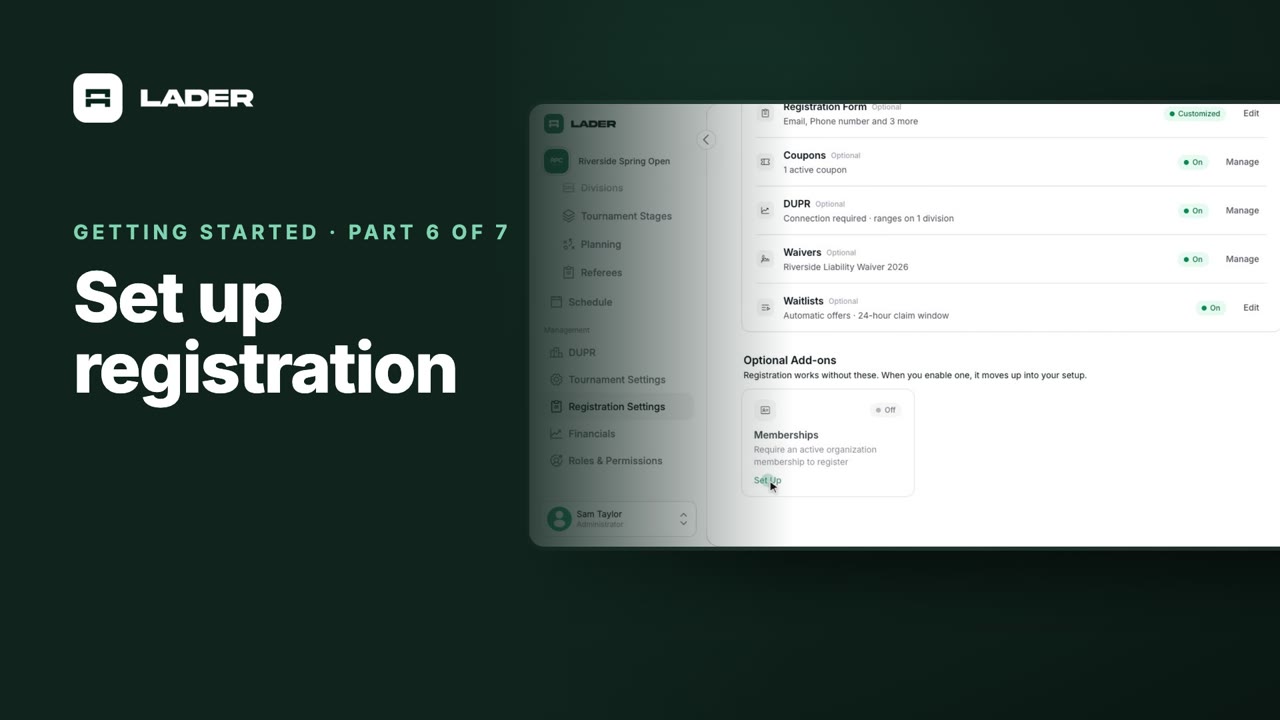
4:14Part 6
Set up registration
Set up pricing and the registration form, then turn on waitlists, waivers, DUPR, coupons and membership requirements.
 0:47
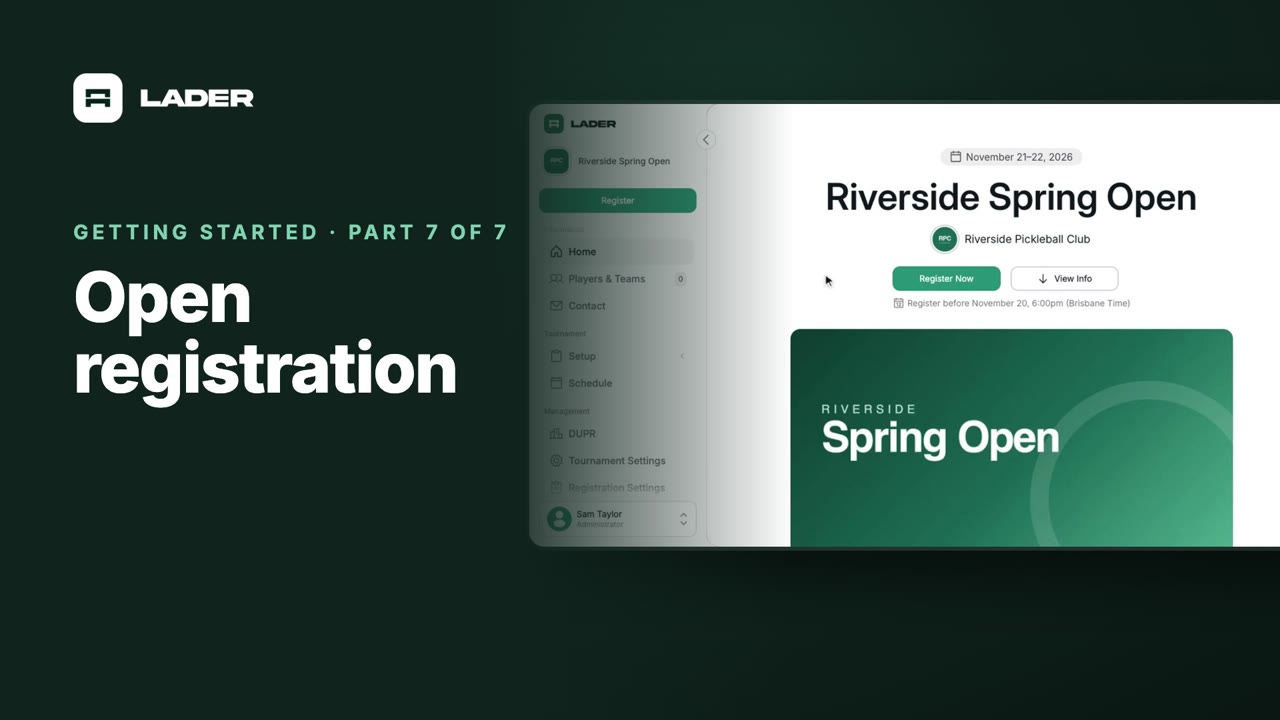
0:47Part 7
Open registration
Check the registration dates, turn on Enable Registrations, and see the Register Now button on your tournament page.
For players
Short videos for pickleball players on LADER: create your account, connect DUPR, register for tournaments with a partner, manage your entry, join waitlists, and find your matches and enter scores on the day.
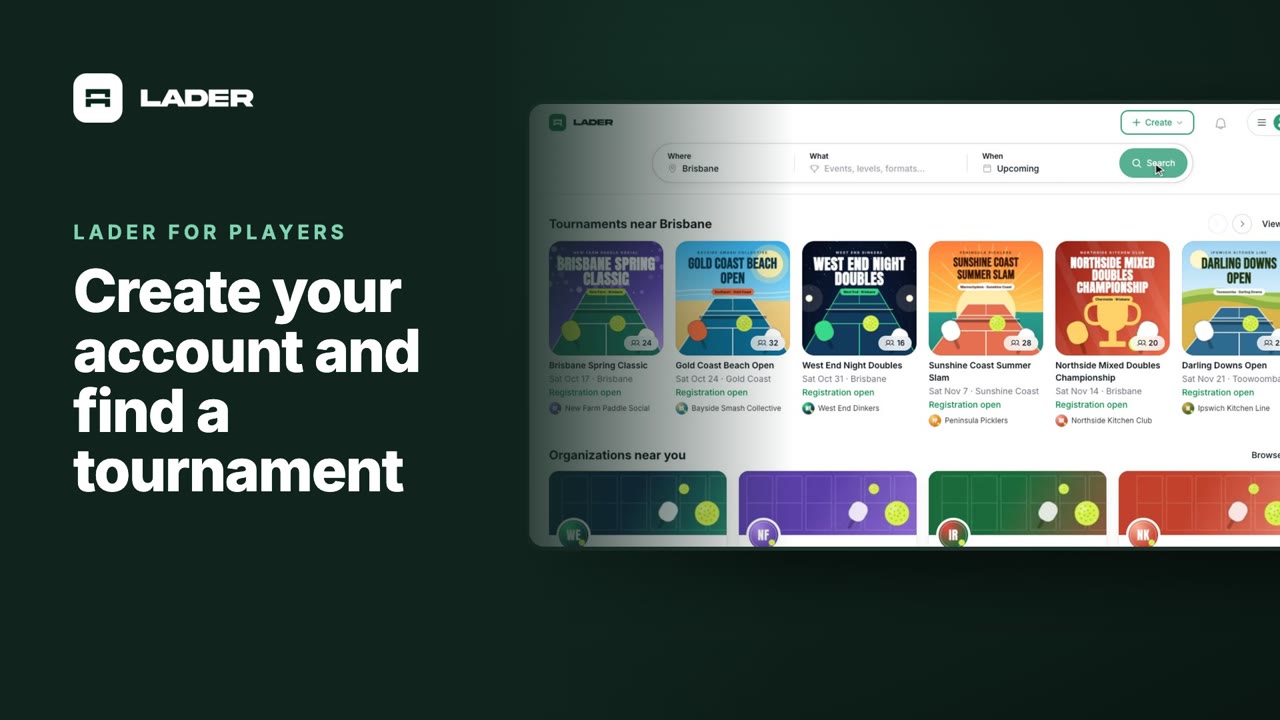 1:24
1:24Video 1
Create your account and find a tournament
Sign up with your email, add the details that decide which divisions you can enter, and find tournaments near you.
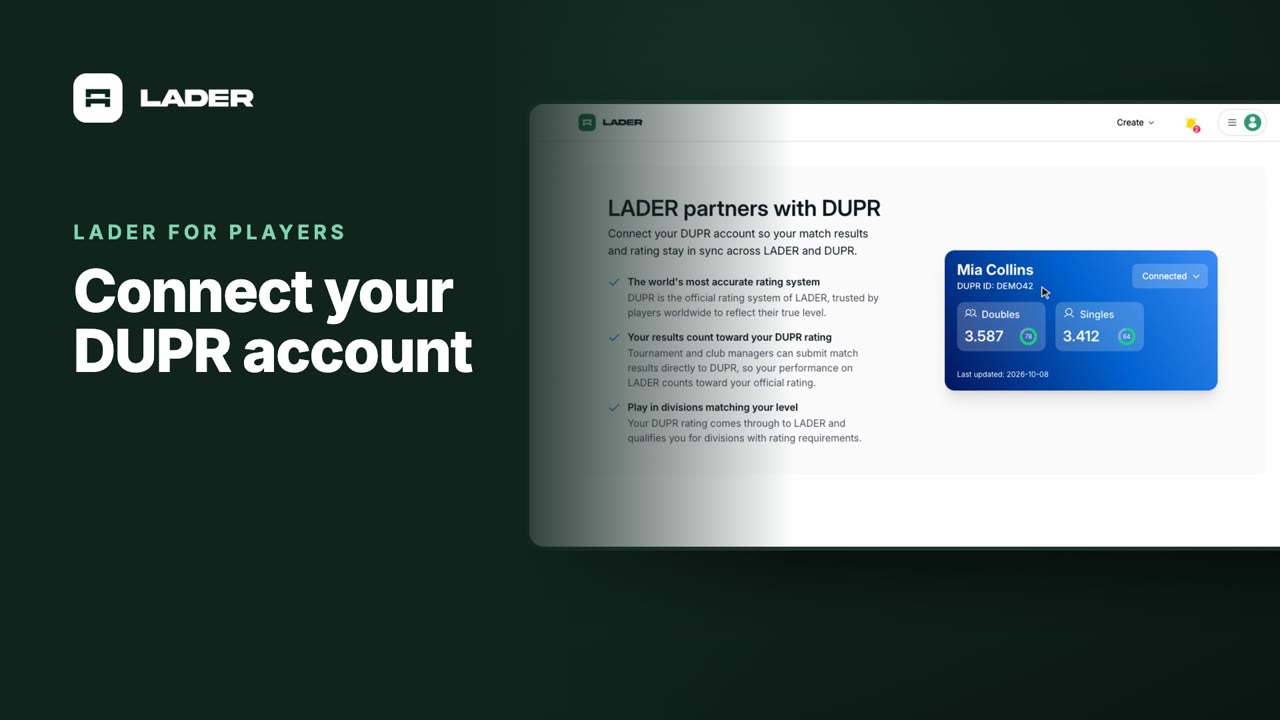 0:58
0:58Video 2
Connect your DUPR account
Connect DUPR so your ratings come through to LADER, and see which divisions of a DUPR-rated tournament you can enter.
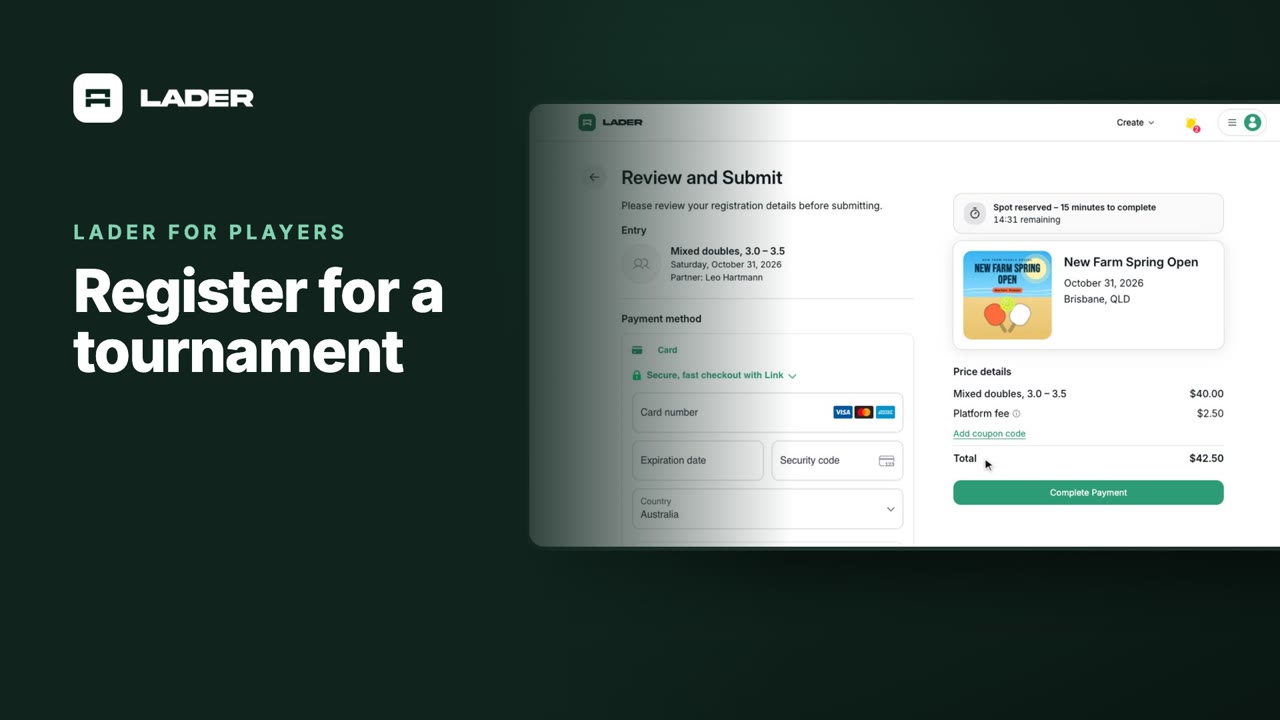 1:36
1:36Video 3
Register for a tournament
Choose your divisions, invite your partner, answer the organizer’s questions, sign the waiver and pay.
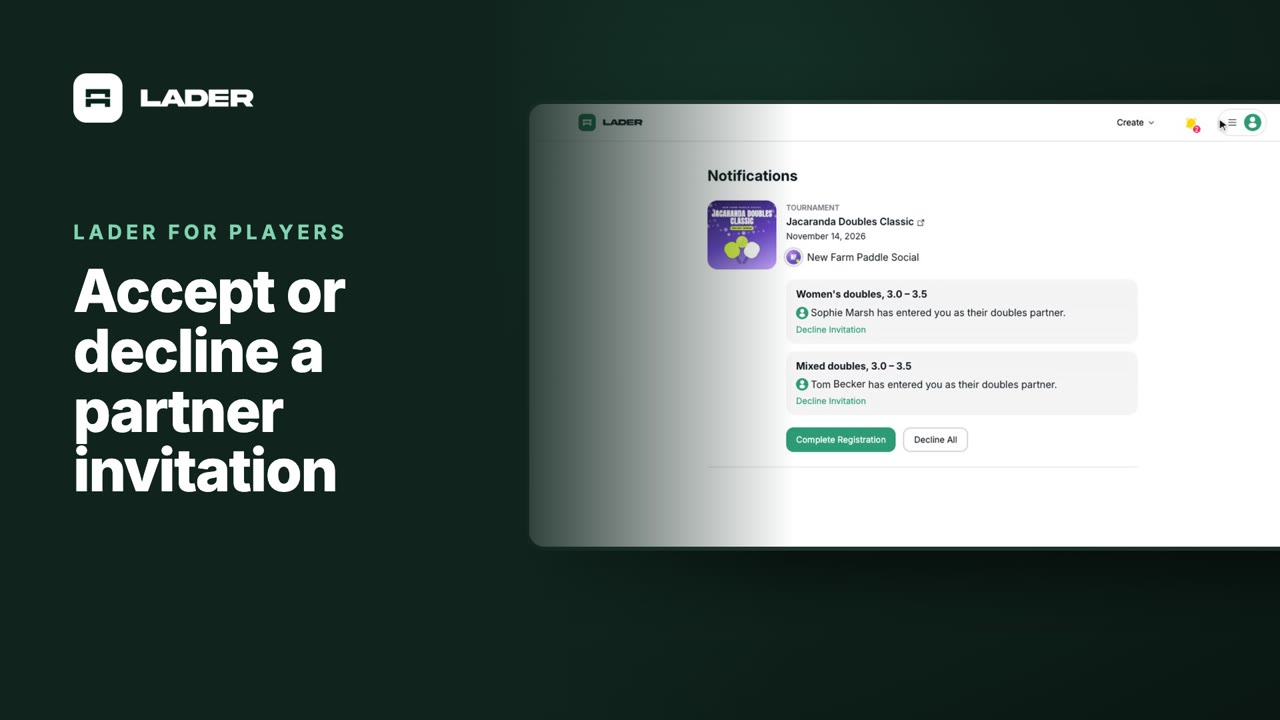 1:07
1:07Video 4
Accept or decline a partner invitation
When a partner enters you in a division, accept from your notifications, complete your details and pay your share, or decline.
 1:01
1:01Video 5
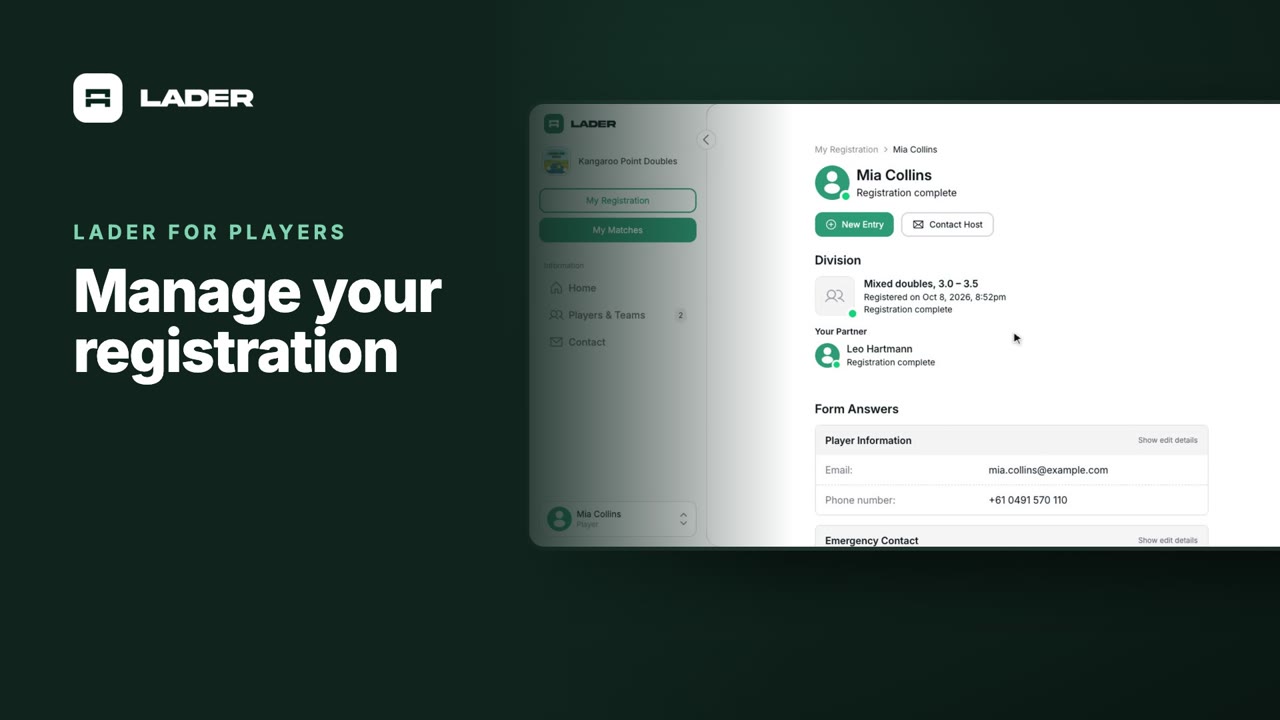
Manage your registration
See your entry’s status and partner, edit your answers, check waivers and payments, and contact the organizer.
 1:31
1:31Video 6
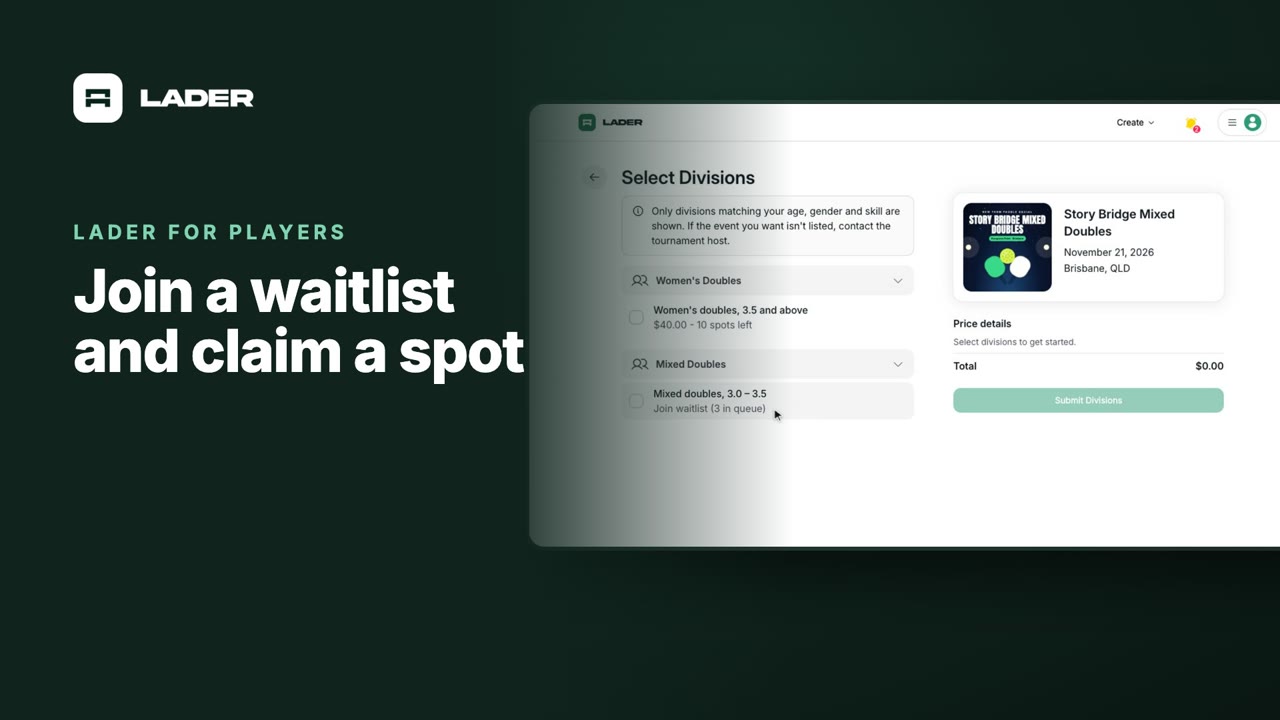
Join a waitlist and claim a spot
Join the waitlist for a full division for free, then claim your spot and pay when one opens up.
 0:55
0:55Video 7
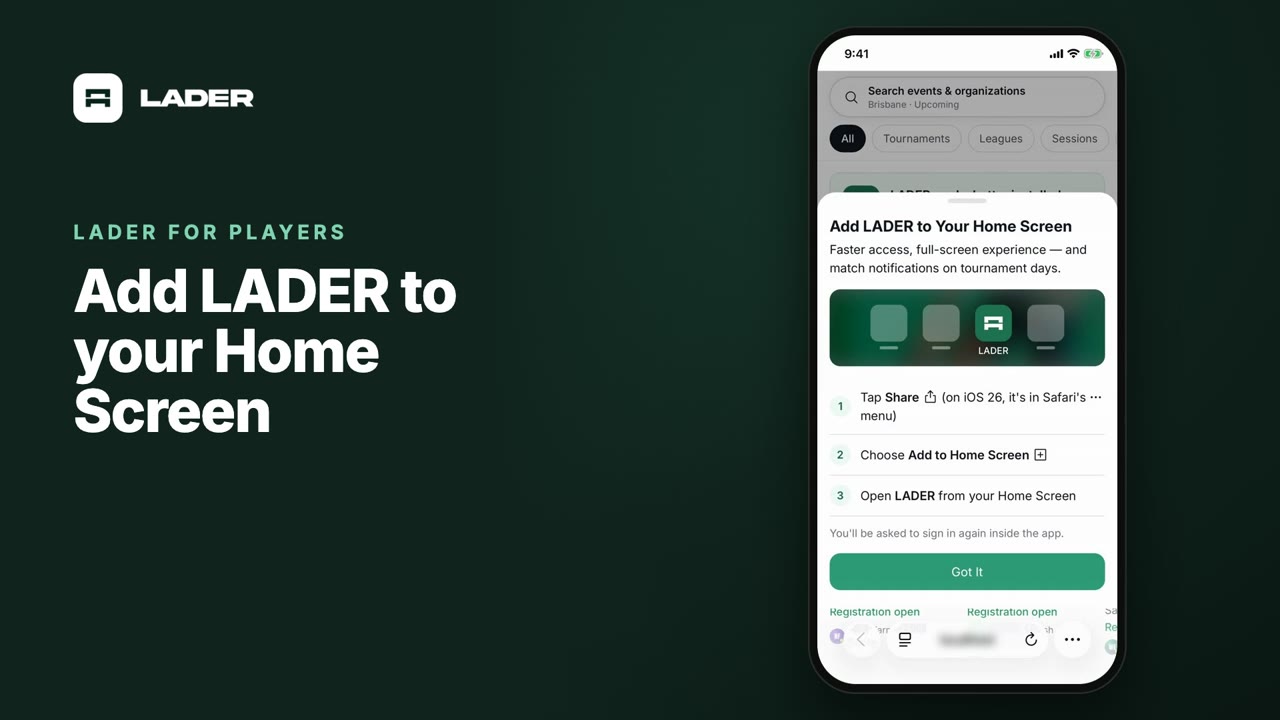
Add LADER to your Home Screen
Install LADER from Safari so it opens full screen from its own icon, like an app.
 0:37
0:37Video 8
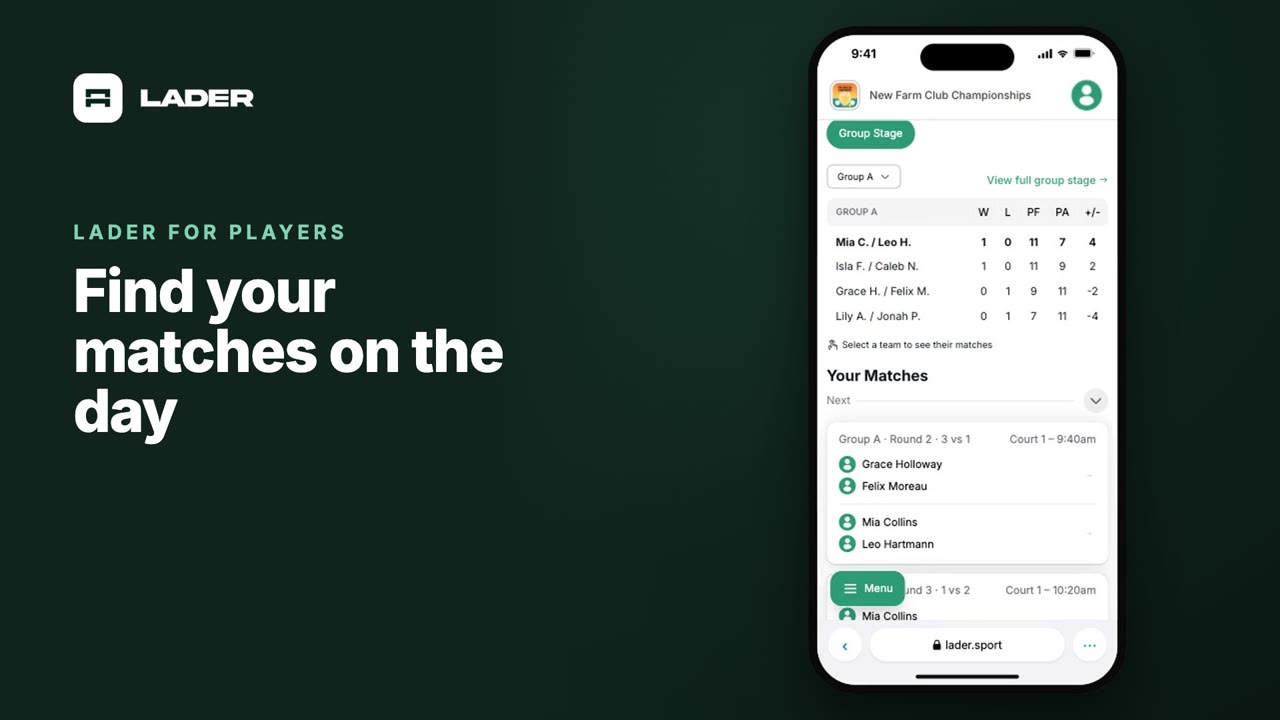
Find your matches on the day
Open My Matches to see your next match, its court and time, your schedule and the standings.
 0:44
0:44Video 9
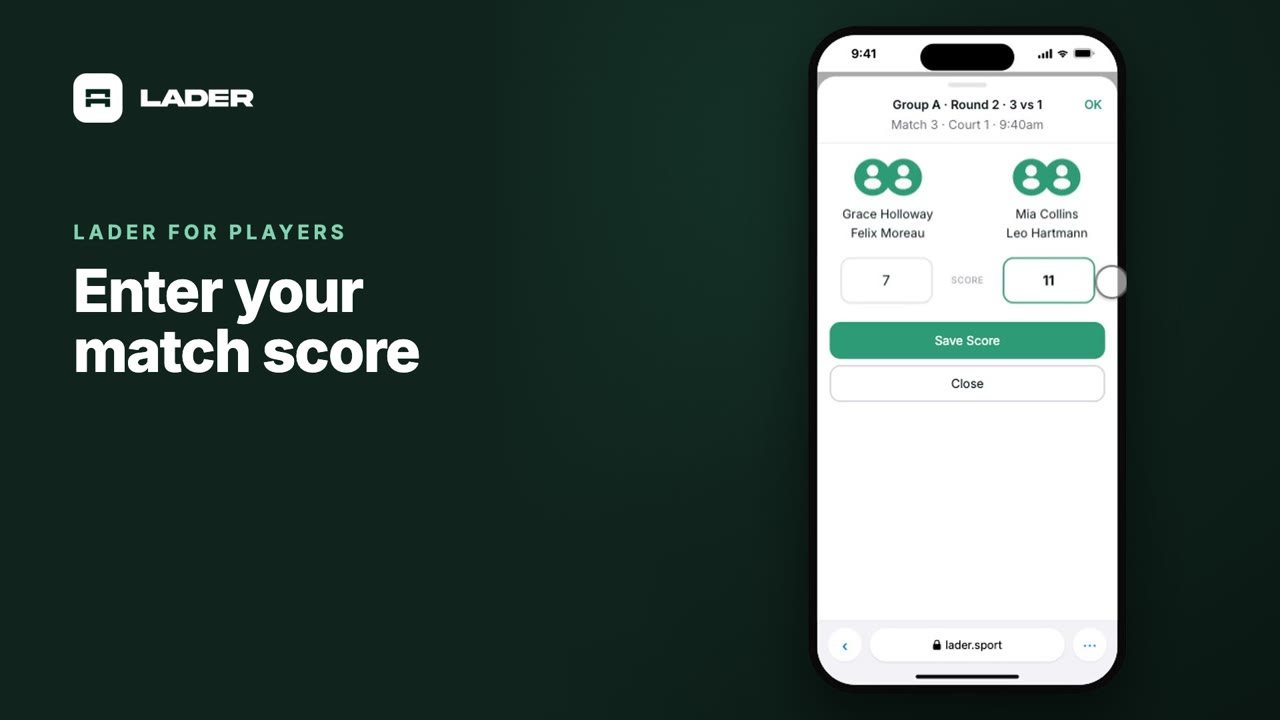
Enter your match score
Enter the score of your match from your phone and save it, and see the standings update.
Prefer to read?
Step-by-step written guides with screenshotsStill stuck?
Send us a message and we will walk you through it, or book a demo and we will show you live.
Playing in a tournament? Read the Player FAQ, or ask the tournament's organizer: their contact details are in the Contact section of the tournament page.