Connect your DUPR account

DUPR is a pickleball rating system: a number (like 3.5) that shows your level. Many tournaments use it. This guide shows you how to connect your DUPR account to LADER, what you see once you're connected, and what to do if something goes wrong. You only need to connect once.

When you're connected:

  • your DUPR rating shows on your LADER profile;
  • you can register for tournaments that require DUPR;
  • you can enter divisions that have a DUPR rating range, if your rating fits;
  • organizers can send your match results to DUPR, so they count towards your rating.
Updated October 5, 2026

Before you start

  • You need a DUPR account. It's separate from LADER. If you don't have one, create it at dashboard.dupr.com/signup.
  • Have your DUPR email and password ready.
  • Log in to LADER.

Quick steps

  1. Click the menu button with your profile picture (top right) and choose Connect DUPR.
  2. Click Connect my DUPR.
  3. Log in to DUPR in the window that opens.
  4. You see "Your DUPR account was successfully connected to Lader", and the blue DUPR box shows Connected.

Step-by-step

1Open the Connect DUPR page

Click the menu button with your profile picture (top right) and choose Connect DUPR. The page is called LADER partners with DUPR. The menu item still says Connect DUPR after you've connected. Use it any time to check your rating.

You can also connect while registering for a tournament. If the tournament requires DUPR, you see a Connect Your DUPR step marked Required, with the same Connect my DUPR button. You can't click Continue until you've connected.
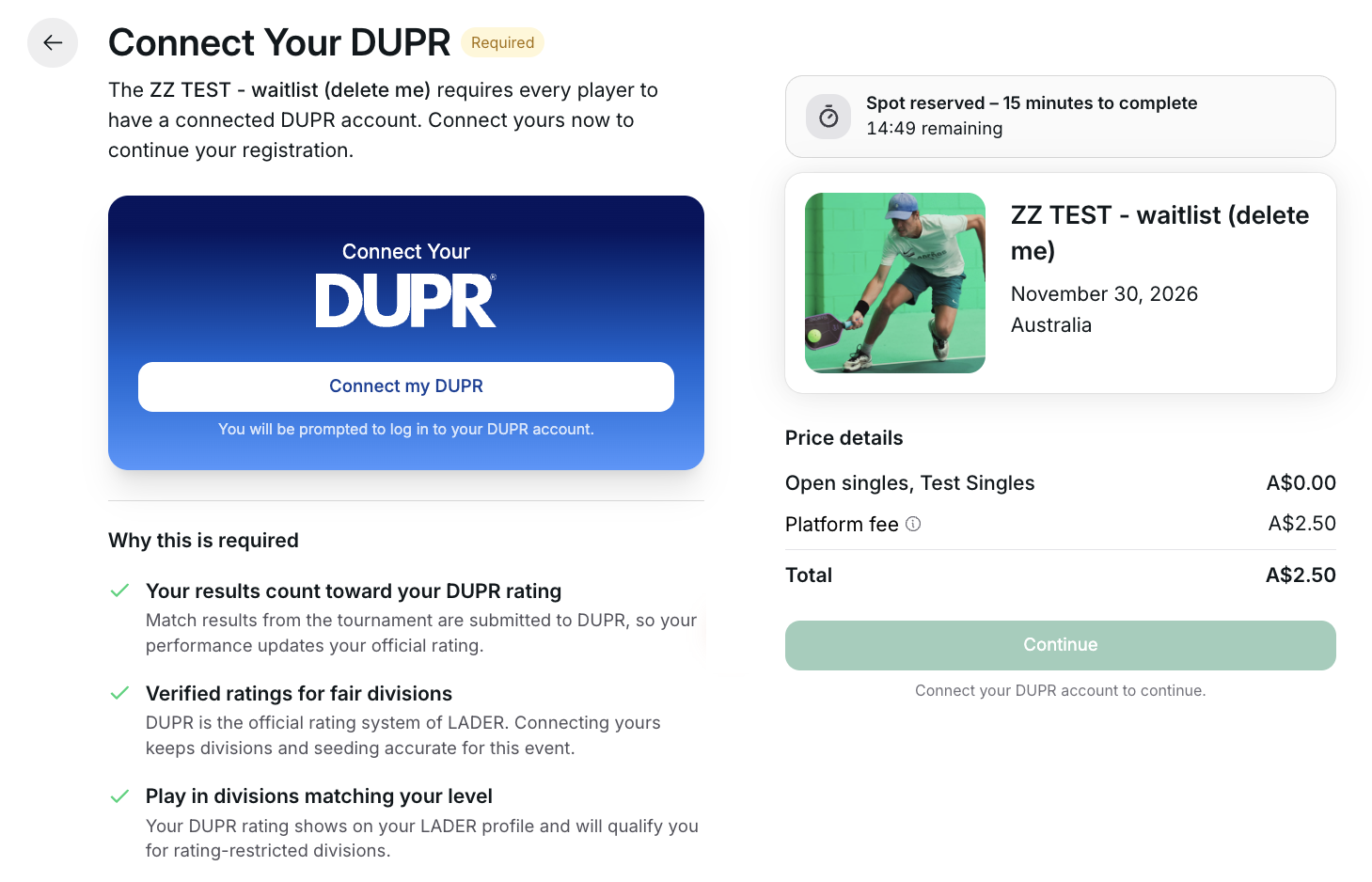
Connect Your DUPR step during registration
The Connect Your DUPR step, marked Required. Continue stays greyed out, with "Connect your DUPR account to continue." underneath, until you connect.
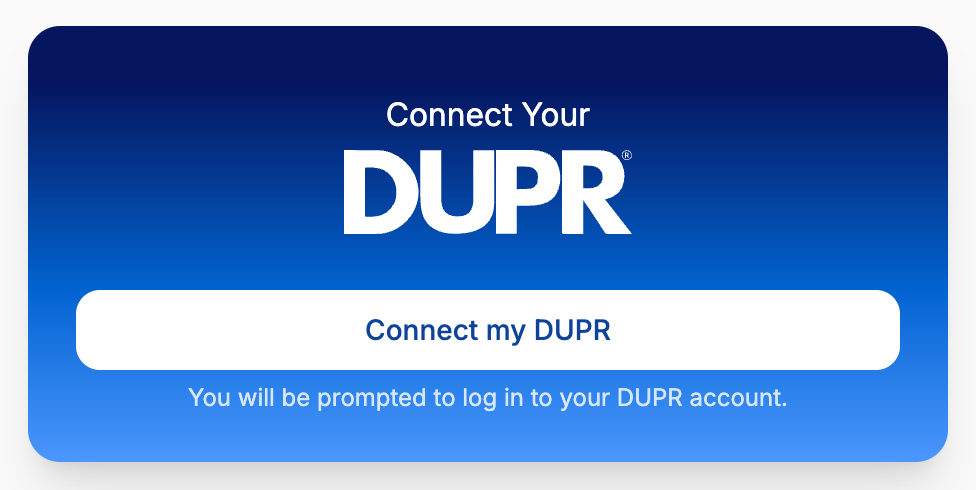
Connect Your DUPR card
Before you connect: the Connect Your DUPR card with the Connect my DUPR button.

2Connect

  1. Click Connect my DUPR. Under the button it says "You will be prompted to log in to your DUPR account."
  2. A DUPR window opens. Log in with your DUPR email and password.
  3. The window closes by itself, and you see "Your DUPR account was successfully connected to Lader".

3Check your DUPR details

Once you're connected, the blue DUPR box on the page shows:

  • your name and your DUPR ID;
  • your Doubles and Singles ratings. If you don't have a rating yet, it shows NR (not rated);
  • a small number in a circle next to each rating. This is DUPR's reliability score for that rating (how sure DUPR is about it). It goes up as you play more DUPR matches;
  • Last updated, the date LADER last got your rating from DUPR.
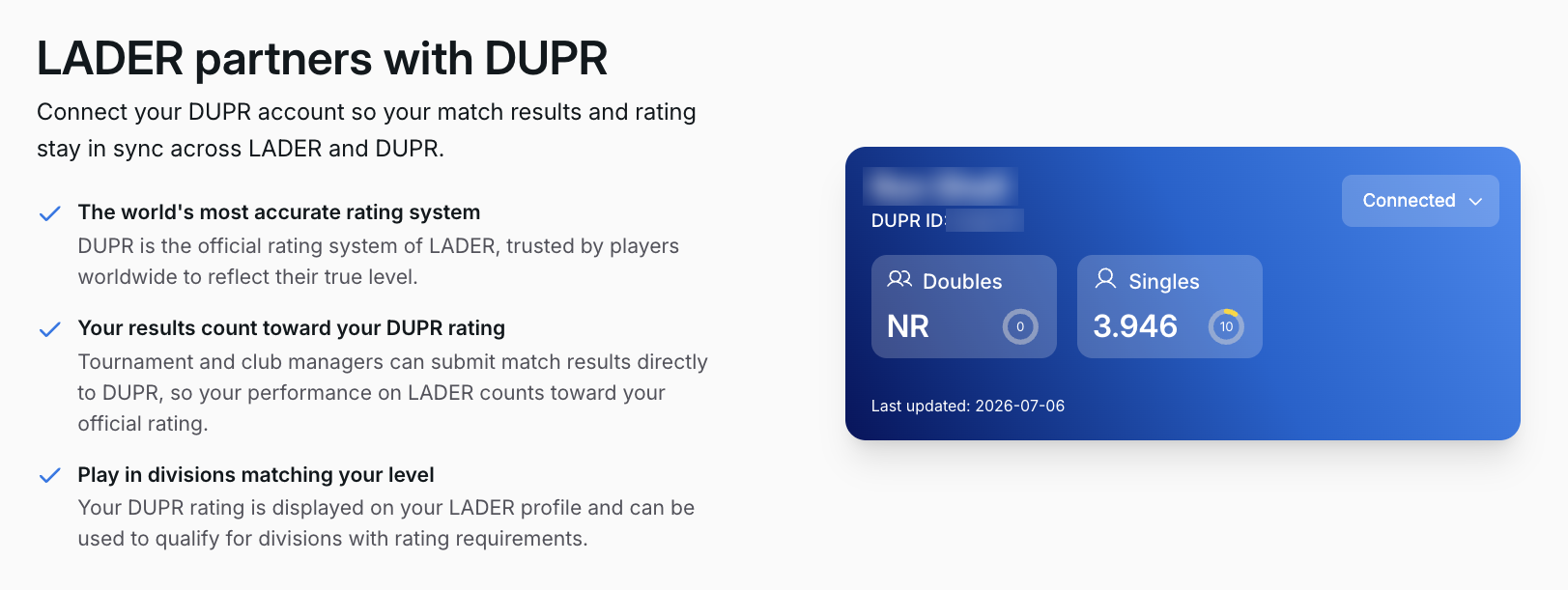
Connected DUPR details
Connected: your DUPR ID, your Doubles and Singles ratings (NR means not rated yet), and the Connected button.

4Disconnect (only if you need to)

  1. Click Connected (top right of the blue DUPR box).
  2. Choose Disconnect.
  3. Click Disconnect DUPR to confirm.

The same menu has Visit DUPR, which opens the DUPR website.

If you're registered for a tournament that requires DUPR, disconnecting changes that registration to Registration incomplete until you connect again.

What happens next

  • In tournaments that require DUPR, the Connect Your DUPR step is skipped, because you're already connected.
  • If a tournament has DUPR rating ranges (DUPR gating), Select Divisions shows Your DUPR at the top and a DUPR badge with its range on each division with a DUPR requirement. Divisions outside your rating are greyed out. Singles divisions use your singles rating. Doubles divisions use your doubles rating. See Register for a tournament.
  • After your matches, the organizer can send the results to DUPR, where they count towards your rating.

Troubleshooting

A division is greyed out and has a DUPR badge. Your rating is outside that division's range. If you're not rated yet (NR), you can't enter a division with a minimum rating. If you think you should qualify, contact the organizer.

Select Divisions says "Some divisions require a DUPR rating. Connect your DUPR to unlock your eligible divisions." You haven't connected DUPR yet. Click Connect my DUPR at the top of the list. Once you're connected, the divisions you qualify for unlock.

"This DUPR user is already connected to another user on LADER." That DUPR account is already connected to a different LADER account (maybe a second account you made). Log in to that other LADER account, disconnect DUPR there, then log back in to this account and connect again.

My partner hasn't connected DUPR. Each player connects their own DUPR account. If the tournament requires DUPR, your partner is asked to connect when they accept your invitation and finish their part. Until then, your division shows Awaiting partner completion. If your partner is already connected, their rating must also fit the division's range, or you can't choose them as your partner.