
How to charge one fee per team on LADER
Set a Fee per team on a Team division, paid once by the player who registers the team.
Prefer to read?
Transcript
A Team division uses your usual fee per player: each player pays for their own spot. You can charge one fee for the whole team instead.
In Registration Settings, open Pricing, and click Set Fee for Specific Divisions.
Change per player to Fee per team: the person registering the team pays it once, for the whole team. Enter the amount, and tick the Team division.
Early bird discounts still apply to a team fee. Click Submit, then Save Changes.
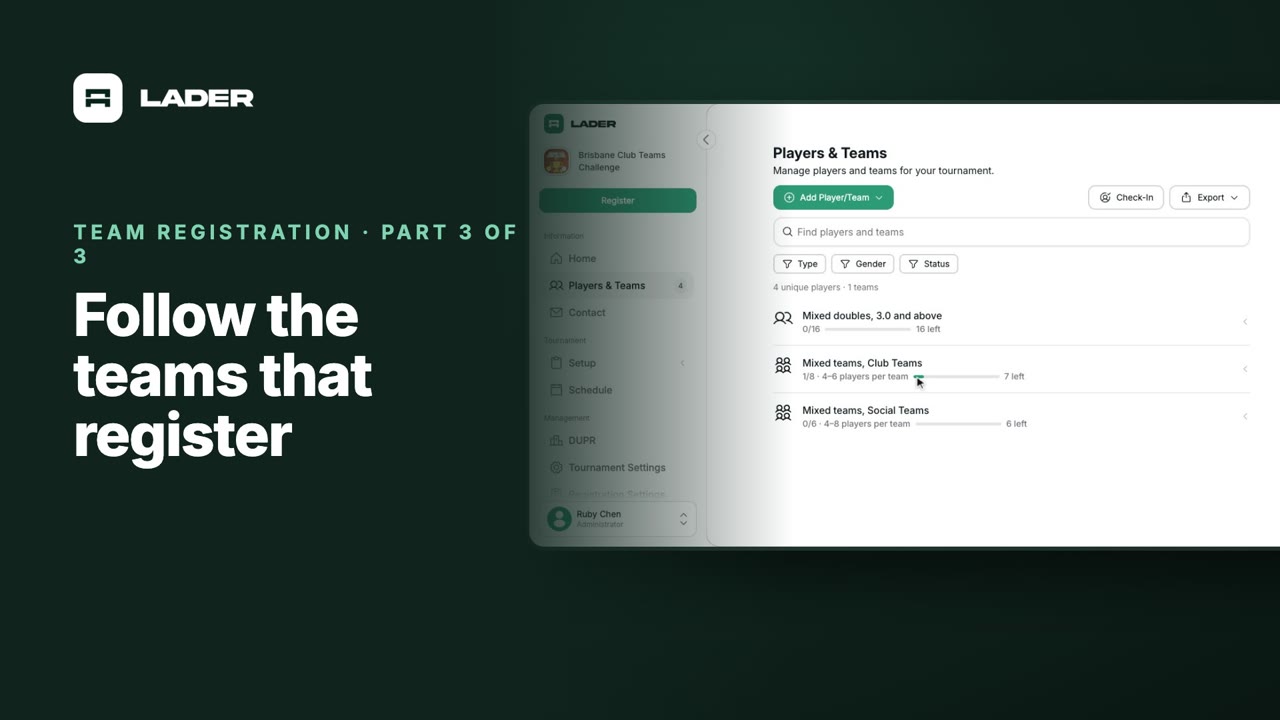
That's it for this part. Next up: following the teams.
Still stuck?
Send us a message and we will walk you through it, or book a demo and we will show you live.
More in Team registration
The clubs, events and people shown are fictional demo data. Narration uses an AI-generated voice.