
How to create a Team division on LADER
Create a Team division, set its spots in teams, and set the number of players per team.
Prefer to read?
Transcript
It starts with a Team division.
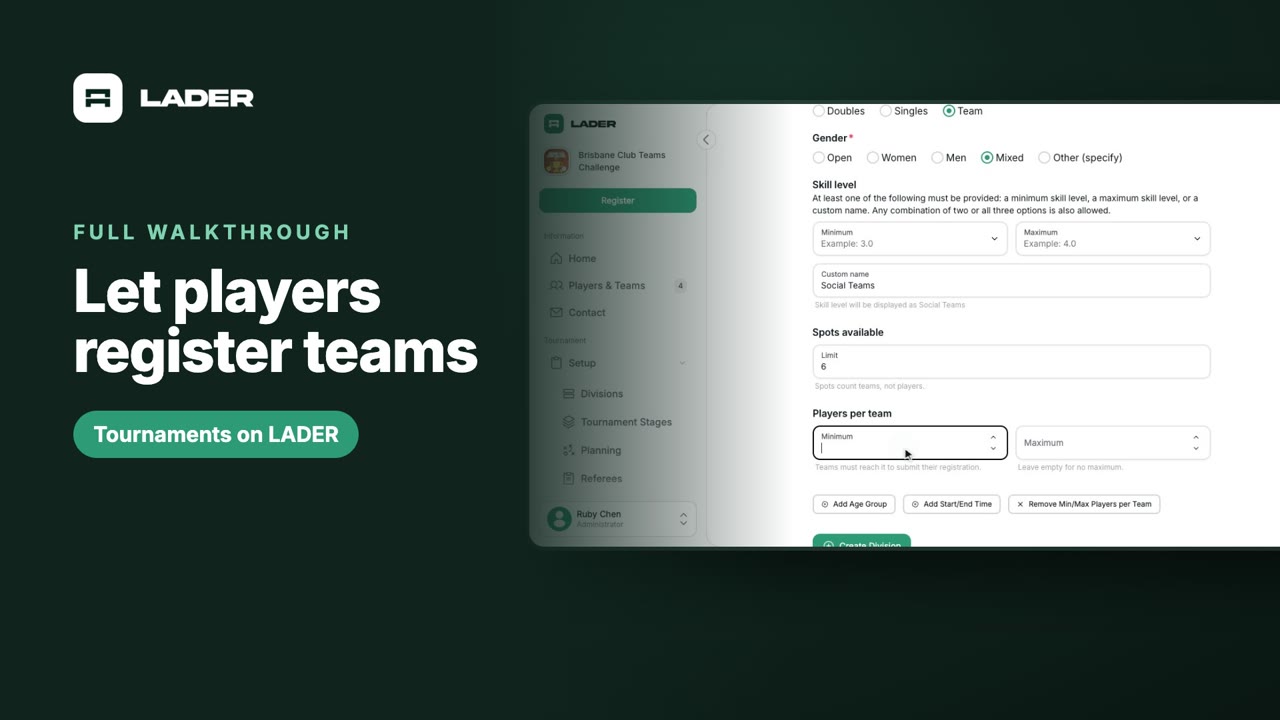
On Divisions, click New Division, and choose Team as the division type.
Set the gender and skill level as usual. Spots count teams, not players.
Click Add Min/Max Players per Team, and set the team size. A player can't finish registering a team that's too small. Then click Create Division.
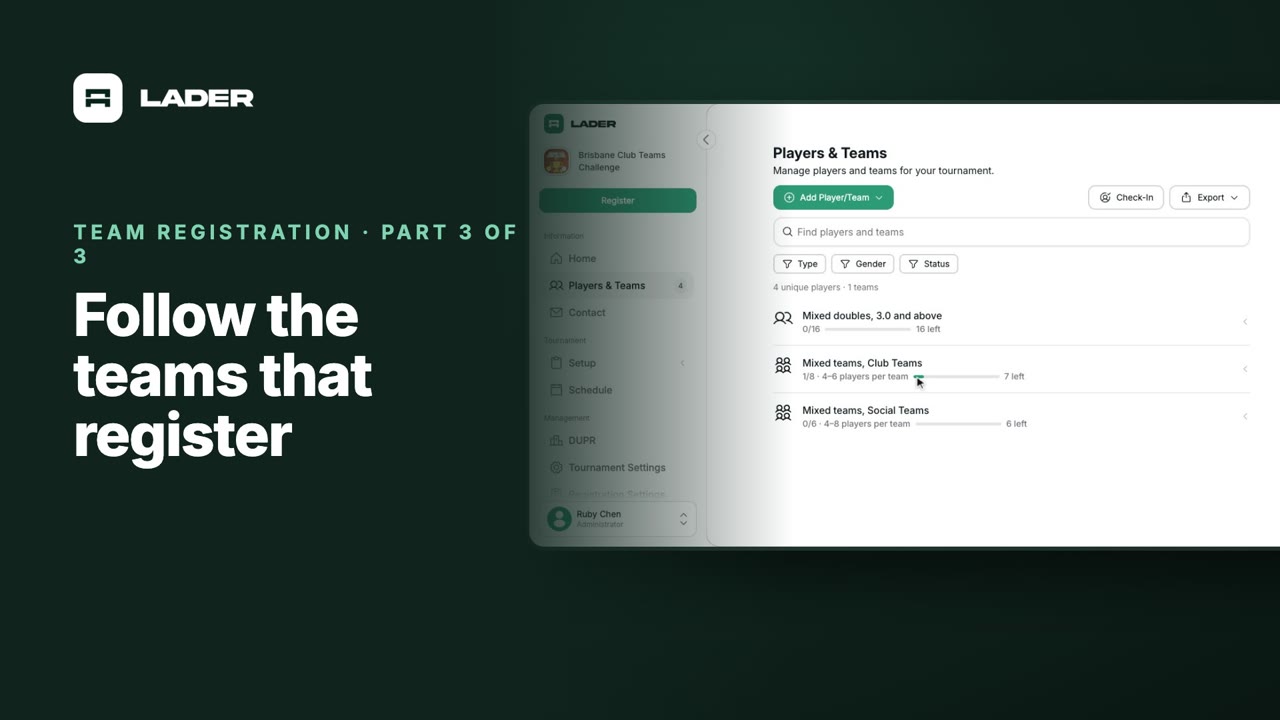
The division shows its team size next to its spots.
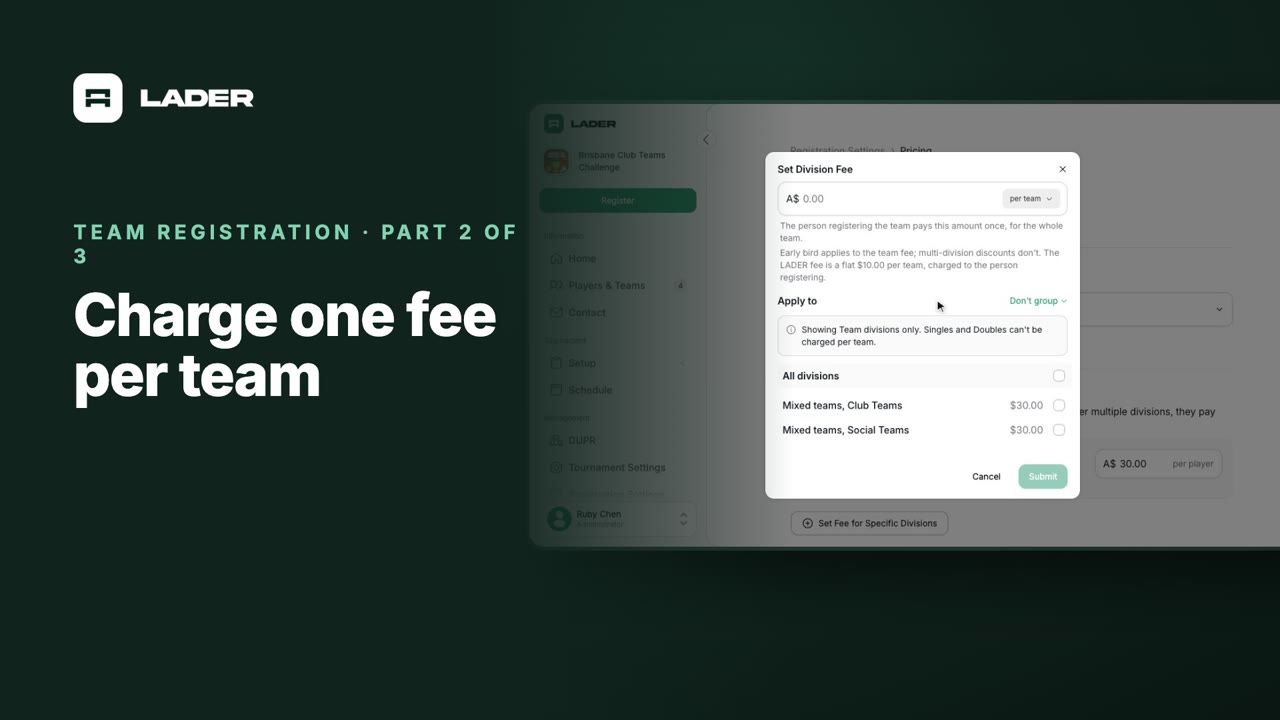
That's it for this part. Next up: charging per team.
Still stuck?
Send us a message and we will walk you through it, or book a demo and we will show you live.
More in Team registration
The clubs, events and people shown are fictional demo data. Narration uses an AI-generated voice.