
How to create a session on LADER
Create a session for your organization: its name, location, dates and times, cover image, description and contact details, and whether players can enter their own scores.
Prefer to read?
Transcript
First, create the session. Any admin of your organization can do this, in about a minute.
Click Create in the top bar, then Session.
Your organization is already chosen as the host. Give the session a name.
The location starts as your club's. To play somewhere else, start typing and pick the place. The time zone comes from the location.
Set the start and end dates and times. A new session starts today, from six to eight PM.
Add a cover image and a description if you like. The cover also shows when you share the session's link.
Your email is already under Contact. You can add more emails or a phone number.
Session is listed puts your session in search results. Turn it off to share it by link only.
Leave Players can submit scores for matches they play in turned on, so players can enter their own scores. Then click Create Session.
Your session is ready, on the Session Details page your players see. To share it, copy the link from your browser's address bar.
That's it for this part. Next up: adding players to your session.
Still stuck?
Send us a message and we will walk you through it, or book a demo and we will show you live.
More in Run a session
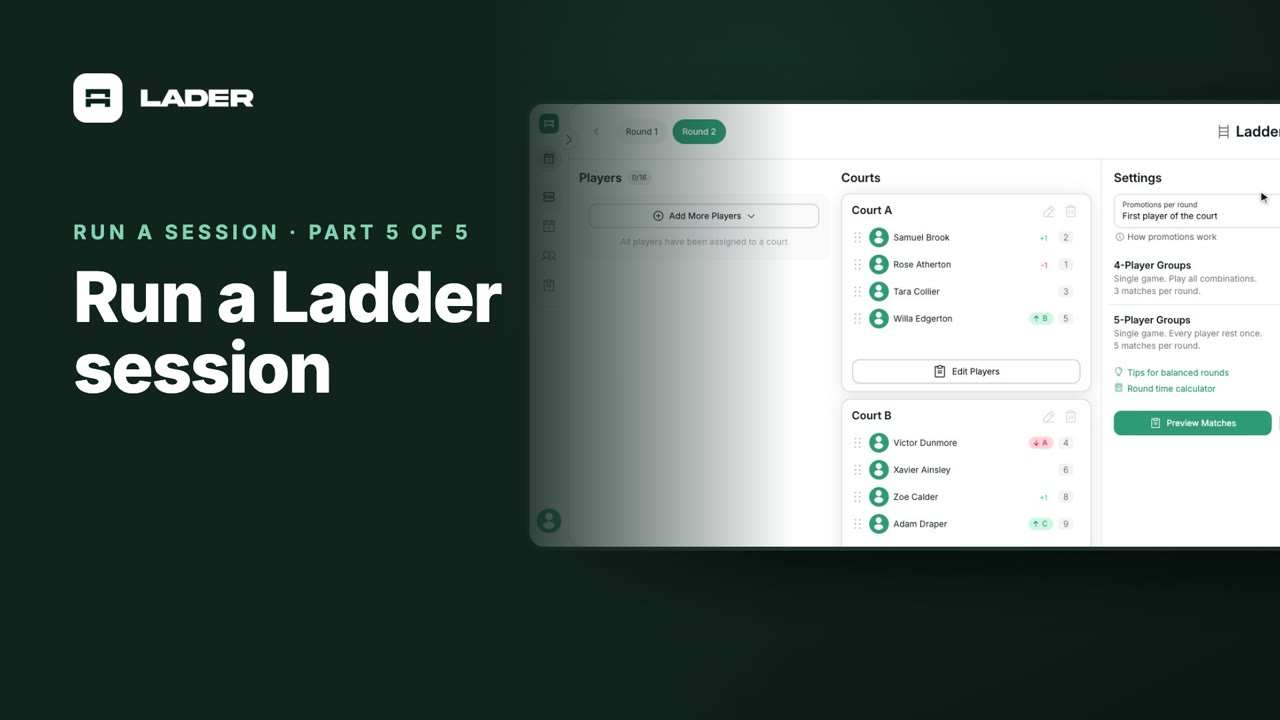
The clubs, events and people shown are fictional demo data. Narration uses an AI-generated voice.