
How to run Random Matchups on LADER
Set up Random Matchups: choose your courts and rotations, generate the matches, check them in preview, publish them, and add rotations as you go.
Prefer to read?
Transcript
Now choose the format. Random Matchups gives everyone a new partner and new opponents every rotation, and evens out playing time.
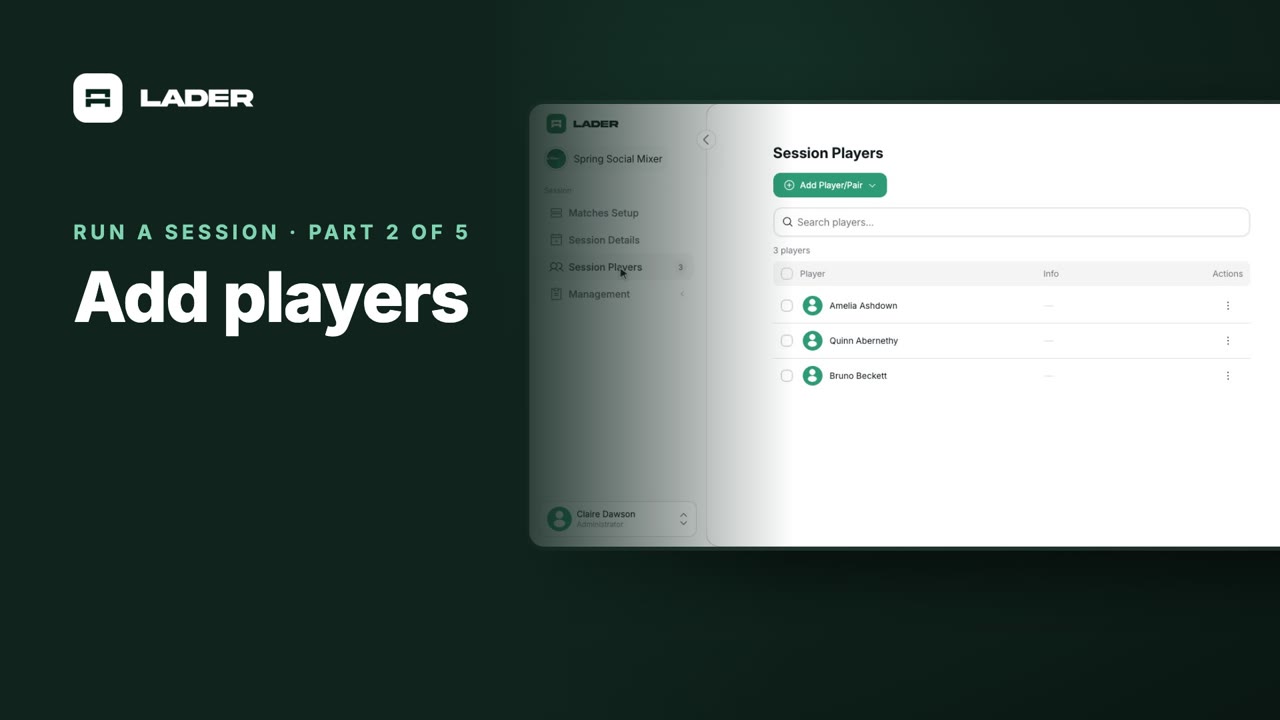
Here, sixteen players have been added.
Click Matches Setup. Under Who plays together, choose Rotating partners.
Then choose Random Matchups, and click Continue.
Set how many courts you have, how many rotations to play, and the match type. The pencil lets you rename the courts.
Include all sixteen players is on, so everyone in the session plays. Turn it off to choose who's playing.
The summary shows what you'll get. With sixteen players, four courts and four rotations, every player plays four matches.
Click Generate Matches. The matches are created in preview, so only your admins and moderators can see them.
Check the matches, then click Publish Matches.
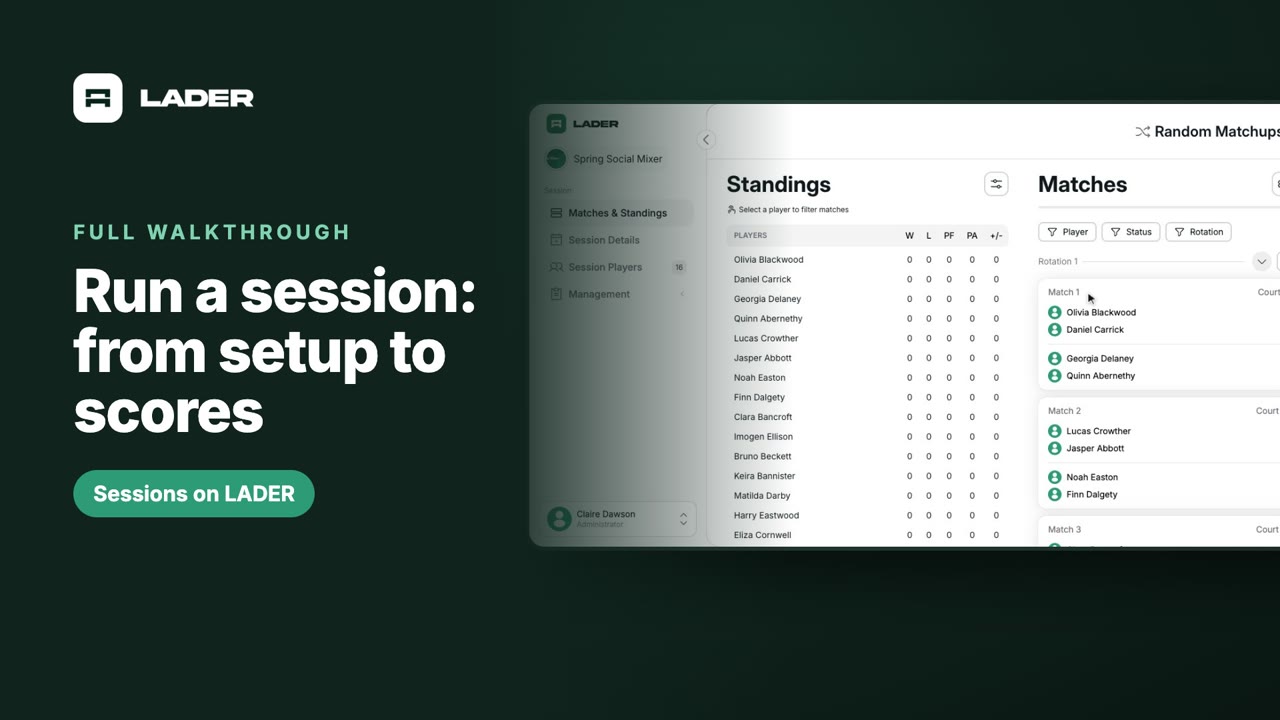
Your players can see them now. Each card shows the match, its court and who's playing, with the standings beside them.
When the group wants to keep playing, click Add Rotation at the bottom. If someone arrives late, add them on Session Players first, and the new rotation includes them.
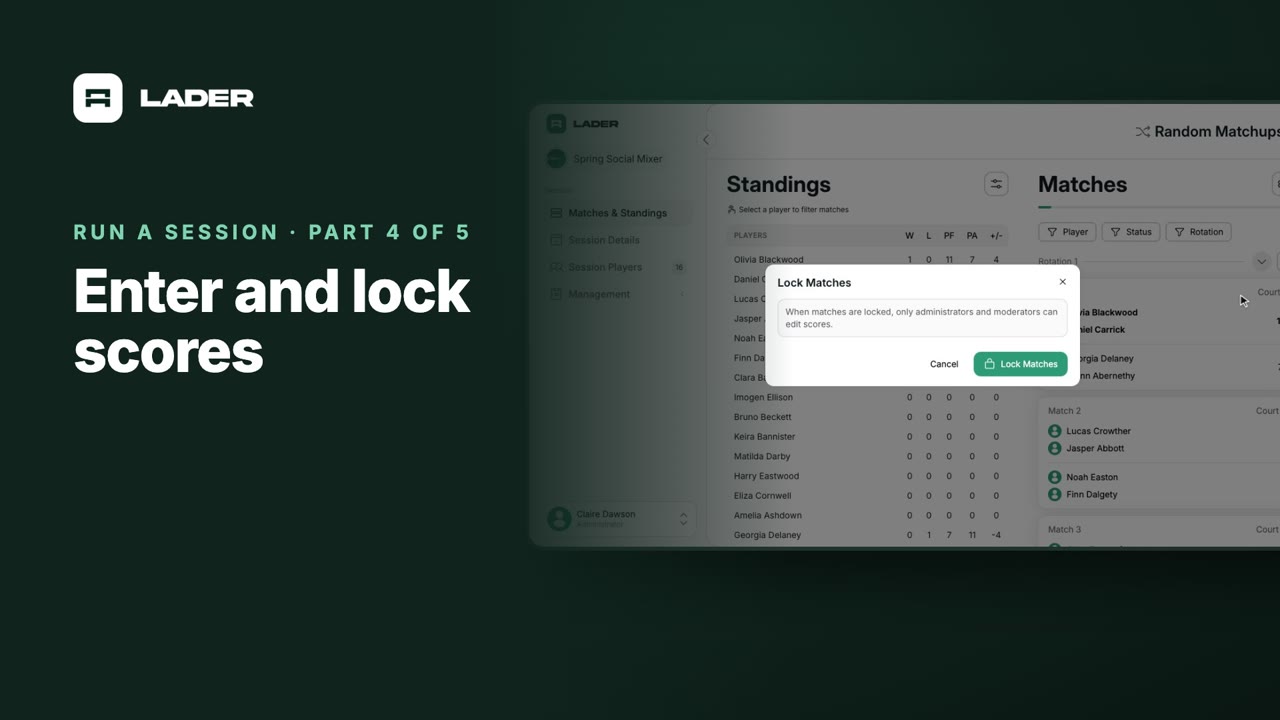
That's it for this part. Next up: entering and locking scores.
Still stuck?
Send us a message and we will walk you through it, or book a demo and we will show you live.
More in Run a session
The clubs, events and people shown are fictional demo data. Narration uses an AI-generated voice.