
How to create a session and open registration on LADER
Create a session in four short steps, with who registers, a spot limit, a waitlist and a price.
Prefer to read?
Transcript
Registration is part of creating a session. The setup has four short steps.
Click Create in the top bar, then Session.
On Basics, your organization is already the host. Give the session a name, pick where it's played, and set the date and time.
Running the same session every week? Copy an existing session instead: every step is filled in for you. Click Continue.
On Presentation, add a cover image, a description and your contact details, if you like. Click Continue.
On Registration, choose Yes, set it up now. Then choose who registers: individual players, or pairs who sign up with a partner.
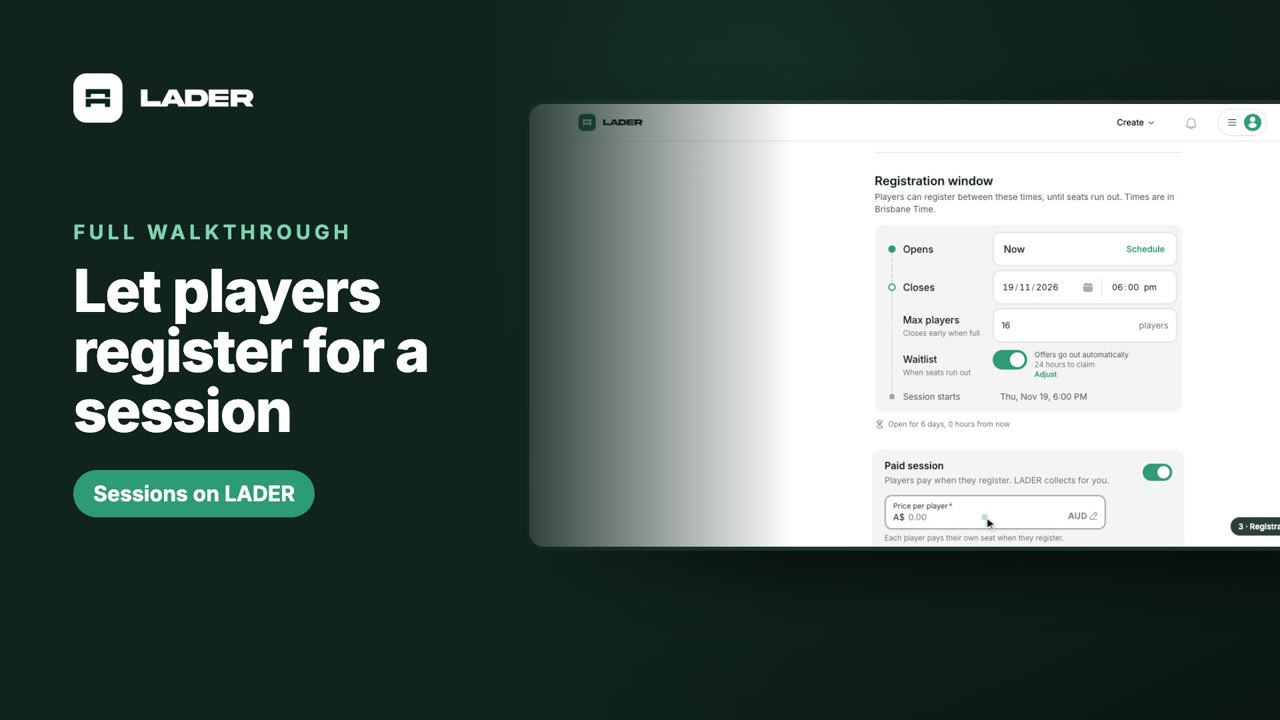
Registration opens now, and closes when the session starts. Set Max players to close it early when it's full, and turn on the waitlist so players can queue for a spot.
To charge for it, turn on Paid session and set the price per player. LADER collects the payments for you. You can also require DUPR, a waiver, or your own registration form.
The button says what happens next. Click Create and Open Registration.
Your session is ready, and registration is open. Copy the link to share it in your group chat, or click View Session Page to see what players see.
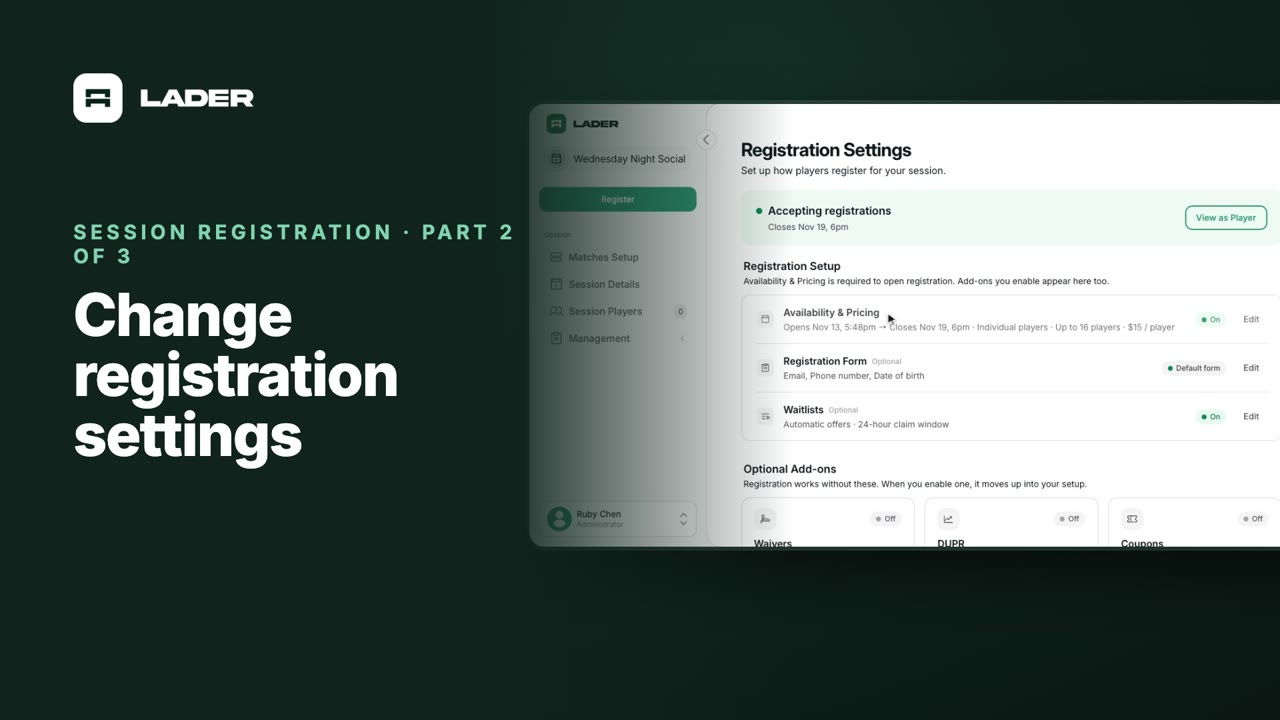
That's it for this part. Next up: changing registration settings.
Still stuck?
Send us a message and we will walk you through it, or book a demo and we will show you live.
More in Session registration
The clubs, events and people shown are fictional demo data. Narration uses an AI-generated voice.