
How to change a session’s registration settings on LADER
Open Registration Settings to change the window, limit and price, or turn on waivers, DUPR, coupons and memberships.
Part 2 of 3 · 0:31← Create a session and open registrationManage players and the waitlist →Watch the full walkthrough (2:34)
Prefer to read?
Transcript
You can change any of this later.
Under Management, open Registration Settings. The top says whether you're accepting registrations, and when registration closes.
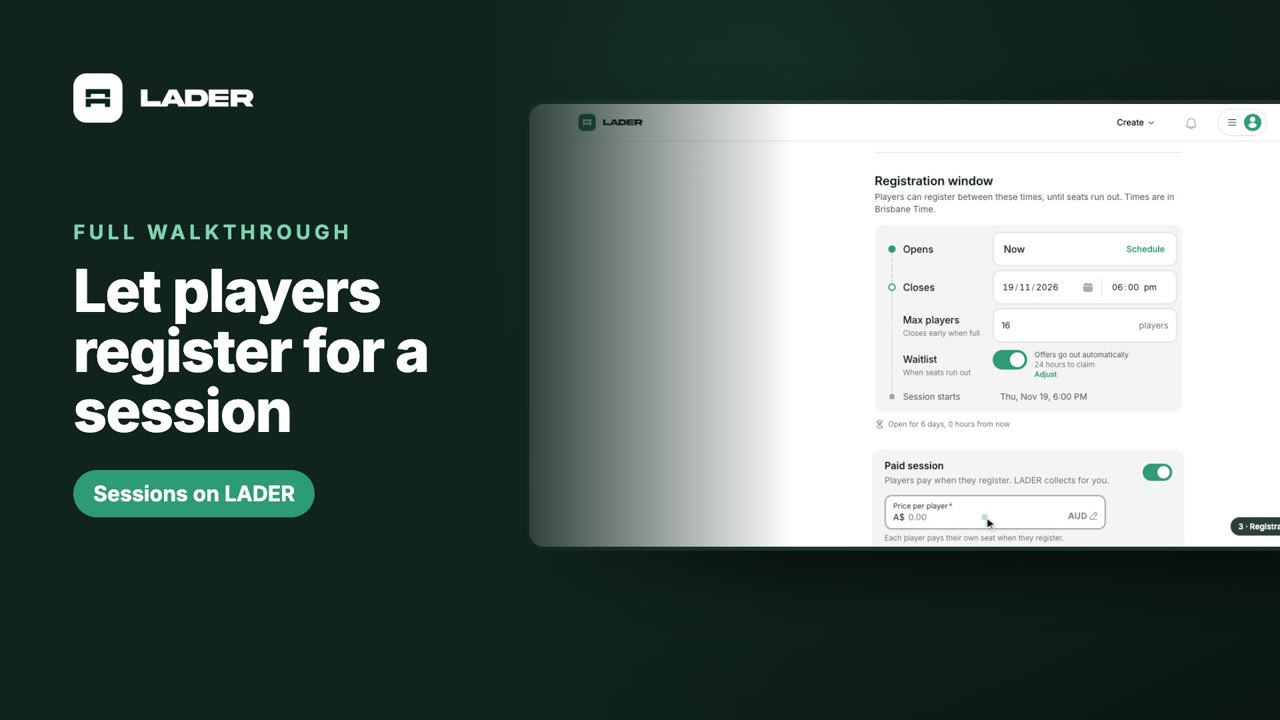
Availability and Pricing holds the window, the limit and the price. Optional add-ons, like waivers, DUPR, coupons and memberships, sit below: click Set up on one to turn it on.
That's it for this part. Next up: managing players and the waitlist.
Still stuck?
Send us a message and we will walk you through it, or book a demo and we will show you live.
More in Session registration
The clubs, events and people shown are fictional demo data. Narration uses an AI-generated voice.