
How to accept a league or session invitation on LADER
Open your invitation, tap Join League or Join Session, and find the rest of your invitations in your notifications.
Prefer to read?
Transcript
The organizer adds every player to a league or session. When they add you with your email address, you get an invitation.
Open the invitation email, and tap Complete Registration.
Your invitation opens. Check it's the right league, then tap Join League. A session invitation has a Join Session button instead.
You're in, and the league's page opens.
Other invitations wait in your notifications. On your Events page, a badge on Account shows how many. Tap Account, then Notifications.
Here's an invitation to a session. Tap Complete Registration to join it, or Decline Invitation if you can't play.
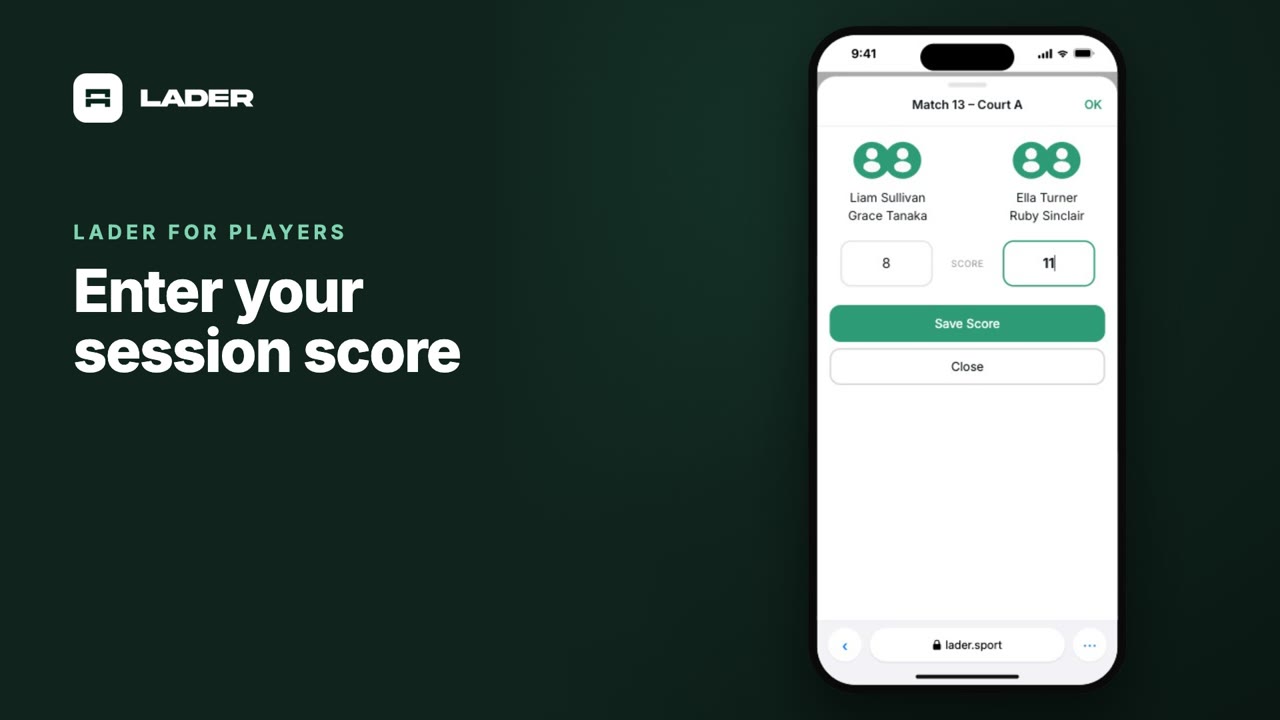
Once you've joined, your league and sessions show under Events, and, when the organizer allows it, you can enter your own scores.
That's it for this video. Next up: finding your session matches.
Still stuck?
Questions about a tournament, league or session? Ask its organizer: their contact details are in the Contact section of its page. For anything else, email us.
More for players
The clubs, events and people shown are fictional demo data. Narration uses an AI-generated voice.