
How to enter your score in a league or session on LADER
Tap your match, enter the score and tap Save Score, and see the session standings update.
Prefer to read?
Transcript
When your organizer lets players enter scores, you can enter yours straight after your match.
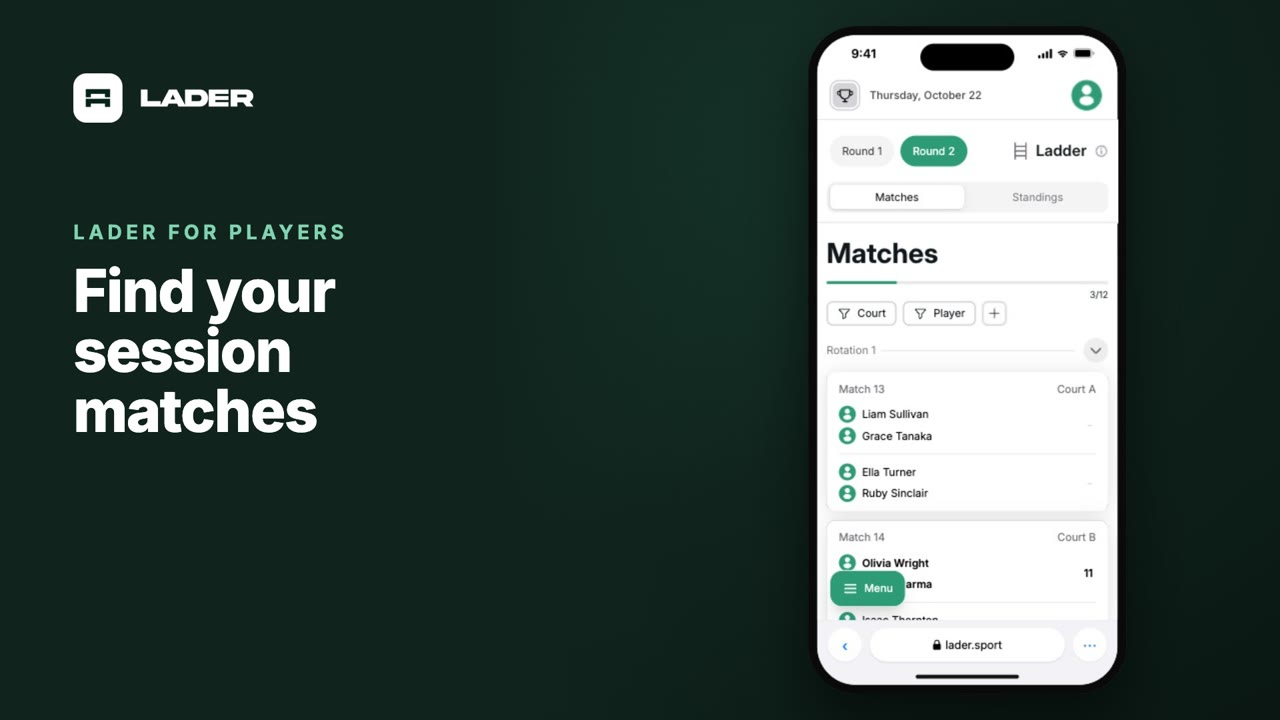
In the session's Matches, tap Player, and choose your name.
Tap the match you've just played.
Enter each side's score, then tap Save Score.
Your score is in.
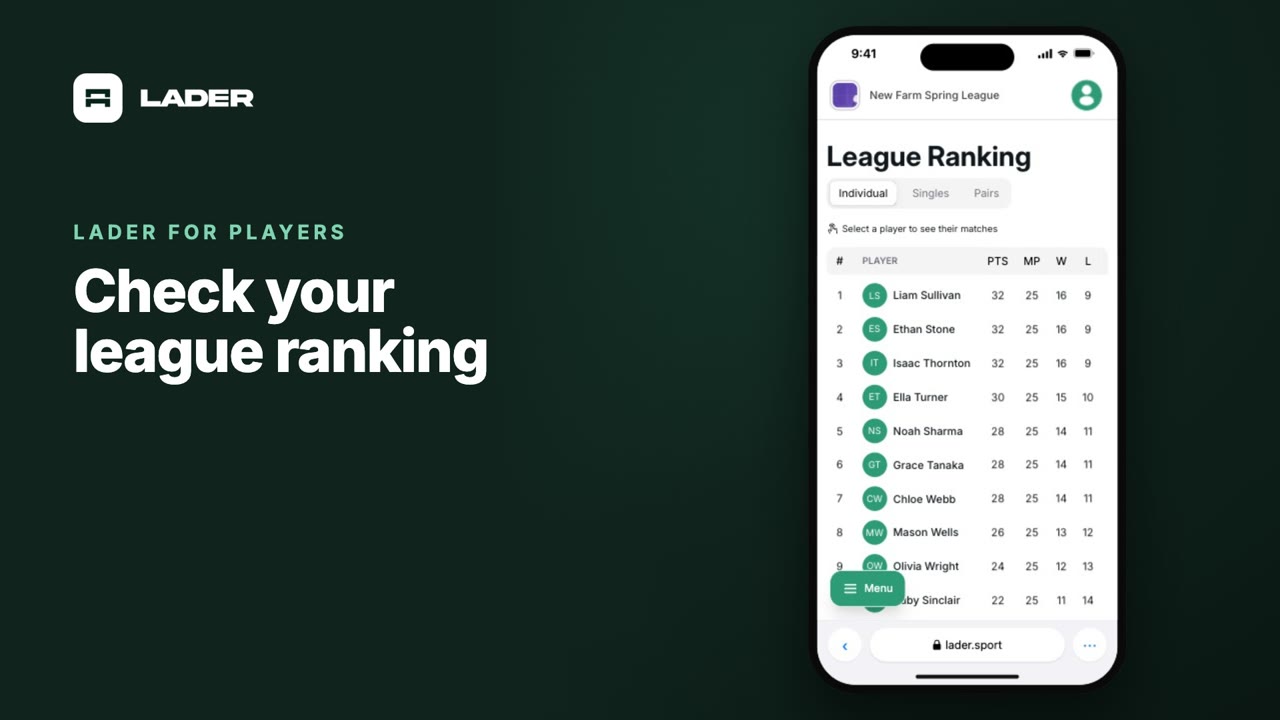
The session standings update straight away, and your league ranking catches up the next time you open it.
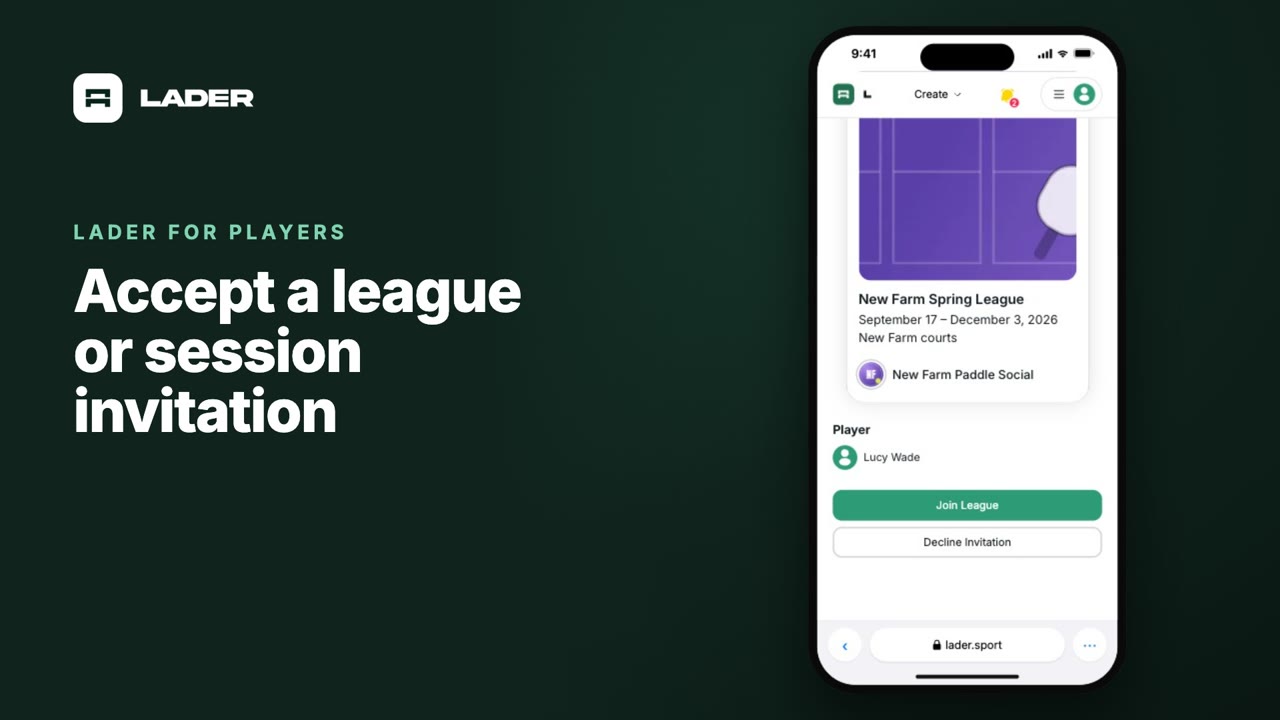
If you can't enter a score, the organizer may have turned off score entry for players, or locked the matches. Or your account isn't linked yet: accept your invitation first.
That's it for this video. Next up: checking your league ranking.
Still stuck?
Questions about a tournament, league or session? Ask its organizer: their contact details are in the Contact section of its page. For anything else, email us.
More for players
The clubs, events and people shown are fictional demo data. Narration uses an AI-generated voice.