
How to claim a session spot from the waitlist on LADER
When a spot opens up, click Claim Spot before the offer ends and complete your registration.
Prefer to read?
Transcript
When a spot opens up, the next player on the waitlist gets an offer by email, with a deadline to claim it.
The session page says a spot opened up for you, and when the offer ends. Click Claim Spot.
Your spot is held until the offer's deadline. Check your details, and click Register to finish. In a paid session, you then pay as usual.
The spot is yours. Don't want it? Click Decline on My Registration instead, and it goes to the next player in line.
That's it for this series. For step-by-step guides on everything in it, visit the LADER Help Center.
Still stuck?
Questions about a tournament, league or session? Ask its organizer: their contact details are in the Contact section of its page. For anything else, email us.
More for players
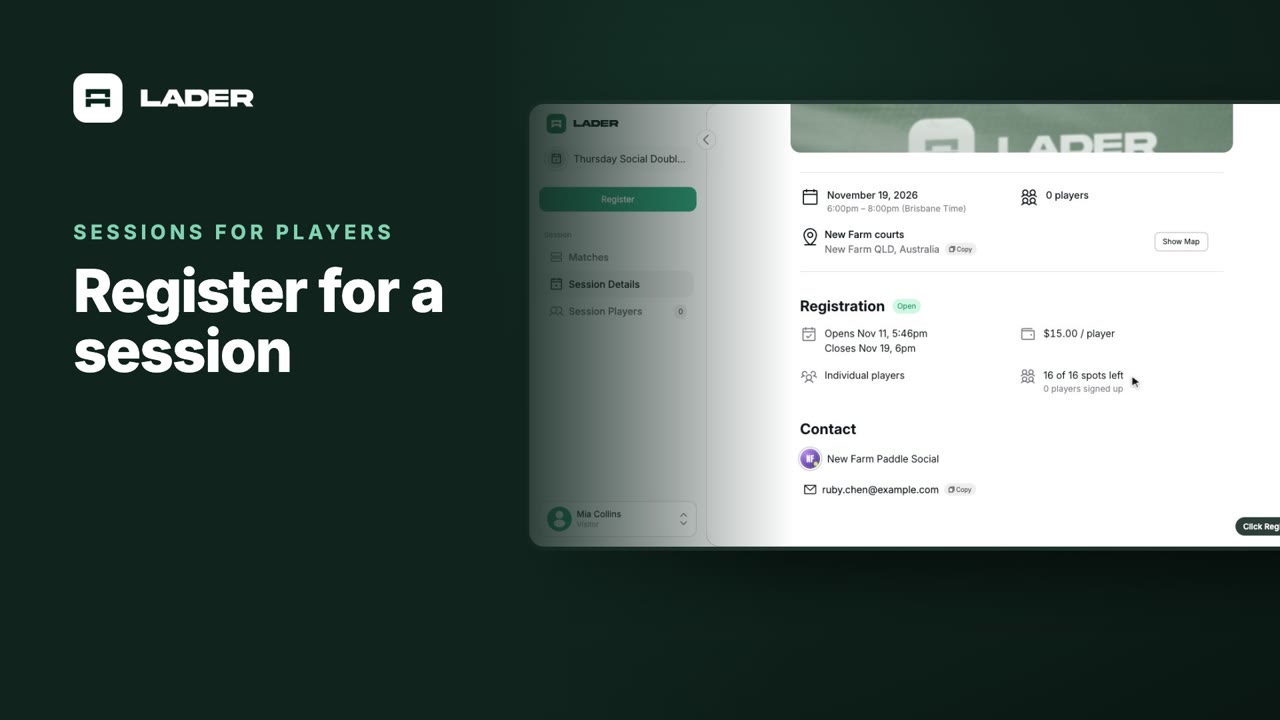
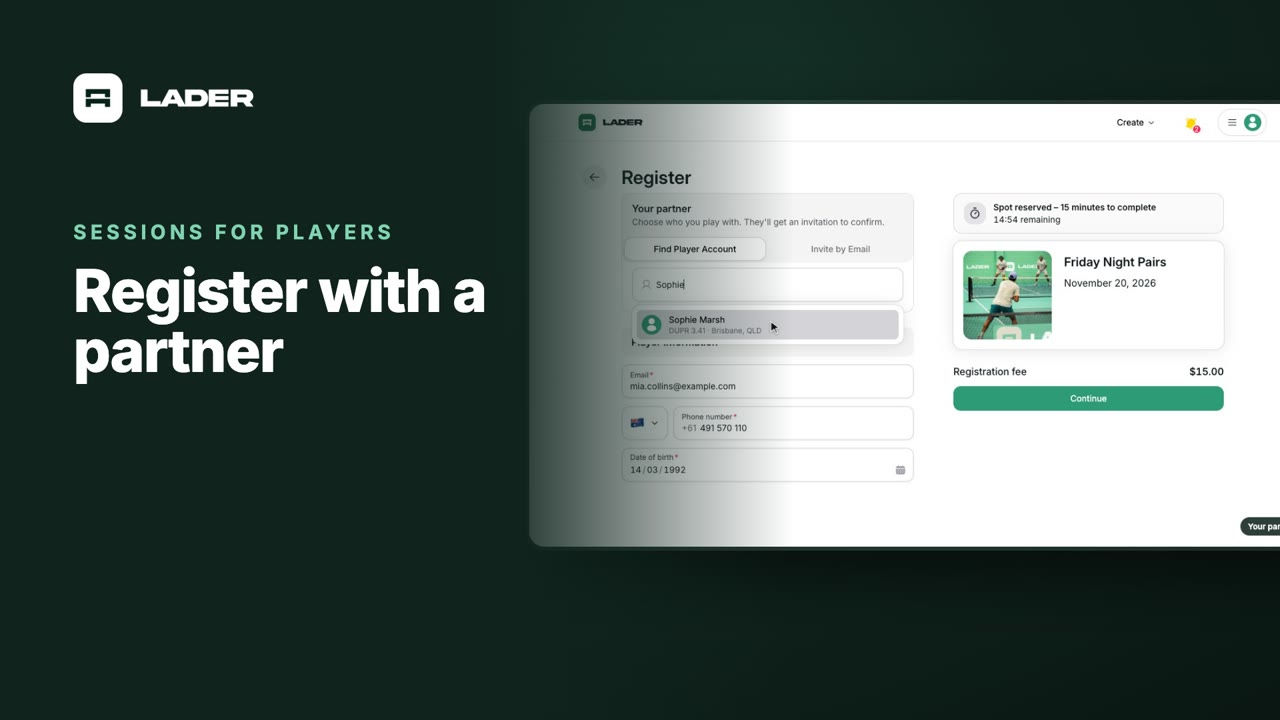
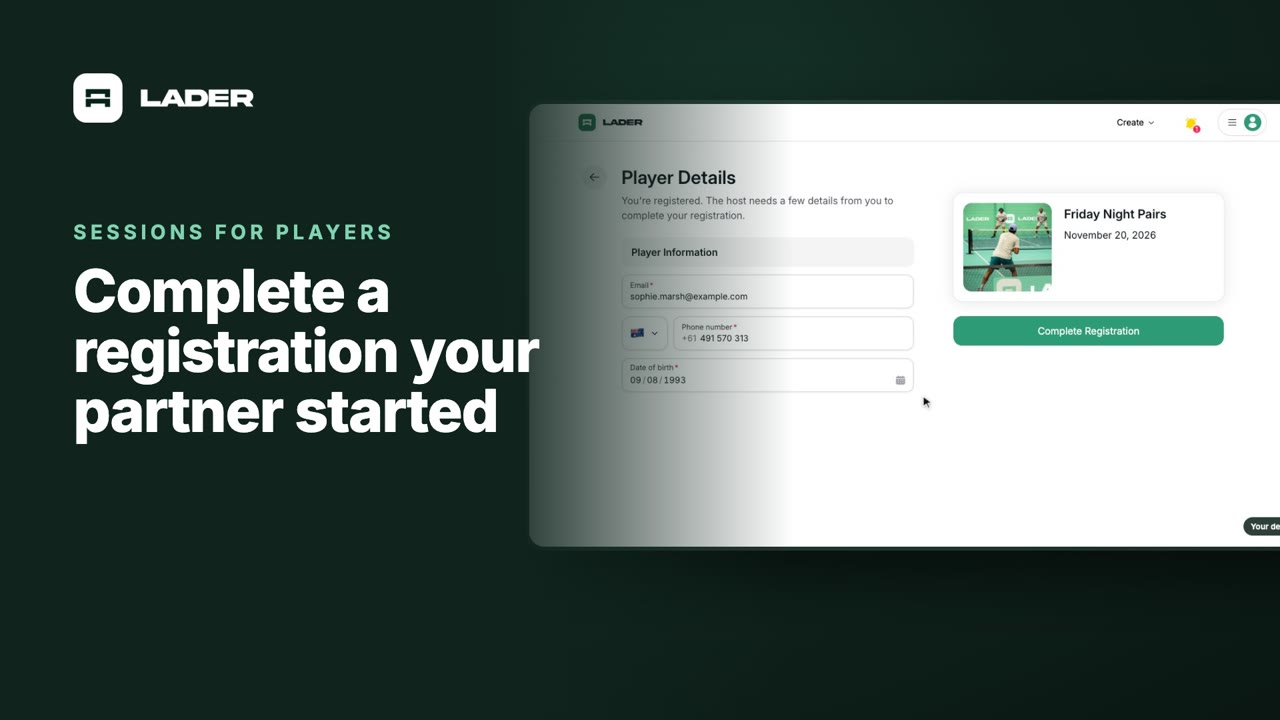
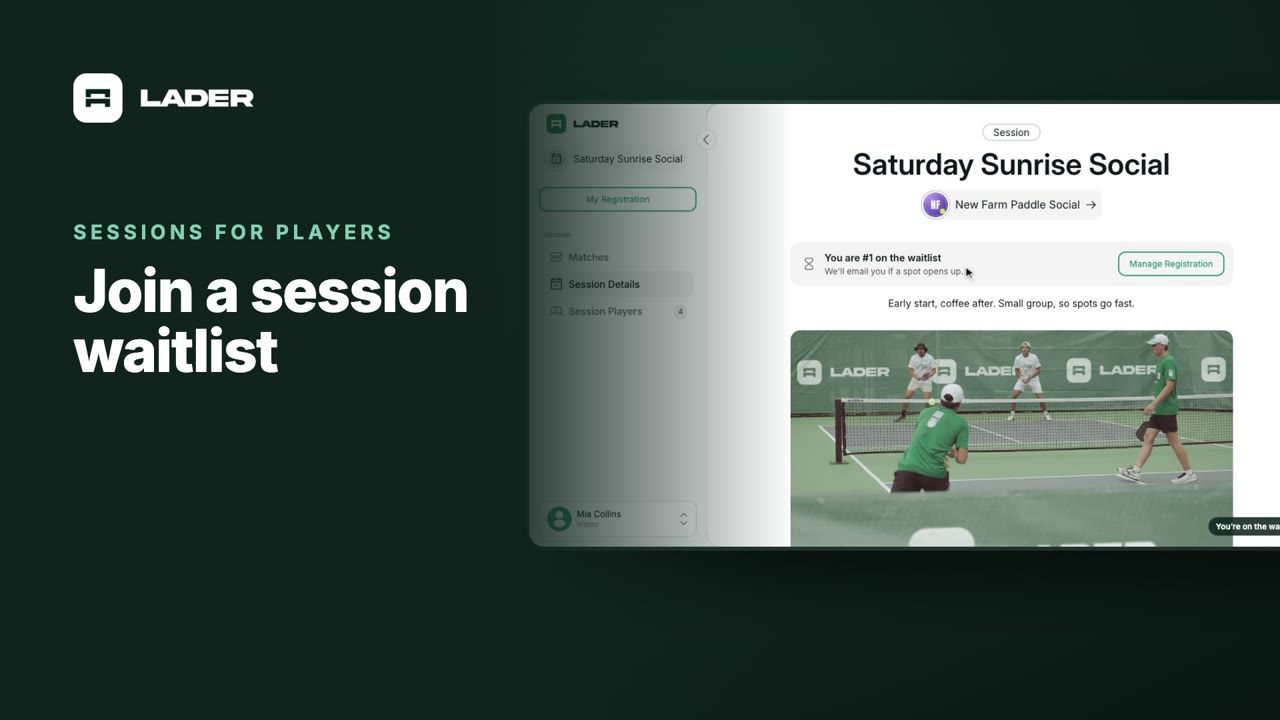
The clubs, events and people shown are fictional demo data. Narration uses an AI-generated voice.