
How to complete a session registration your partner started on LADER
Open the invitation from your notifications, fill in your details and pay your share.
Prefer to read?
Transcript
When a player registers you as their partner for a session, you get an invitation by email, and in your notifications.
Click the bell, then Complete Registration on the invitation.
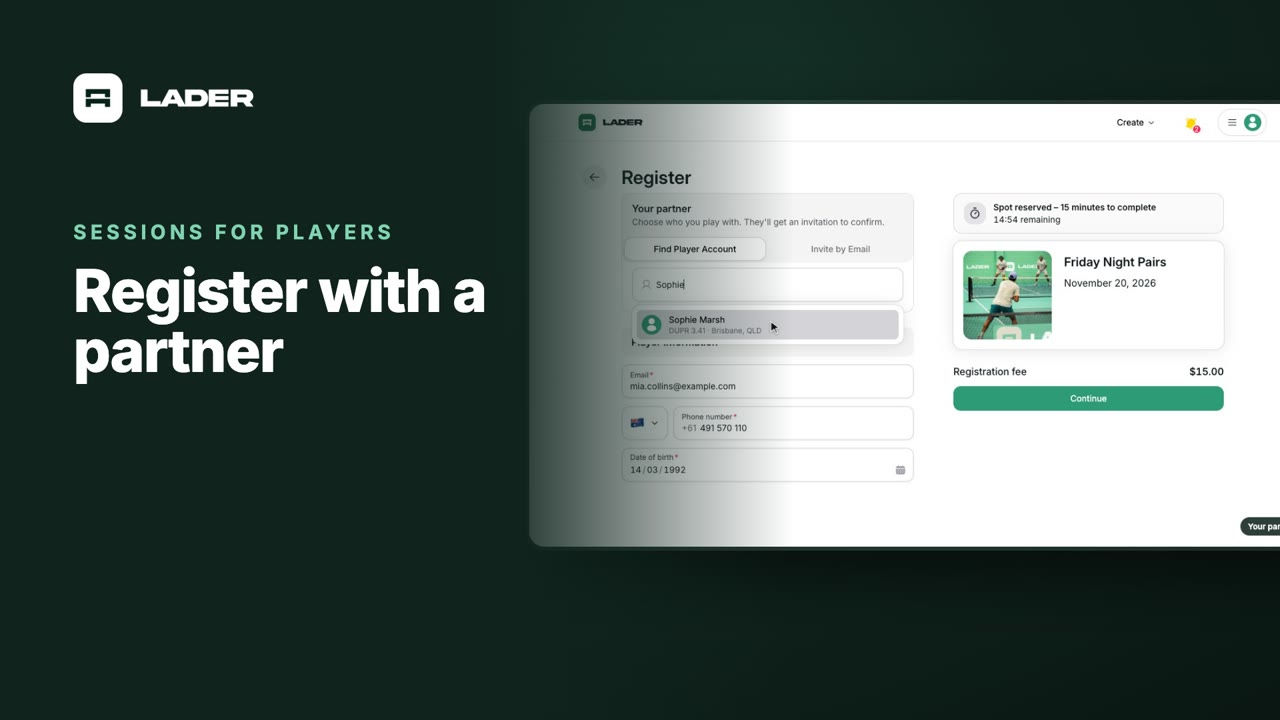
Fill in the details the host asks for, and click Complete Registration.
Then pay your share: enter your card, and click Pay.
You're registered for the session, with your partner.
That's it for this video. Next up: joining a session waitlist.
Still stuck?
Questions about a tournament, league or session? Ask its organizer: their contact details are in the Contact section of its page. For anything else, email us.
More for players
The clubs, events and people shown are fictional demo data. Narration uses an AI-generated voice.