
How to create your organization on LADER
Every tournament is hosted by an organization. Create yours, build its page with a logo, cover and tagline, and choose a plan.
Transcript
Every tournament on LADER is hosted by an organization: your club, association or business. So before you can create a tournament, you need an organization.
Click Create in the top bar. Tournaments, leagues and sessions stay locked until you have an organization, so choose Start with an organization.
Enter your organization's name. LADER suggests a page URL from it. Then find your city and pick it from the list, choose the sports you support, and click Continue.
Answer three quick questions: what kind of organization it is, its main role, and the area it serves. Then click Continue to Your Page.
Now build your organization's page. Upload your logo; the live preview shows how it will look.
Add a wide cover image for the top of your page. You can skip any of these steps, and add them later.
Write a one-line tagline that appears under your name, then click Continue.
Add links to your website or social pages if you like. Then continue to choose your plan.
Every plan includes unlimited tournaments. Tournament Only is free: players pay a small platform fee when they register. Paid plans add leagues and sessions. We'll continue with Tournament Only.
Next, LADER asks for a card. Nothing is charged today. Without one, your tournaments stay in preview, with up to 32 players, and matches can't be published. You can add a card any time, so we'll skip this for now and click Continue Without a Card.
Your organization is created, and its page is live.
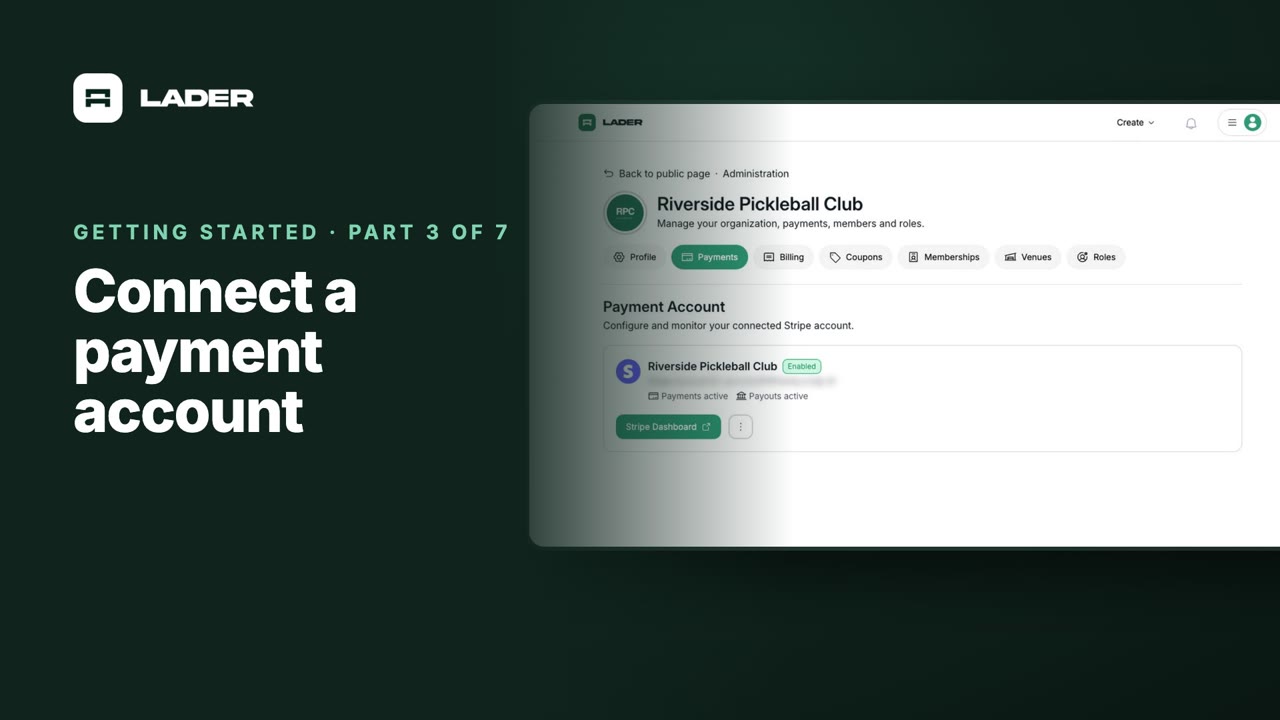
That's it for this part. Next up: connecting a payment account.
Still stuck?
Send us a message and we will walk you through it, or book a demo and we will show you live.
More in Getting started
The clubs, events and people shown are fictional demo data. Narration uses an AI-generated voice.