
How to open registration for your tournament on LADER
Check the registration dates, turn on Enable Registrations, and see the Register Now button on your tournament page.
Prefer to read?
Transcript
Finally, open registration, so players can sign up.
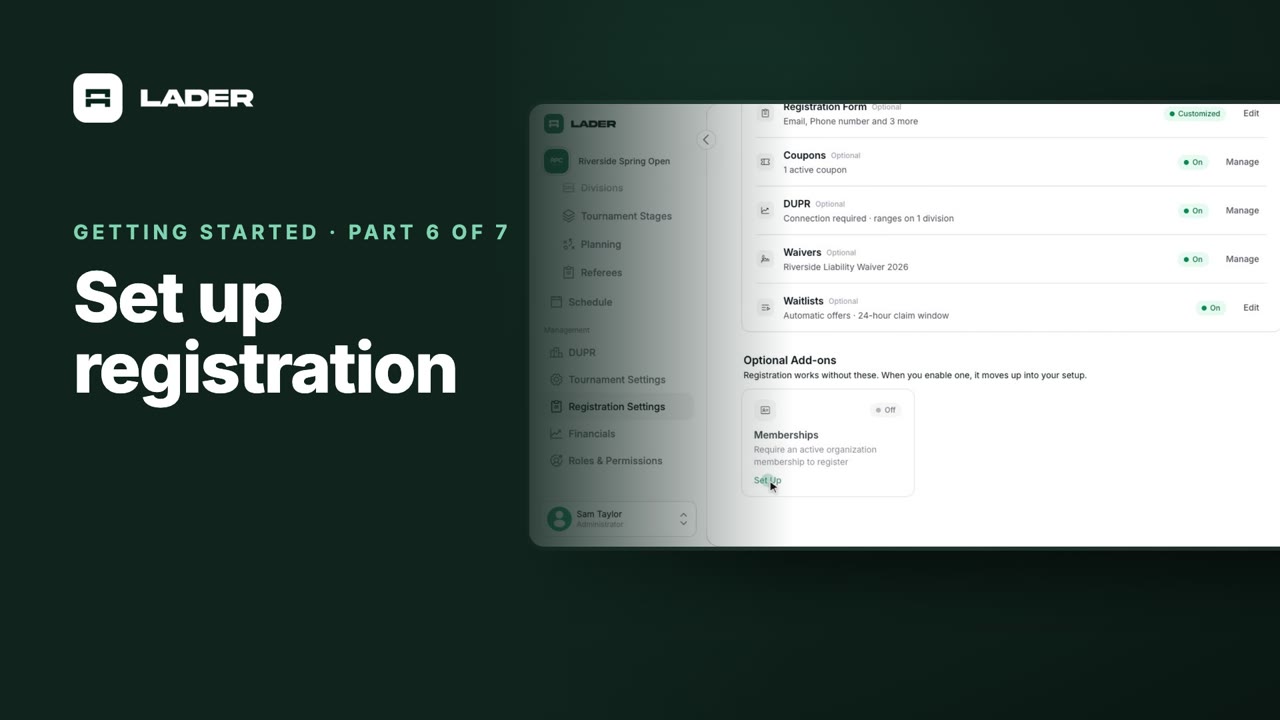
Every add-on is now part of your Registration Setup. Review it all, and when you're ready, turn registrations on.
Click Enable Registrations in the banner, or open Availability. Check the dates registration opens and closes; by default it closes the evening before your tournament starts. Then turn on Enable Registrations. The switch saves straight away.
Back on Registration Settings, the banner now reads Accepting registrations.
And on your tournament's page, players now see the Register Now button.
That's it: your tournament is open for registration. For step-by-step guides on everything in this series, visit the LADER Help Center.
Still stuck?
Send us a message and we will walk you through it, or book a demo and we will show you live.
More in Getting started
The clubs, events and people shown are fictional demo data. Narration uses an AI-generated voice.