
How to sign up for LADER
Create your LADER account: enter your email, verify it with the six-character code, and add your details.
Transcript
First, create your LADER account. All you need is an email address you can check.
Go to the LADER sign-up page, enter your email address, and click Submit.
LADER emails you a six-character verification code. Type it in, and click Submit.
Next, tell us a little about yourself: your first and last name, gender, and date of birth.
Start typing your city, and pick it from the list. It's used to show you events near you.
Choose a password, confirm it, agree to the Terms of Service and Privacy Policy, and click Create Account.
And that's it. You're signed in to your new LADER account.
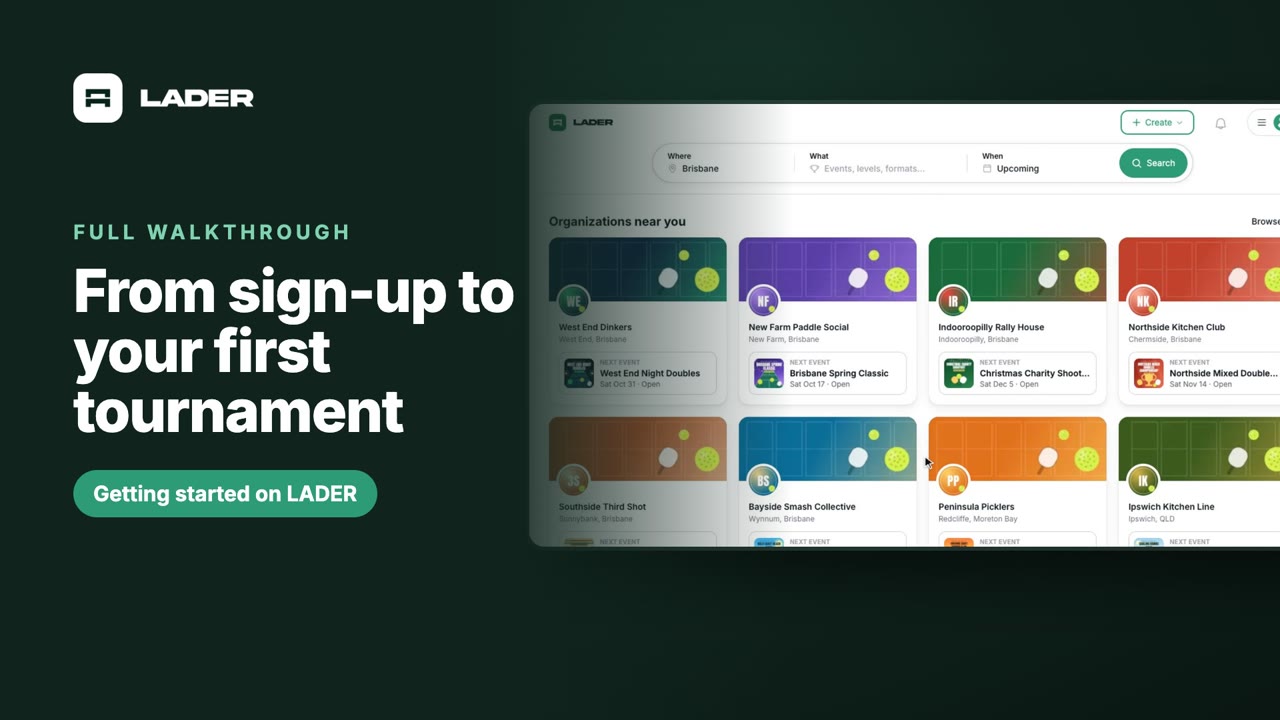
Your home page shows upcoming tournaments and organizations near you, so you can see what's on.
That's it for this part. Next up: creating your organization.
Still stuck?
Send us a message and we will walk you through it, or book a demo and we will show you live.
More in Getting started
The clubs, events and people shown are fictional demo data. Narration uses an AI-generated voice.