
How to manage your team on LADER
Open Manage Team to see where each teammate is at, add a player, or change the team’s details.
Prefer to read?
Transcript
Your team's registration is on My Registration. Until every teammate has completed theirs, it says Has outstanding items.
Click Manage Team.
You see each player, and where they're at: Invitation pending until they accept, then Registration complete.
To change the roster, click Add Player, within the division's limits. And to change the team's name or picture for this tournament, click Edit Details.
That's it for this video. Next up: joining a team.
Still stuck?
Questions about a tournament, league or session? Ask its organizer: their contact details are in the Contact section of its page. For anything else, email us.
More for players
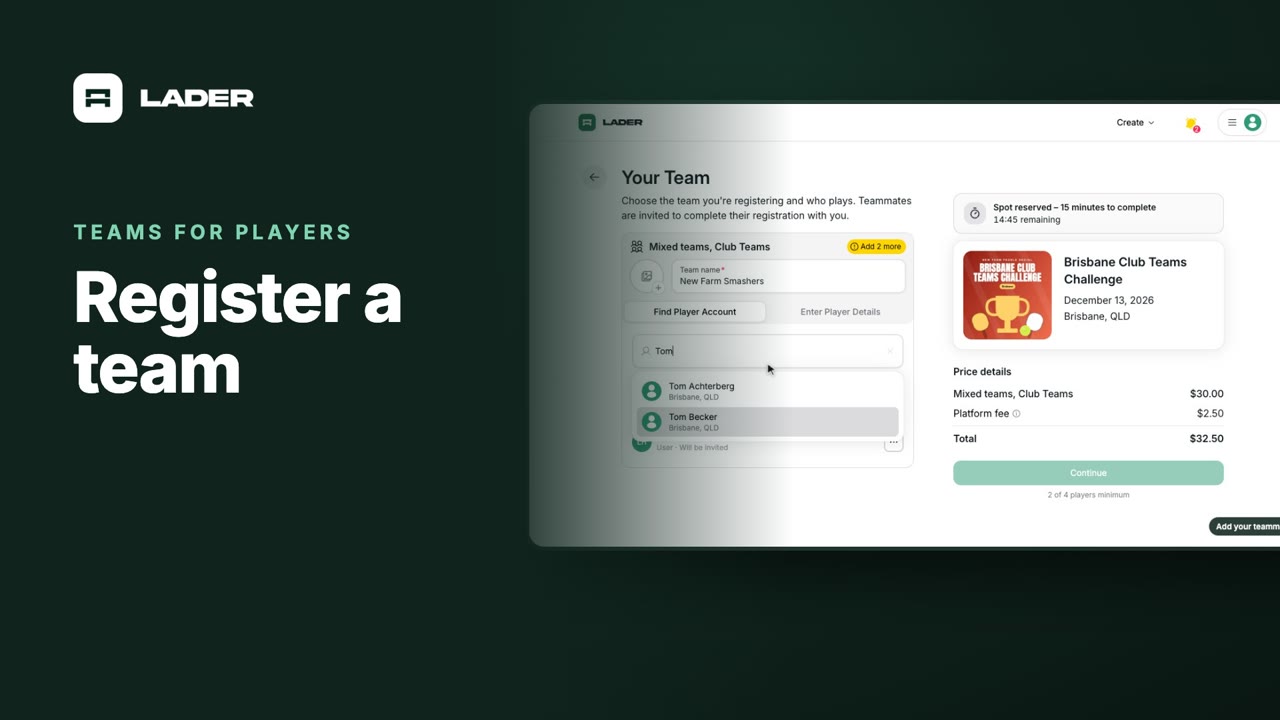
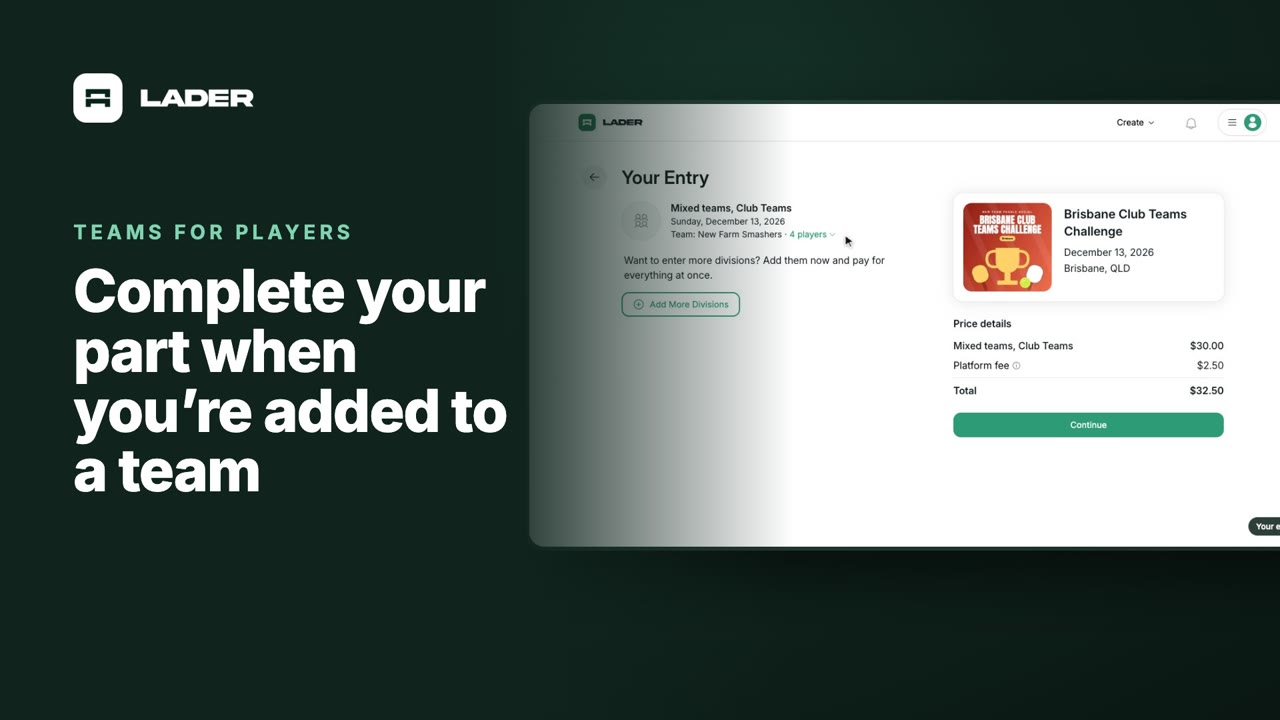
The clubs, events and people shown are fictional demo data. Narration uses an AI-generated voice.