
How to register a team on LADER
Pick the Team division, create your team, add your teammates and pay your share.
Prefer to read?
Transcript
When a tournament has a Team division, you can register your team yourself, and invite your teammates.
Click Register Now. Tick the Team division, and click Submit Divisions. You can register a team even if you're not playing in it.
Click Create a Team, and give your team a name.
Then add your teammates. Search for each one by name and pick them, or use Enter Player Details for someone who isn't on LADER yet. The counter shows how many players the division needs.
Each teammate shows Will be invited. Turn off Playing next to your name if you're only managing the team. Then click Continue.
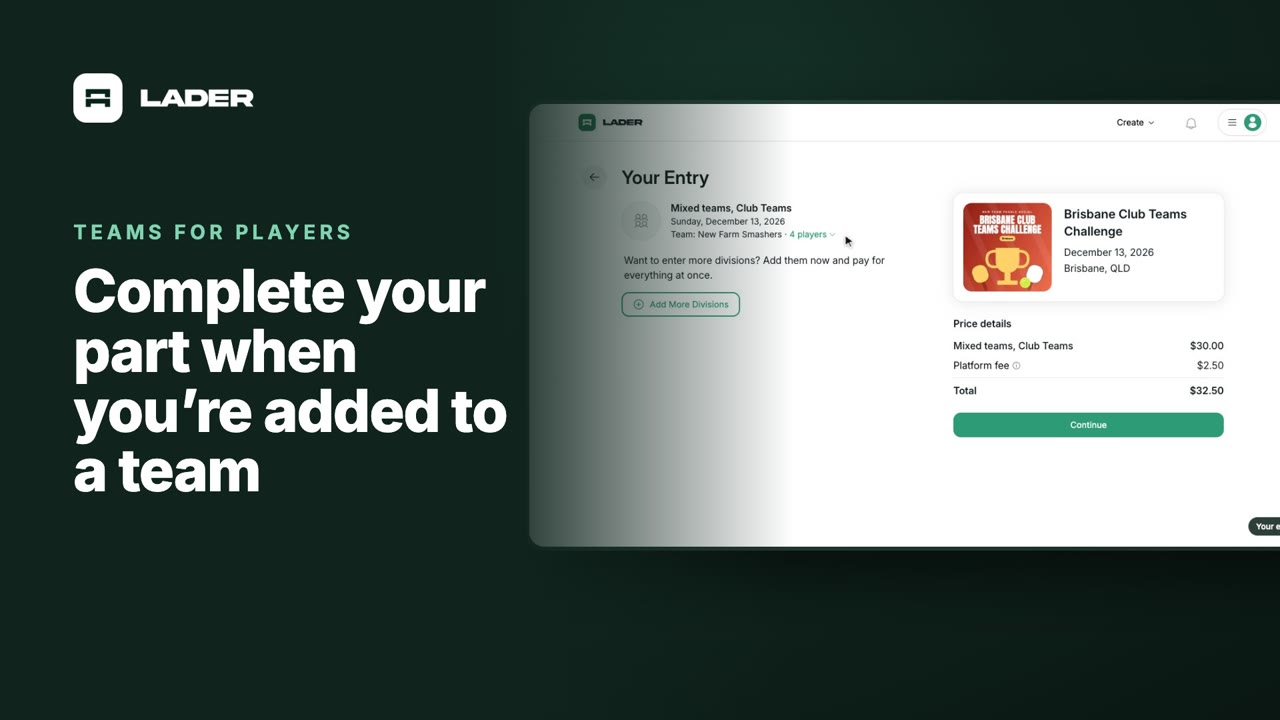
On Review and Submit, you pay your own share. Each teammate pays theirs when they complete their registration. Enter your card, and click Complete Payment.
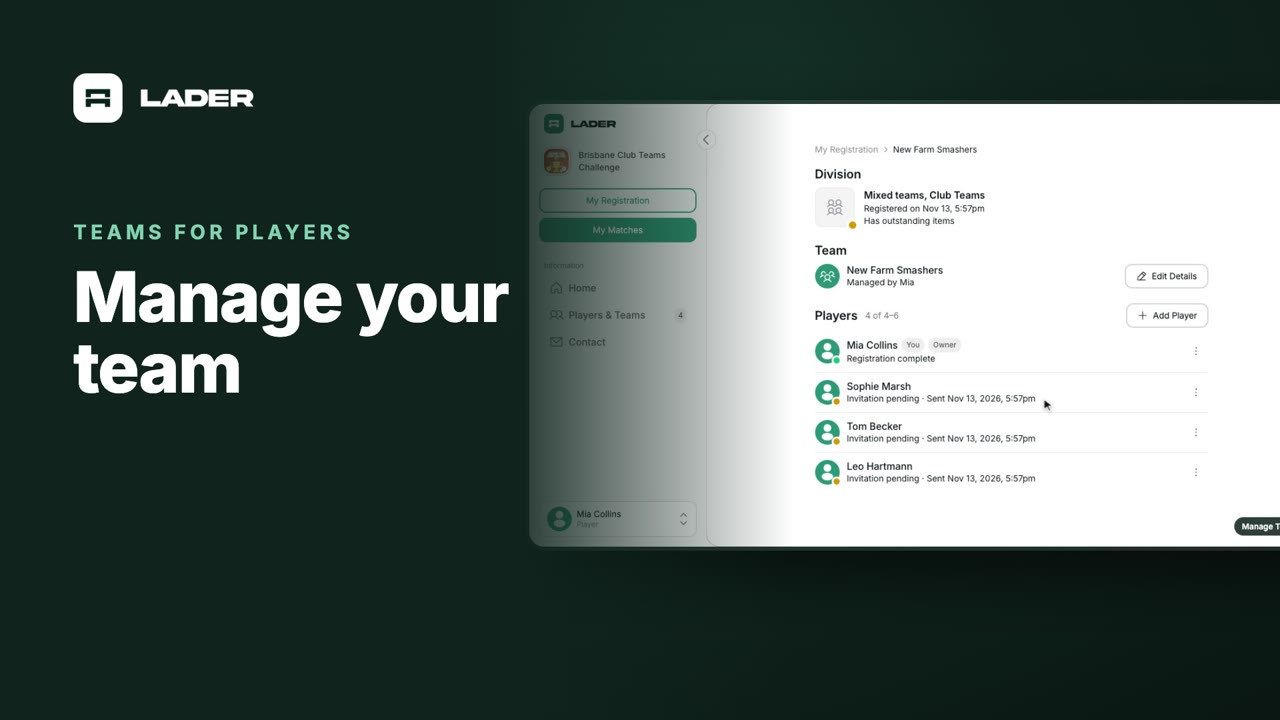
Your team is registered, and your teammates are invited by email.
That's it for this video. Next up: managing your team.
Still stuck?
Questions about a tournament, league or session? Ask its organizer: their contact details are in the Contact section of its page. For anything else, email us.
More for players
The clubs, events and people shown are fictional demo data. Narration uses an AI-generated voice.