
Run a league on LADER: from setup to the ranking
A complete walkthrough for league organizers: create a league and choose who helps run it, add players, schedule the season’s sessions, run a weekly session seeded from the league ranking, and set up the ranking.
In this video
The 5 parts
Prefer to read?
Transcript
Welcome to LADER. In this video we'll run a league from start to finish: create it, add players, schedule the season, run a weekly session, and set up the league ranking.
A league is a season of regular play, with a ranking that builds up session by session. It's hosted by your organization, so you'll need to be one of its admins.
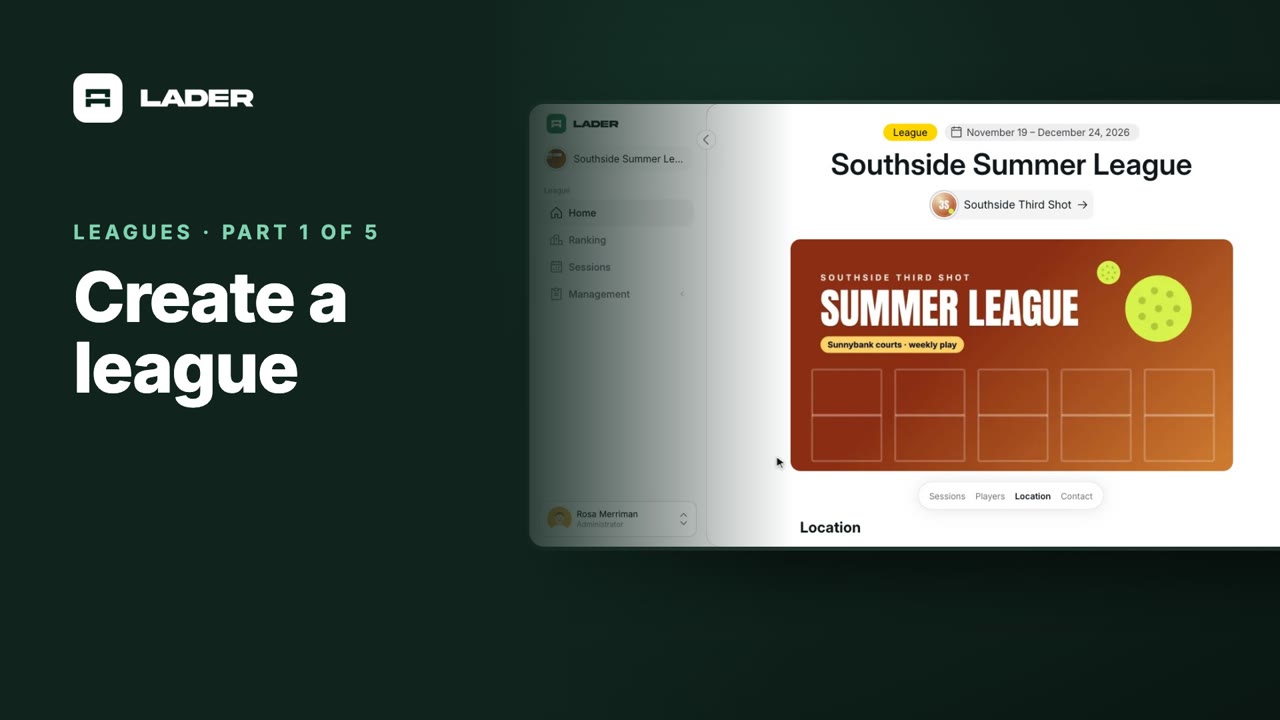
Click Create in the top bar, and choose League.
Your organization is already selected as the host. Enter the league's name, and LADER fills in its web address. Then find the venue under Location, and pick it from the list.
Set the season's start and end dates, and the usual start and end time. These dates don't create any sessions: you'll schedule those in part three.
Under Media, add a cover image for the league's page. Then check the contact details: they're shown to players, and your email is filled in for you.
League is listed lets players find it in search. And Players can submit scores for matches they play in lets players with a linked account enter their own scores. Both are on by default. Click Create League.
Your league is created, and this is its home page.
Next, decide who helps you run it. In the sidebar, open Management, then League Roles.
Everyone on your organization's team is already an Administrator. To add someone else, search for them by name: they need a LADER account. Pick a role, and click Add Role.
Role Descriptions explains each one: Administrators can do everything, Moderators manage players, sessions and matches, and Scorekeepers can enter the score of any match. Roles reach every session in the league, including ones that already exist.
The player score switch is here too. Set it before you schedule sessions: each session copies it when it's created, so a later change only reaches new sessions.
Players can't sign themselves up for a league, and there's no sign-up link. You add every player.
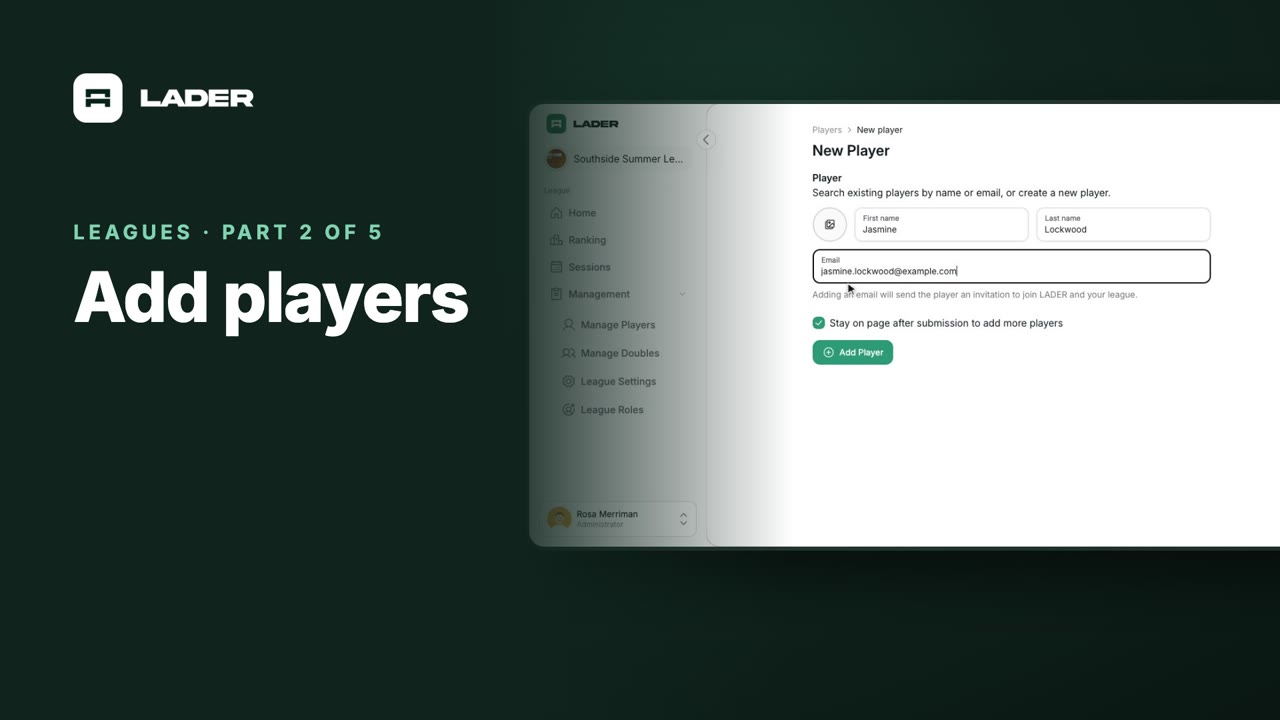
Open Manage Players, and click Add Player.
Search for a player your club already has, by name or email, and pick them. Tick Stay on page after submission to add more players, then click Add Player.
For someone new, type their first and last name. Add their email, and LADER sends them an invitation to join. Once they accept, their account is linked, and they can enter their own scores. Click Add Player.
Players added with only a name can play and be ranked, but they can't enter their own scores. Back on Manage Players, open a player to see their invitation.
This one's invitation is pending: you can edit it or revoke it. A player added without an email shows Invite Player instead, so you can invite them later.
Removing a player from the league also removes any doubles pair they're in, and drops them from the ranking. If your league plays in fixed pairs, there's a separate video on adding doubles pairs.
Once your players are in, schedule the season's sessions.
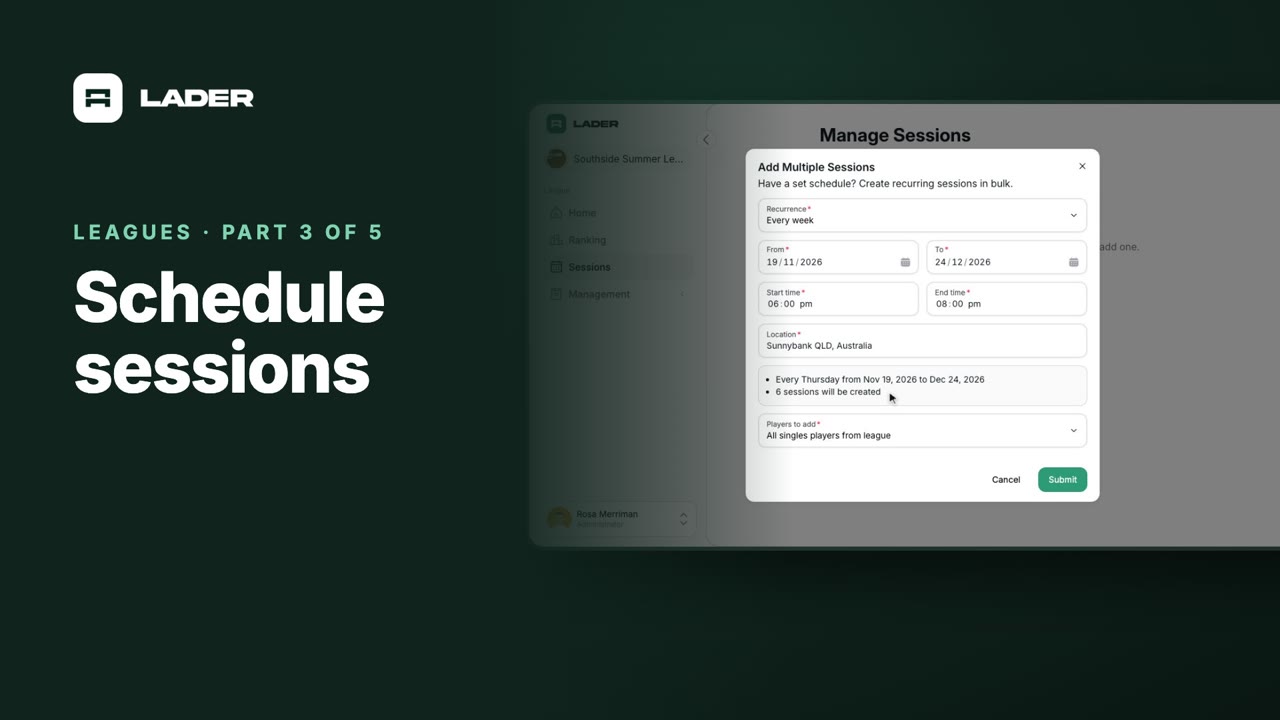
Open Sessions in the sidebar, and click Add Multiple.
Recurrence is already Every week. From and To start at the season's first and last dates, and the sessions fall on the From date's weekday. The times and location come from the league.
Under Players to add, choose All singles players from league. It starts blank, so don't skip it.
The preview shows the weekday, the dates, and how many sessions will be created. Click Submit.
Your sessions are listed by date. For a one-off, click New Session instead. To move a session, say after a rain-out, open its menu and choose Edit session.
Each session copies the league's players when it's created. Players you add to the league later aren't added to sessions that already exist. You'll see how to bring them in next.
Here's a league that's halfway through its season. Four sessions have been played, and tonight's is next.
Open Today's Session in the sidebar.
Two players joined the league after this session was created, so they aren't in it yet. Open Session Players, click Add Player/Pair, and choose Players/pairs from a league.
Your league is already chosen, and everyone who isn't in the session yet is ticked. Click Submit.
For someone brand new, choose Player instead. Add player to league is ticked, so they join the league and are ranked. Untick it only for a one-off guest: guests can play, but they're never ranked.
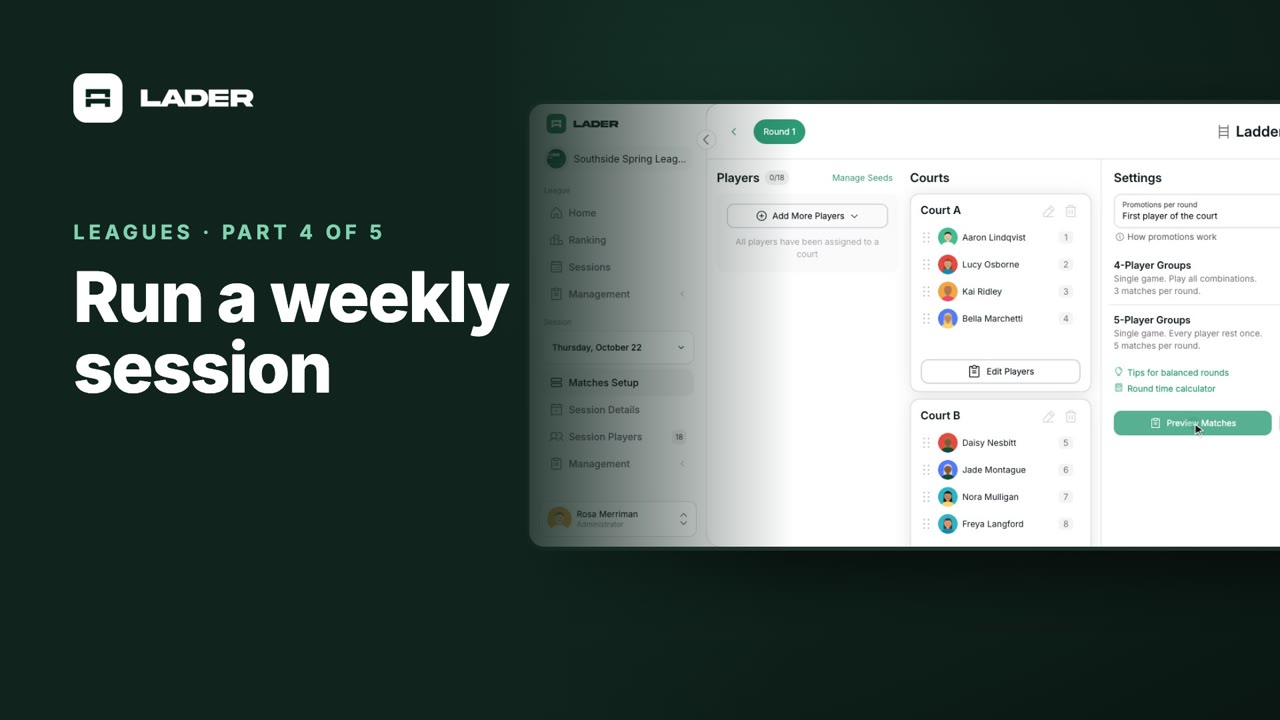
Now set up the matches. Open Matches Setup. For who plays together, choose Rotating partners, then choose Ladder, and click Continue.
The Ladder's settings are copied from last week's session. To seed the players, click Manage Seeds.
Use seeding from starts on Previous session standings: where everyone finished last week. Choose League ranking to seed by the whole season so far, then click Save Seeds.
Back on the Ladder, click Add Court for each court you're using: four tonight. Then open Auto-Placement, and choose Place Players by Seed. The top of the ranking starts on Court A.
The two new players have no ranking yet, so they're left over. Open Auto-Placement again, and choose Randomize to put them on courts.
Click Preview Matches to check the matches, then Publish Matches. Players can now see their matches.
Scores are entered and locked the same way as in any session: the Sessions videos show how.
Every published match with a score counts toward the league ranking.
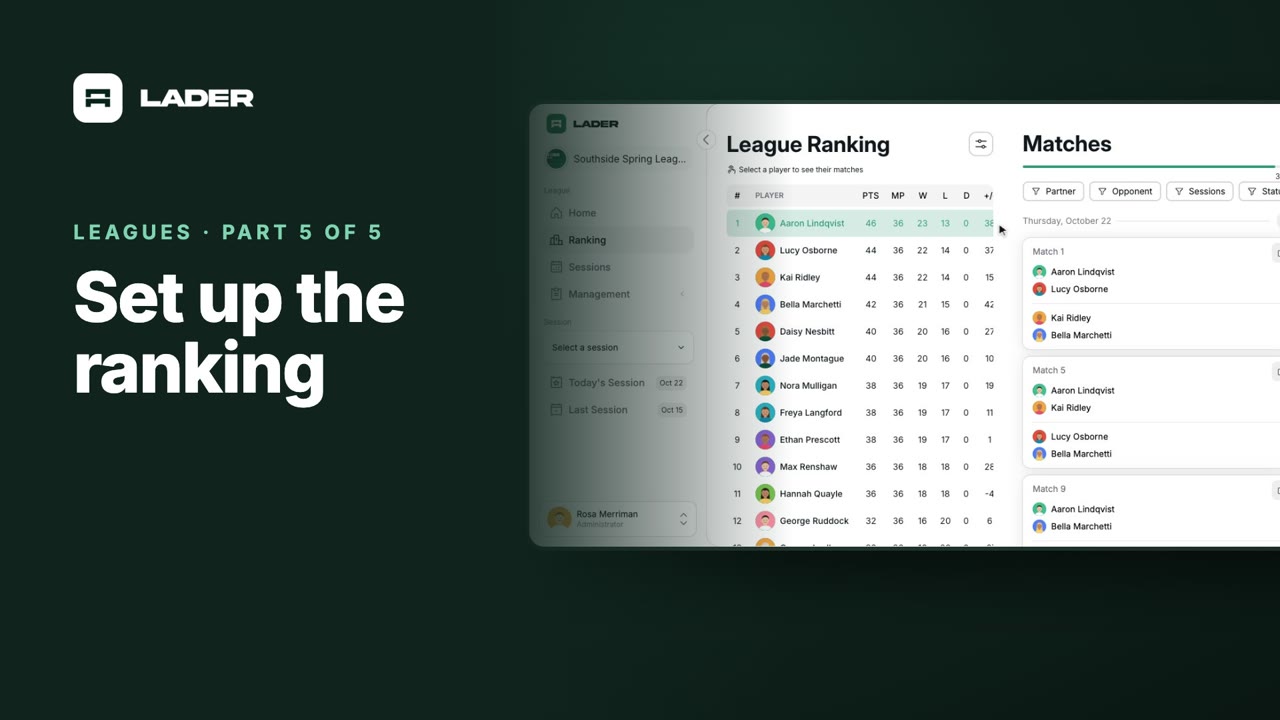
Open Ranking in the sidebar.
Players are ordered by points: two for a win, one for a draw, and none for a loss. Ties are decided by wins, then points difference. The legend under the table spells it out.
To change them, click the settings button. Display Settings picks the columns, Tie-Breakers sets their order, and Points sets what each result is worth.
How Rankings Work explains which matches count, and who's ranked: only league members, so guests never appear.
Click a player to see their matches across the season. The ranking updates by itself as scores come in, so there's nothing to recalculate.
This league plays with rotating partners, so it has one table. Leagues that also play singles or fixed pairs get a tab for each, and there's a separate video on those.
That's it: you've created a league, added players, scheduled the season, run a weekly session and set up the ranking. For step-by-step guides on everything we covered, visit the LADER Help Center.
Still stuck?
Send us a message and we will walk you through it, or book a demo and we will show you live.
The clubs, events and people shown are fictional demo data. Narration uses an AI-generated voice.