
How to see who’s looking for a partner in your tournament on LADER
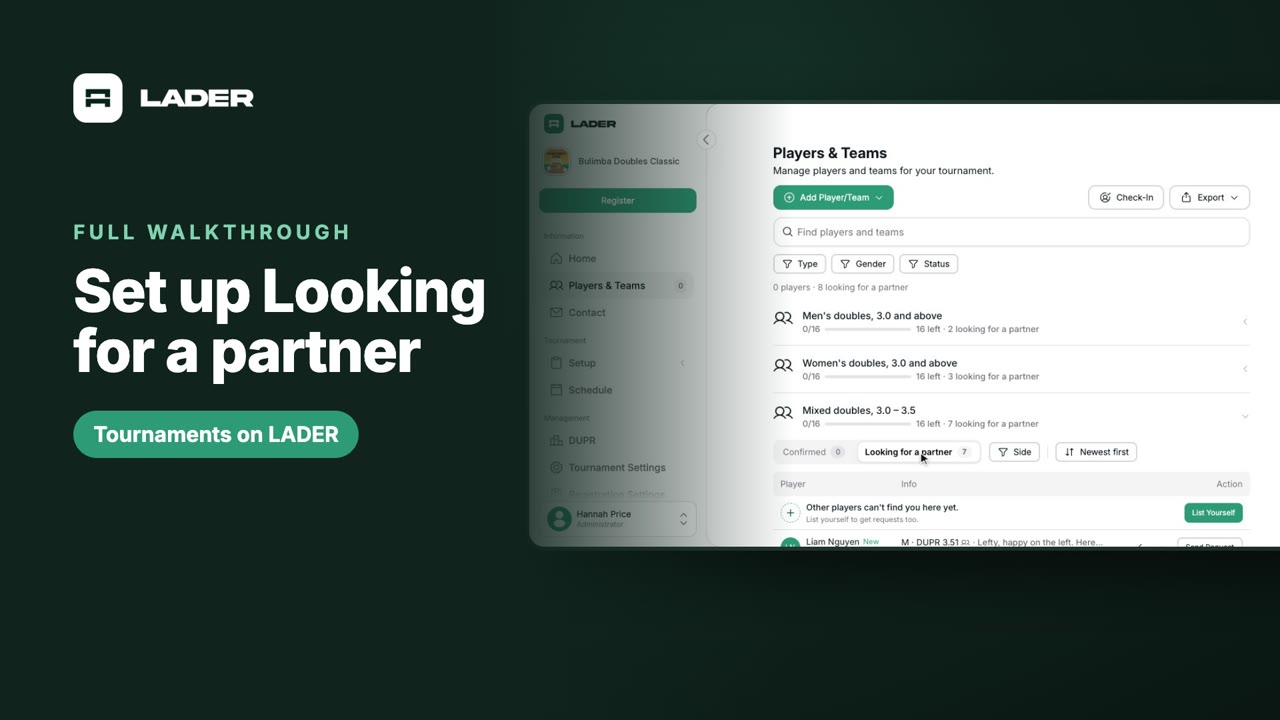
On Players & Teams, open a doubles division’s Looking for a partner tab: each player’s rating, side, style and full contact details.
Prefer to read?
Transcript
Here's a tournament where players are already looking.
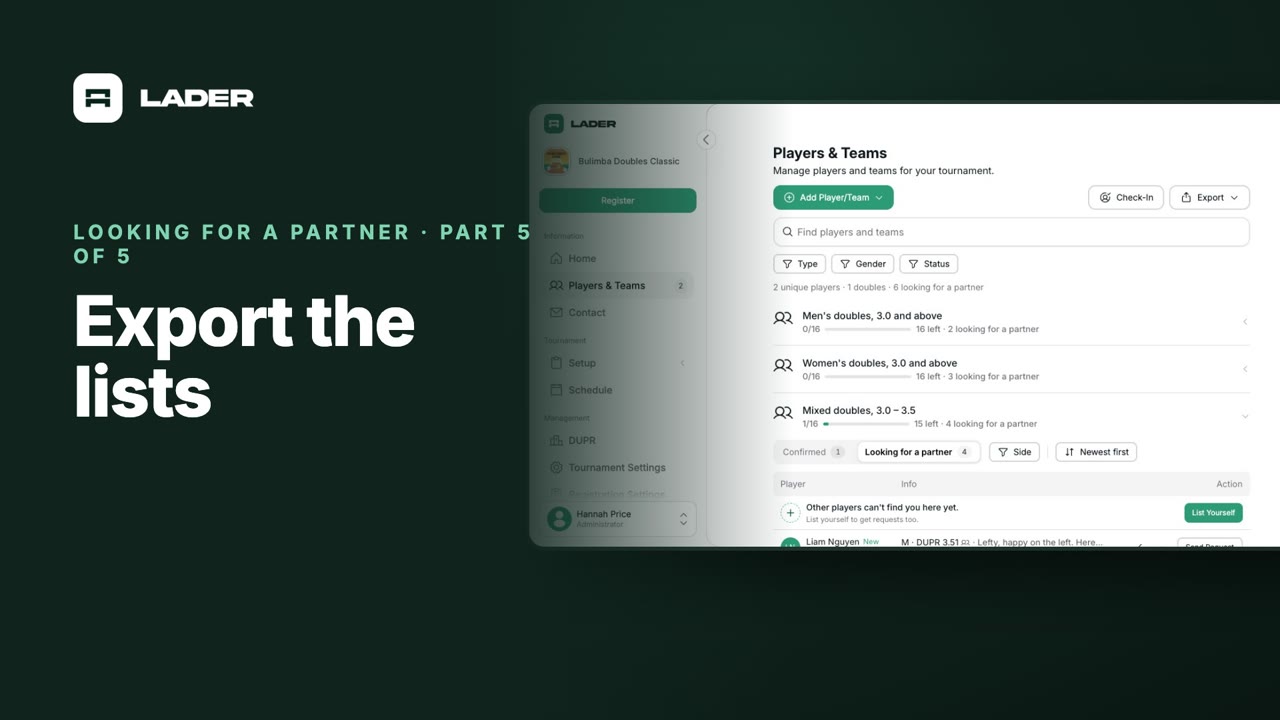
On Players and Teams, each doubles division shows how many players are looking. Open a division, and click its Looking for a partner tab.
Each row shows the player's DUPR rating, preferred side and play style. Click a row for the rest. As an organizer, you see their contact details in full, and their account email.
Listed players aren't registered yet: they have no spot, and they're not charged. They show under Confirmed once they register as a pair.
That's it for this part. Next up: pairing two players.
Still stuck?
Send us a message and we will walk you through it, or book a demo and we will show you live.
More in Looking for a partner
The clubs, events and people shown are fictional demo data. Narration uses an AI-generated voice.