
How to turn on Looking for a partner on LADER
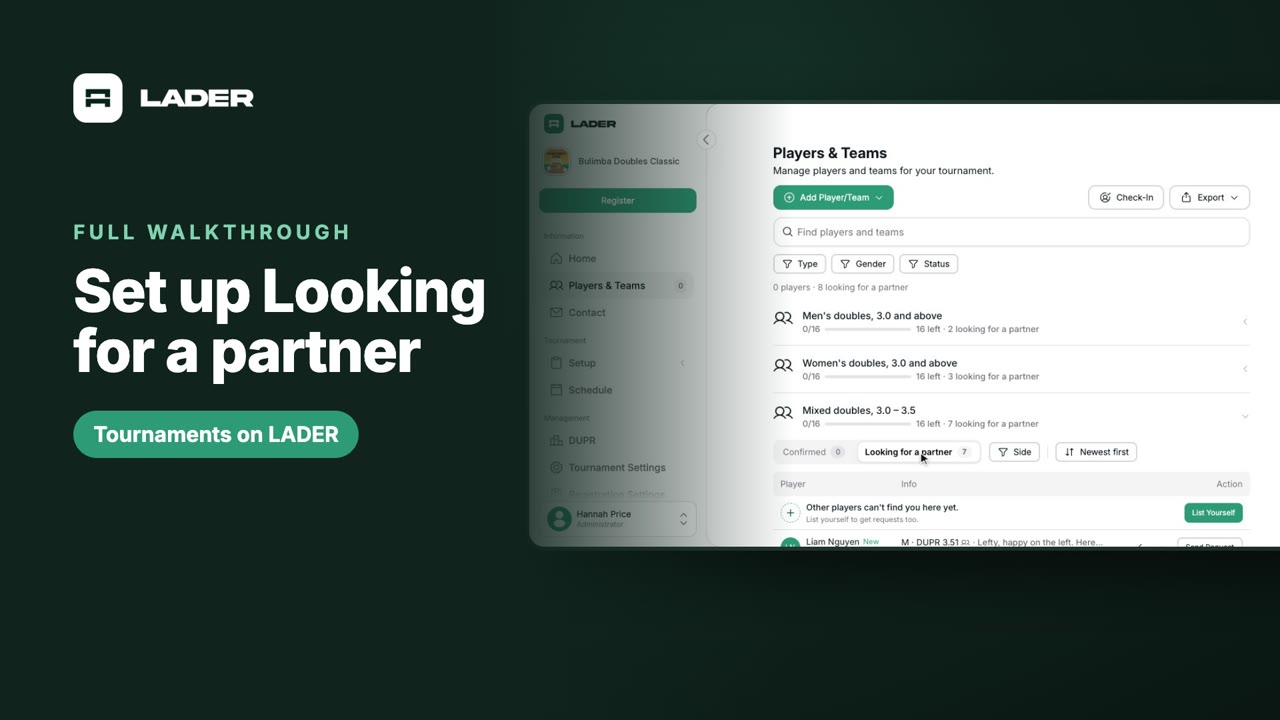
In Registration Settings, set up Looking for a partner and turn it on: every doubles division gets a list, and your tournament page a Find a Partner button.
Prefer to read?
Transcript
First, turn it on. You need to be an Administrator of the tournament.
Open Registration Settings. Under Optional Add-ons, find Looking for a partner, and click Set up.
Turn on Looking for a partner. It saves straight away, and adds a Looking for a partner tab to every doubles division, and a Find a Partner button to your tournament page.
How it works sums up the rules. Being on the list is free and doesn't take a spot. Players pay your usual prices when they register as a pair. And the lists follow your registration window.
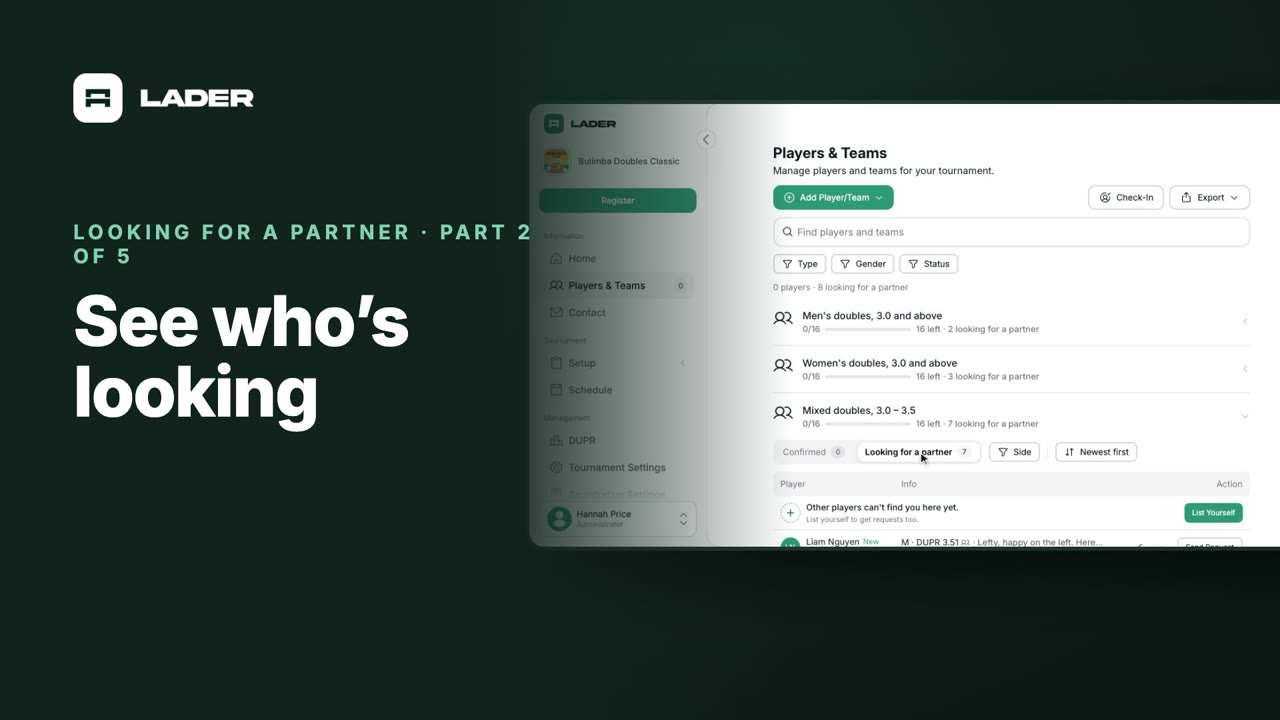
That's it for this part. Next up: seeing who’s looking.
Still stuck?
Send us a message and we will walk you through it, or book a demo and we will show you live.
More in Looking for a partner
The clubs, events and people shown are fictional demo data. Narration uses an AI-generated voice.