
How to accept a partner request and register together on LADER
Open the request from your notifications, click Accept Request, and register as a pair. Each of you pays your own share.
Prefer to read?
Transcript
When someone sends you a partner request, you get an email, and it waits in your notifications.
Click the bell to open your notifications. The request shows the player's message, their DUPR, and how to reach them.
To team up, click Accept Request, and confirm. It also cancels your other open requests in that division.
Accepting takes you straight to registration, with your partner filled in. Check your details, and continue.
Each of you pays your own share. Enter your card, and click Complete Payment.
You're in. Your partner is added straight away, and gets an email to complete their part and pay their share.
That's it for this video. Next up: managing your listing.
Still stuck?
Questions about a tournament, league or session? Ask its organizer: their contact details are in the Contact section of its page. For anything else, email us.
More for players
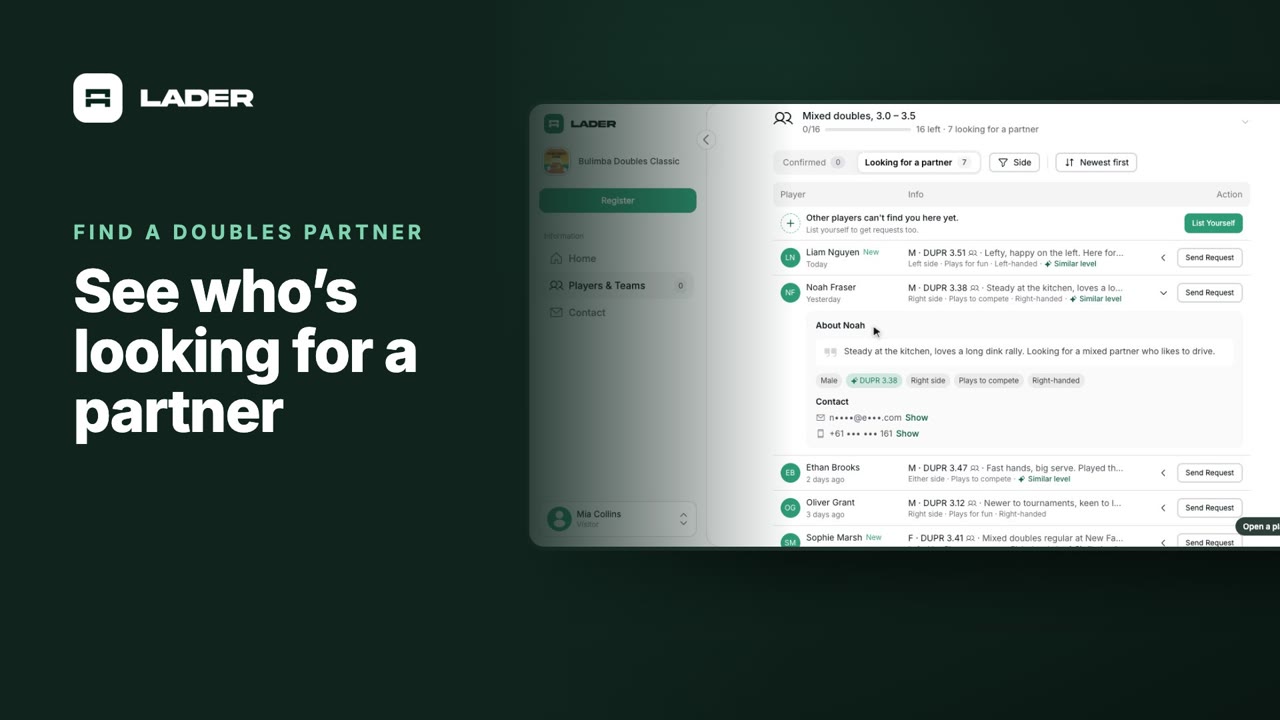
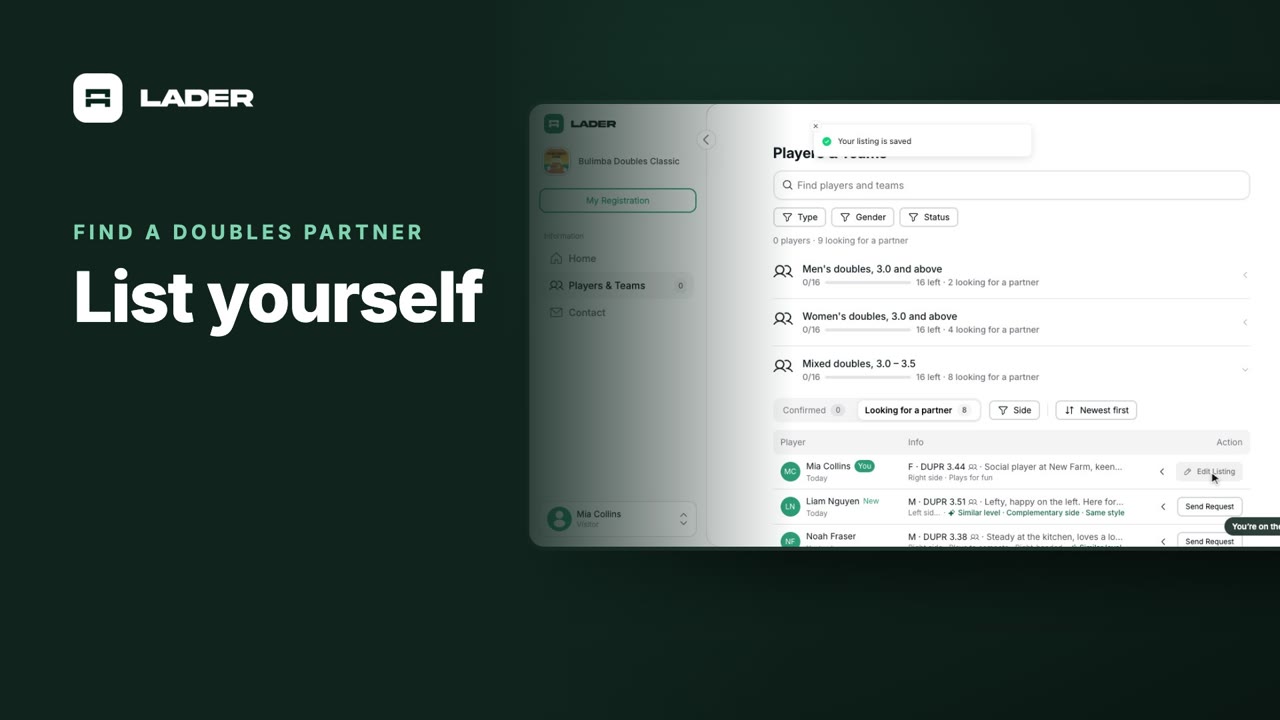
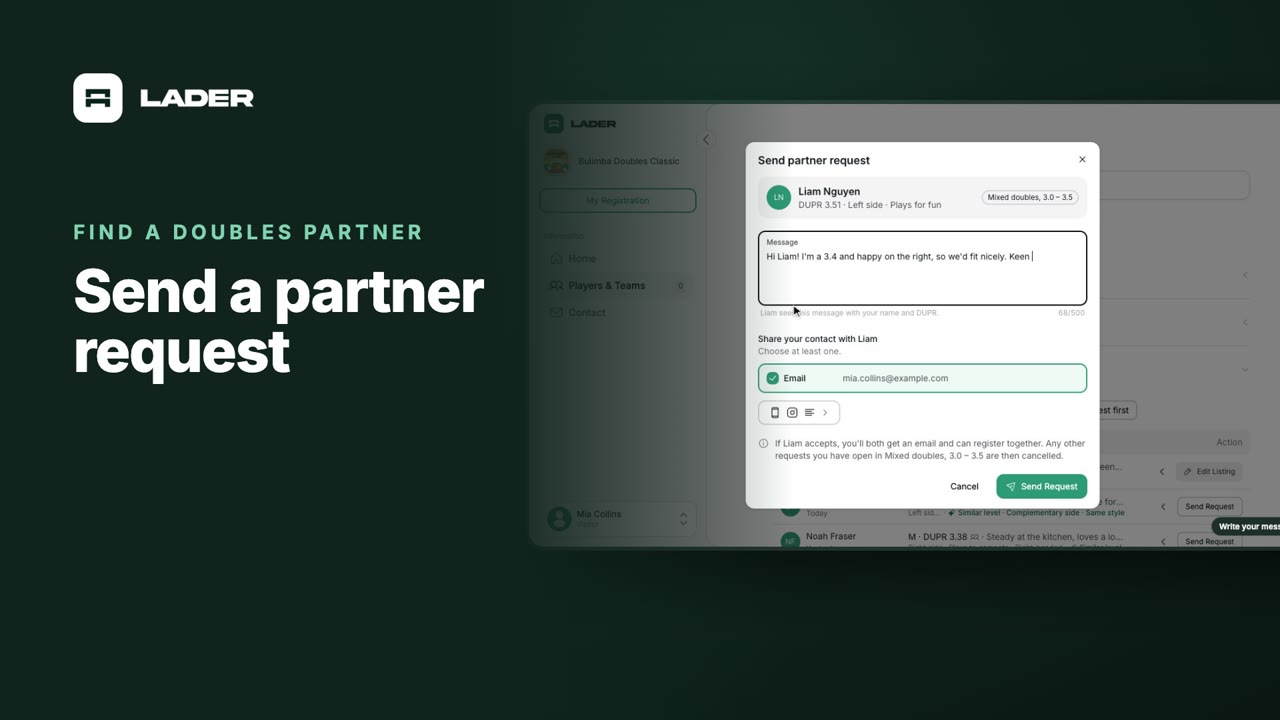
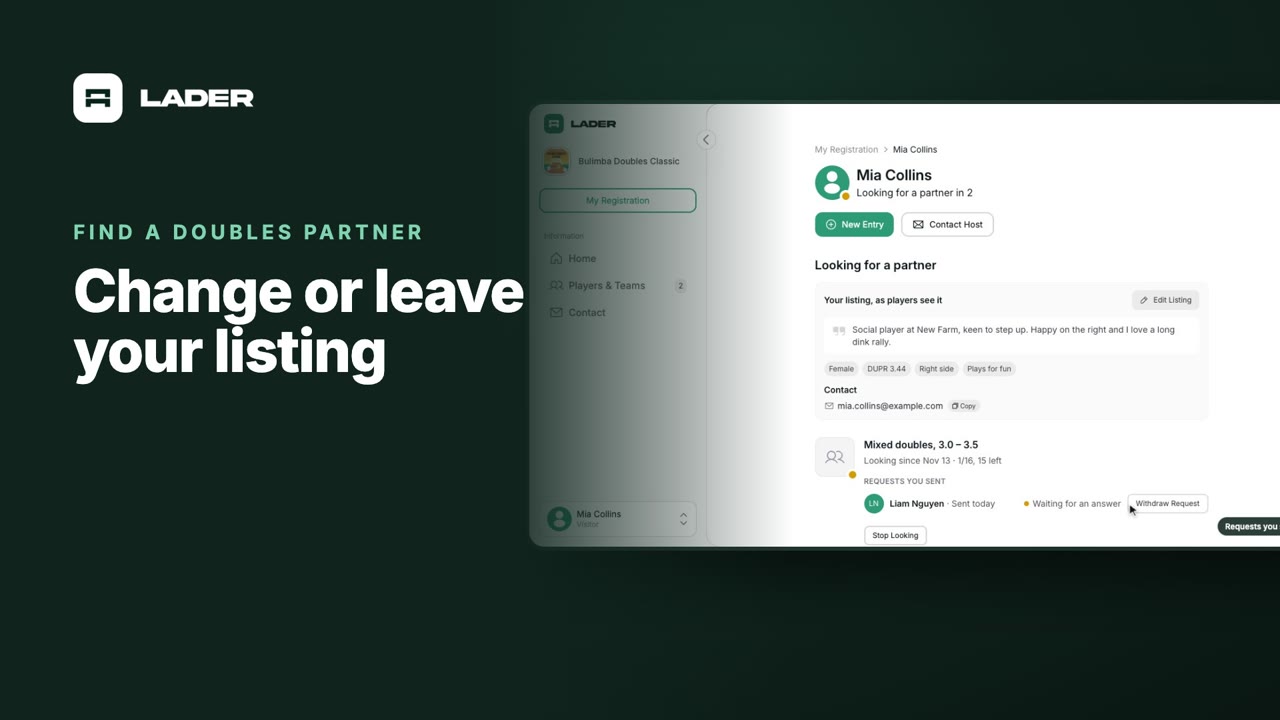
The clubs, events and people shown are fictional demo data. Narration uses an AI-generated voice.