
How to send a partner request on LADER
Click Send Request on a player, write a short message, choose how they can reach you, and send it.
Prefer to read?
Transcript
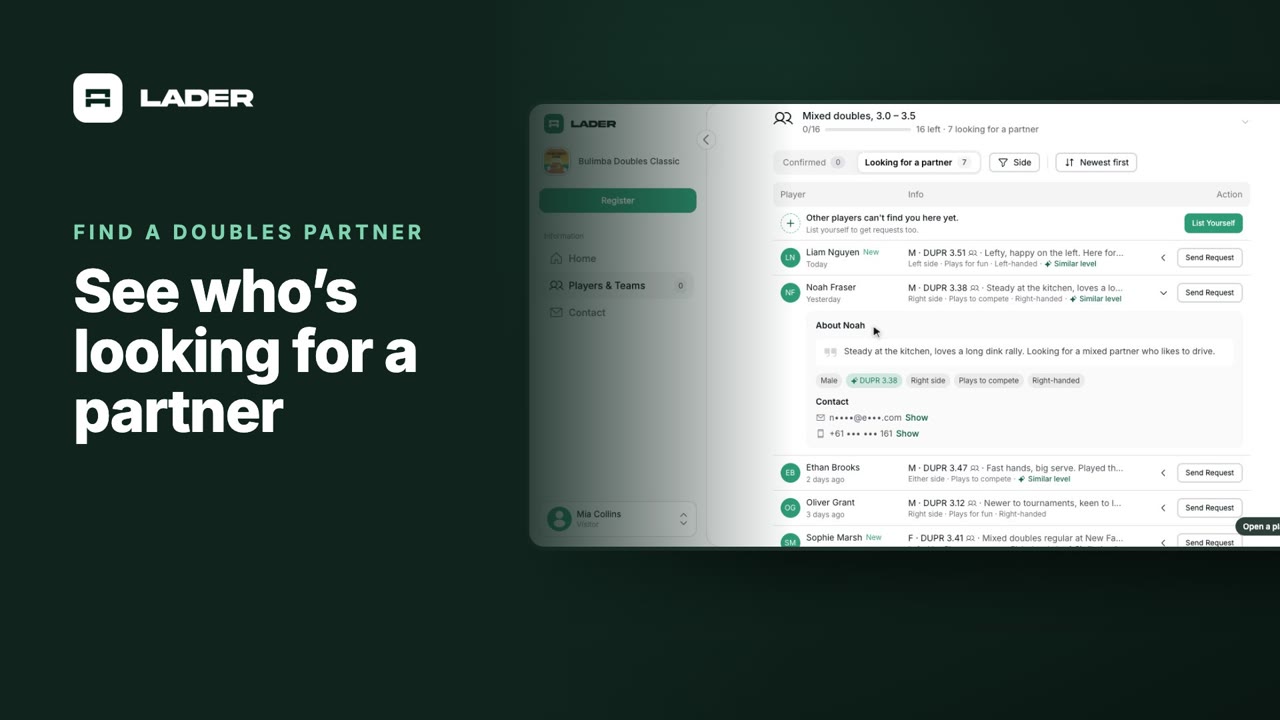
Found someone you'd like to play with? Send them a partner request with a short message.
Find their row, and click Send Request.
Write a message: they see it with your name and DUPR. Then choose how they can reach you. They see it in full.
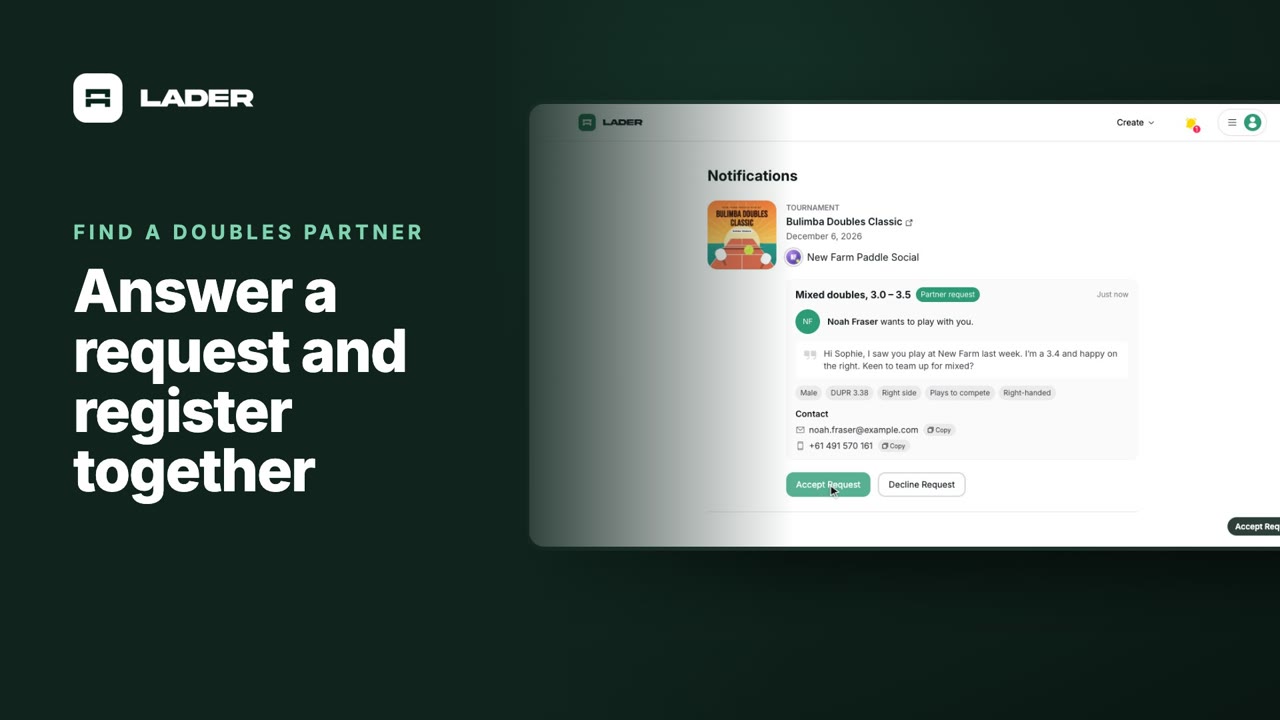
If they accept, you both get an email and can register together. Click Send Request.
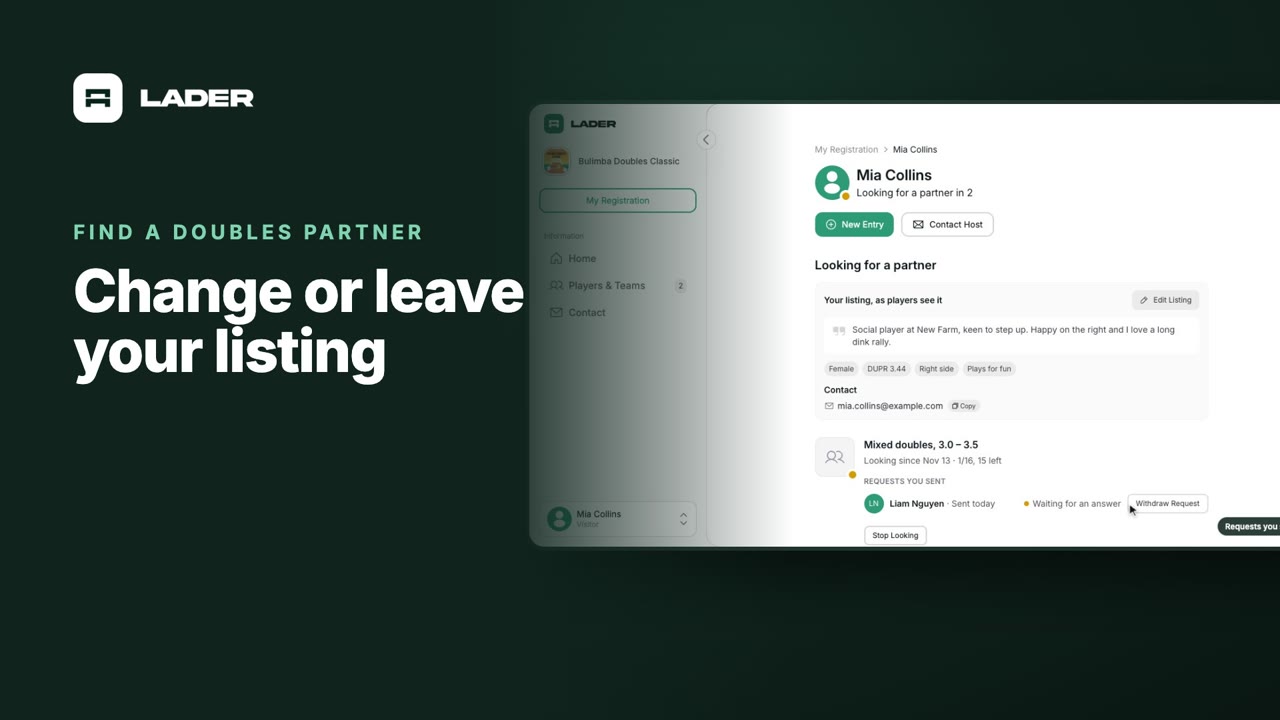
Their row now shows Request sent. Your request also shows on My Registration, where you can withdraw it if you change your mind.
That's it for this video. Next up: answering a partner request.
Still stuck?
Questions about a tournament, league or session? Ask its organizer: their contact details are in the Contact section of its page. For anything else, email us.
More for players
The clubs, events and people shown are fictional demo data. Narration uses an AI-generated voice.