
How to change or leave your Looking for a partner listing on LADER
On My Registration, edit your listing, withdraw a request, stop looking in a division, or stop the daily emails.
Prefer to read?
Transcript
Your listing and your requests are all on My Registration. On the tournament page, click Manage Registration.
Under Looking for a partner, you see your listing as players see it. Click Edit Listing to change it.
Each division shows the requests you've sent and received. Waiting for an answer means they haven't replied yet. Click Withdraw Request to take one back.
Found a partner another way? Click Stop Looking on a division to leave its list. Registering in a division takes you off its list on its own.
To stop the daily email about new players, untick the box on your listing, or click Stop these emails in the email itself.
That's it for this series. For step-by-step guides on everything in it, visit the LADER Help Center.
Still stuck?
Questions about a tournament, league or session? Ask its organizer: their contact details are in the Contact section of its page. For anything else, email us.
More for players
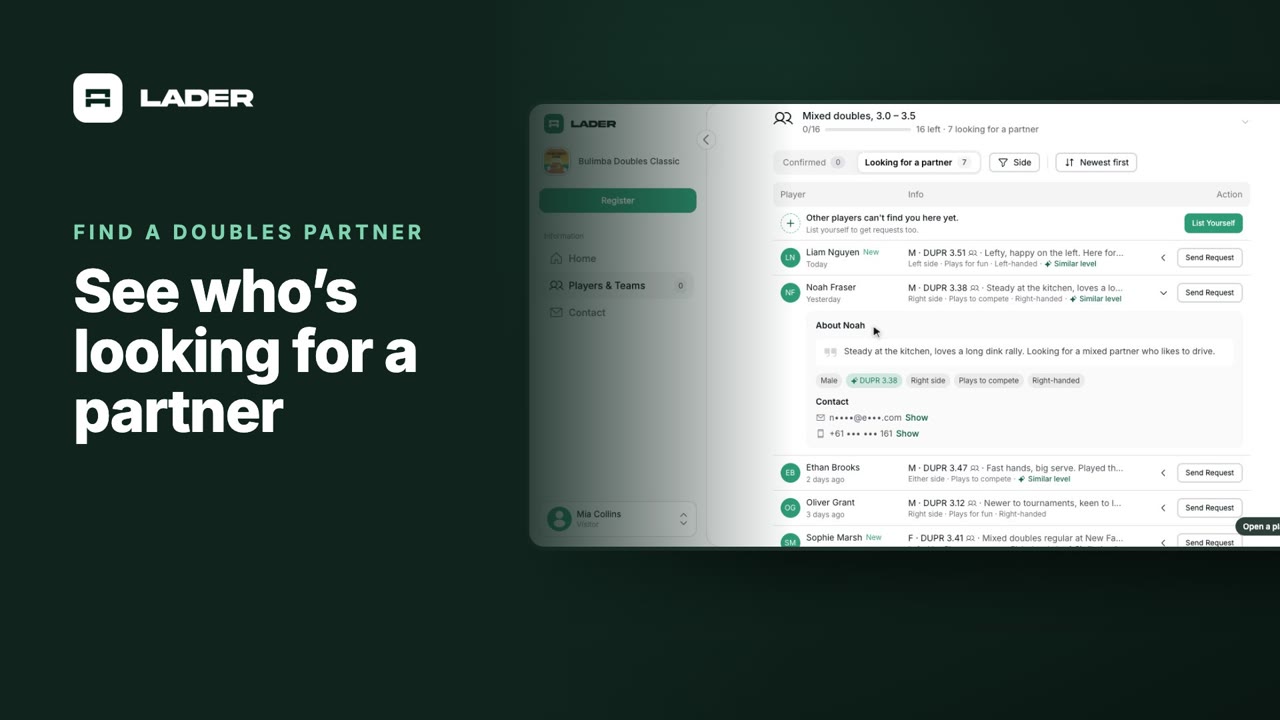
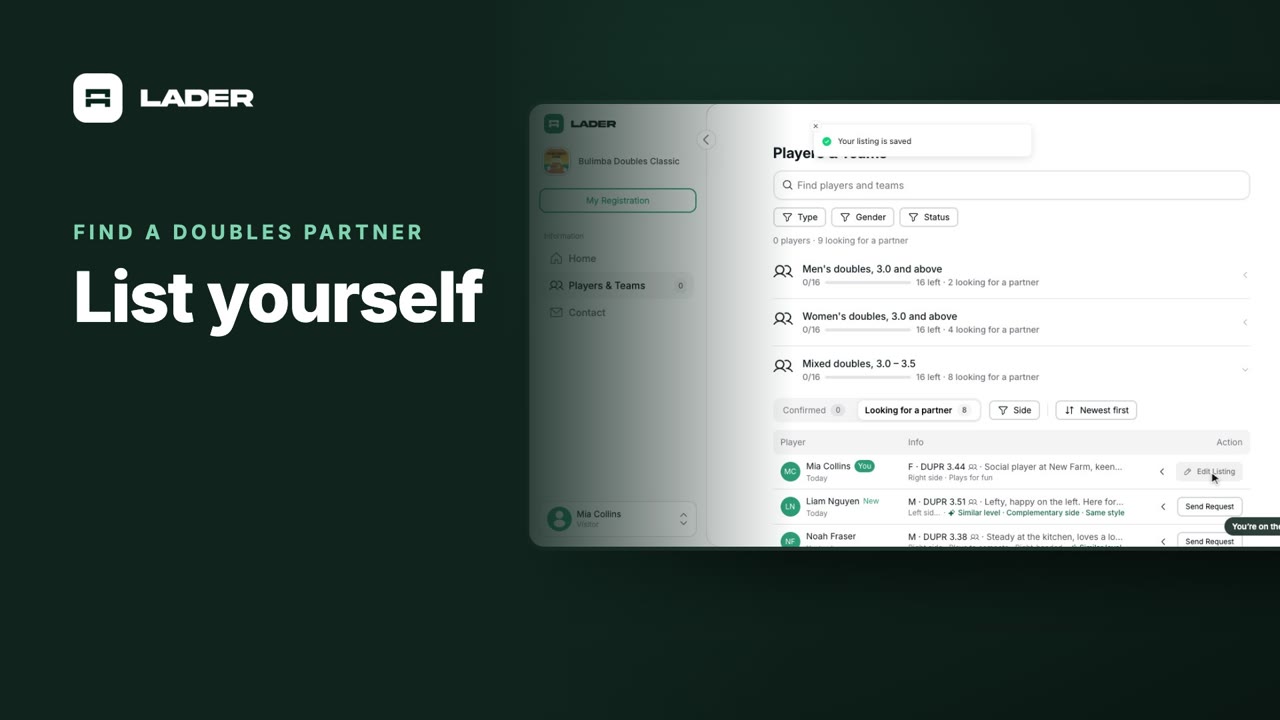
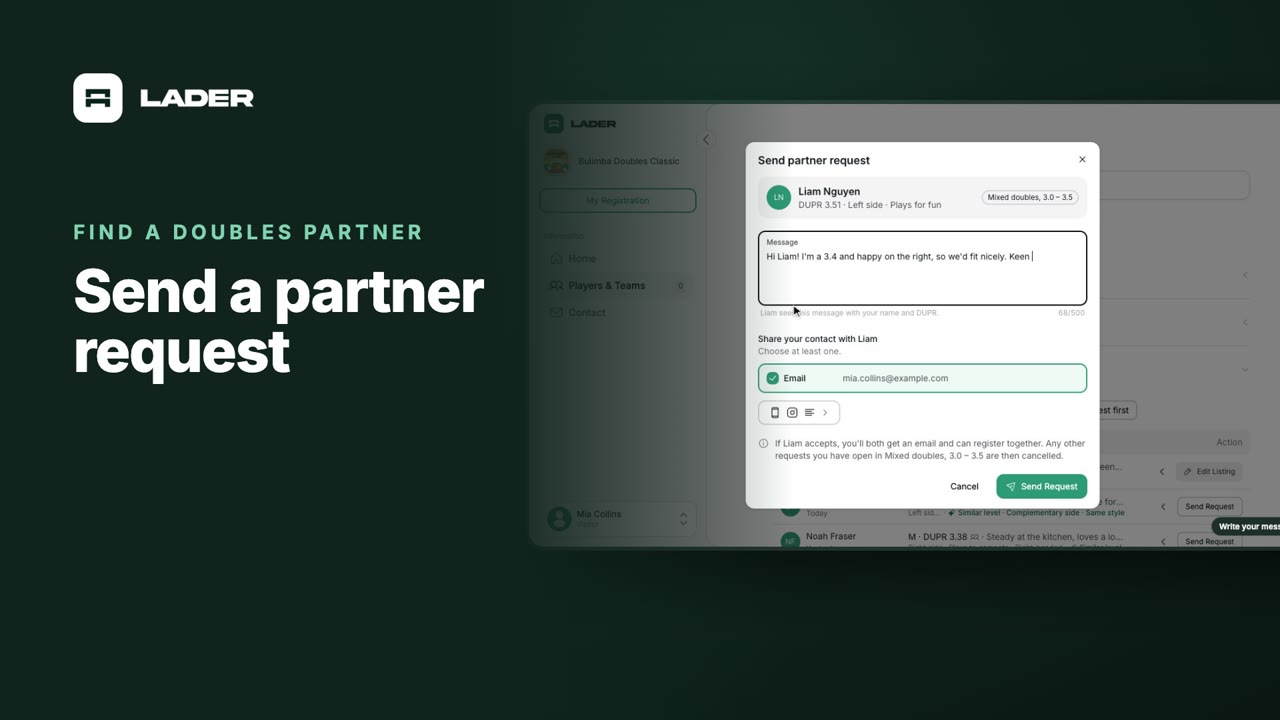
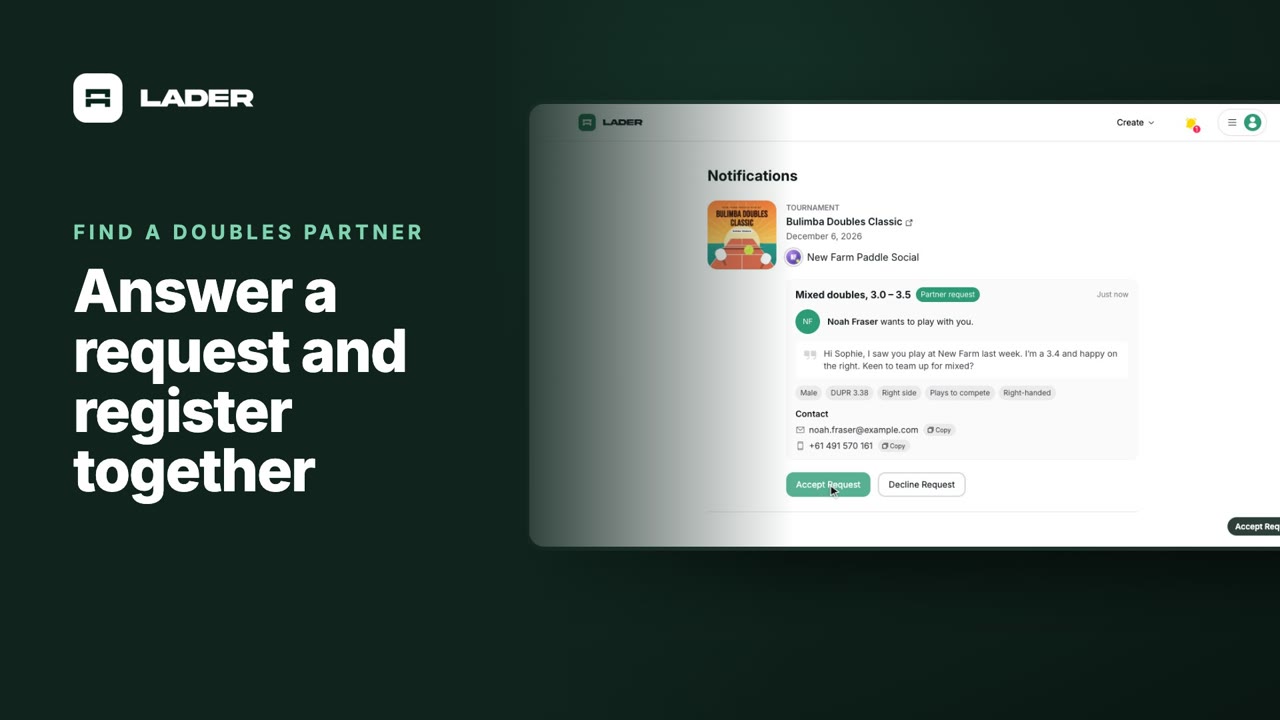
The clubs, events and people shown are fictional demo data. Narration uses an AI-generated voice.