
How to list yourself as looking for a partner on LADER
Click List Yourself, tick your divisions, tell players about yourself and how to reach you, and click List Me.
Prefer to read?
Transcript
To get requests, put yourself on the list. It's free, and you only register and pay once you've found a partner.
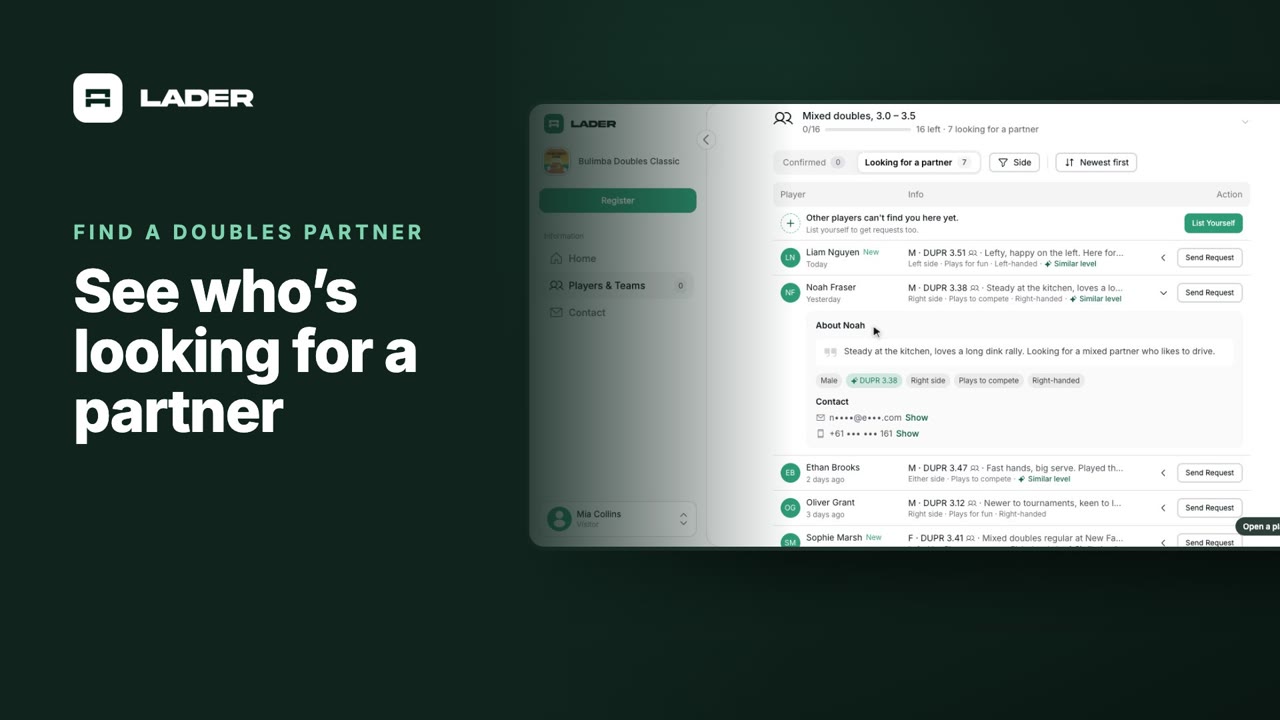
At the top of the division's list, it says other players can't find you here yet. Click List Yourself.
The division you came from is ticked. Tick every other doubles division you'd play: here, Women's doubles too.
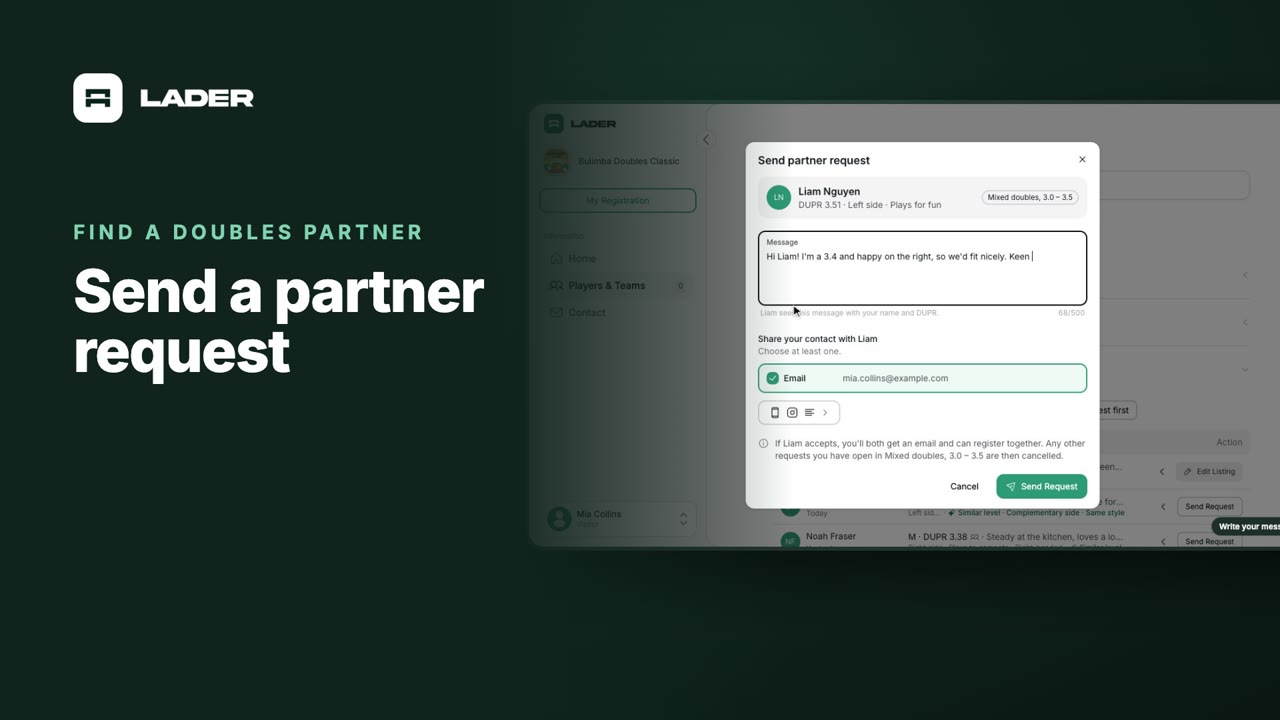
Then tell players about yourself. A short description, your preferred side and your play style help them decide. Your DUPR rating is shown automatically.
Under How players can reach you, your account email is filled in. Remove it to keep it private: players can always send you a request through LADER. Only logged-in players see what you share.
Leave Email me when new players list in my divisions on for a daily email, at most. Then click List Me.
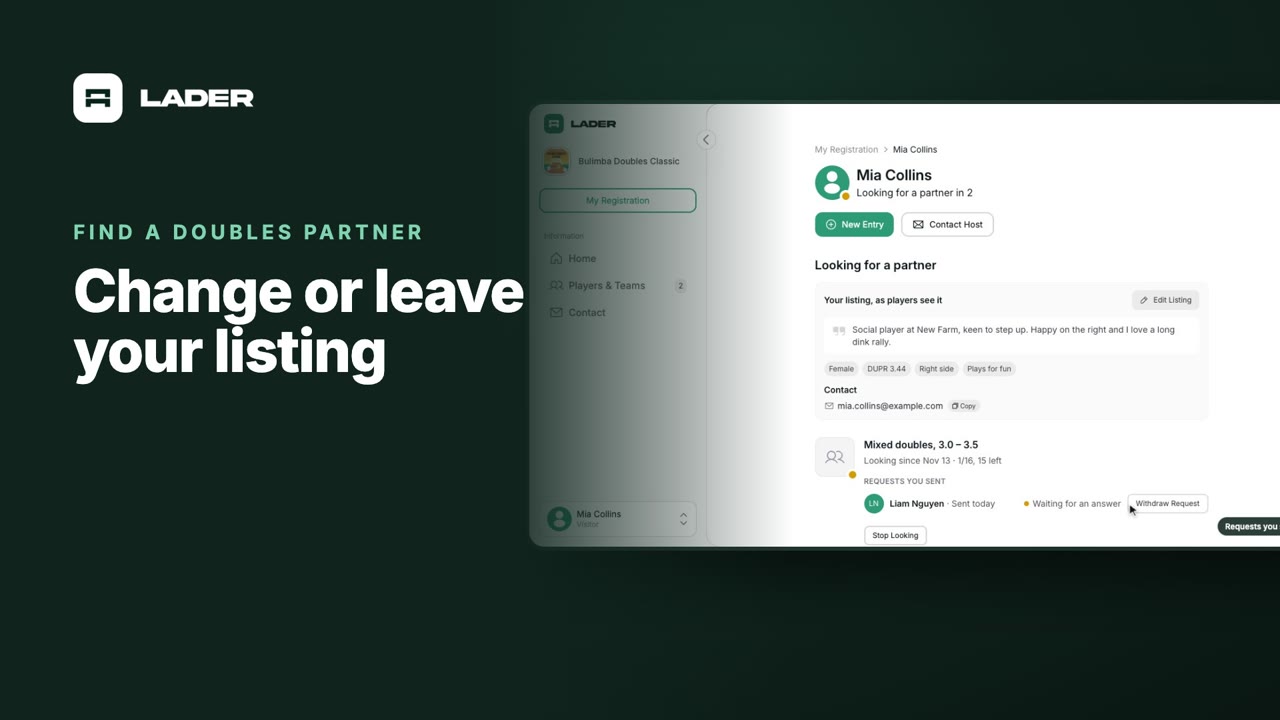
You're on the list. Your own row comes first, marked You. Click Edit Listing on it any time to change it.
That's it for this video. Next up: sending a partner request.
Still stuck?
Questions about a tournament, league or session? Ask its organizer: their contact details are in the Contact section of its page. For anything else, email us.
More for players
The clubs, events and people shown are fictional demo data. Narration uses an AI-generated voice.