
How to see who’s looking for a doubles partner on LADER
Click Find a Partner on the tournament page, open a doubles division’s Looking for a partner tab, and read about each player.
Prefer to read?
Transcript
No doubles partner yet? When the organizer turns on Looking for a partner, you can see who else is looking, and team up.
On the tournament page, click Find a Partner.
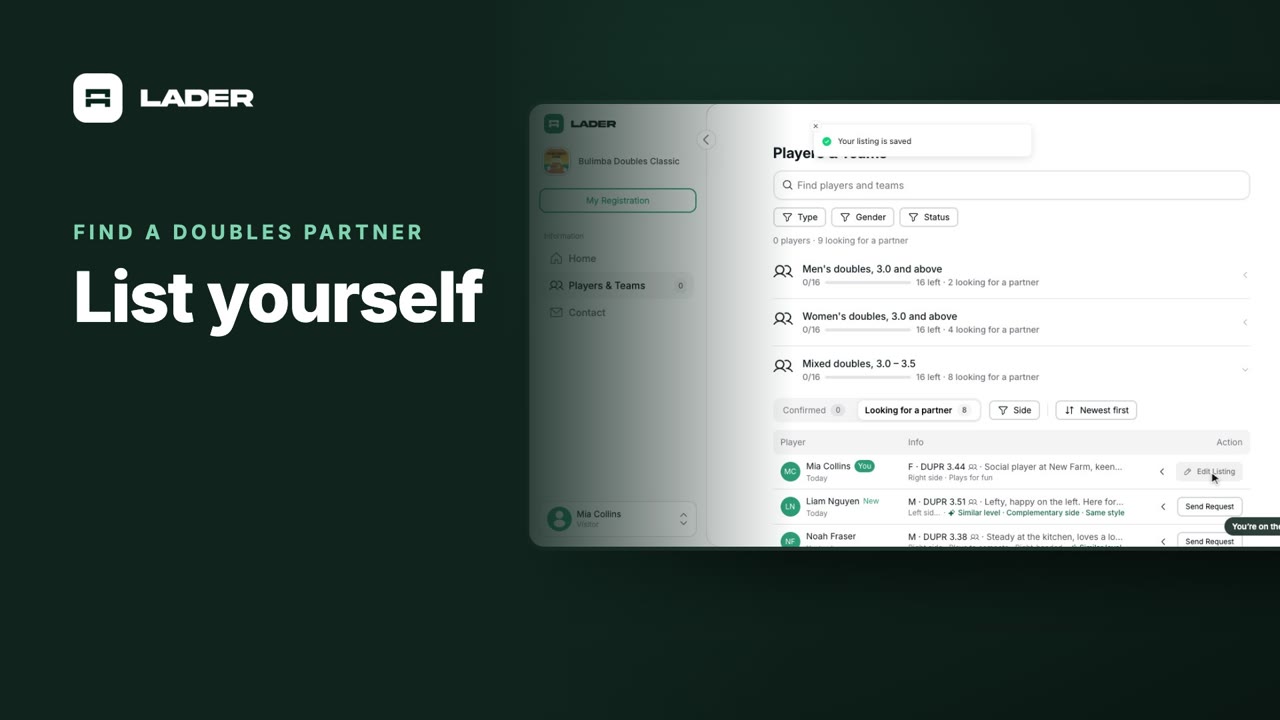
It opens Players and Teams, on each doubles division's Looking for a partner tab. Being on the list is free, and doesn't take a spot.
Each row shows the player's DUPR rating, their preferred side and play style. Labels like Similar level show how they fit you. Click a row to read more about them.
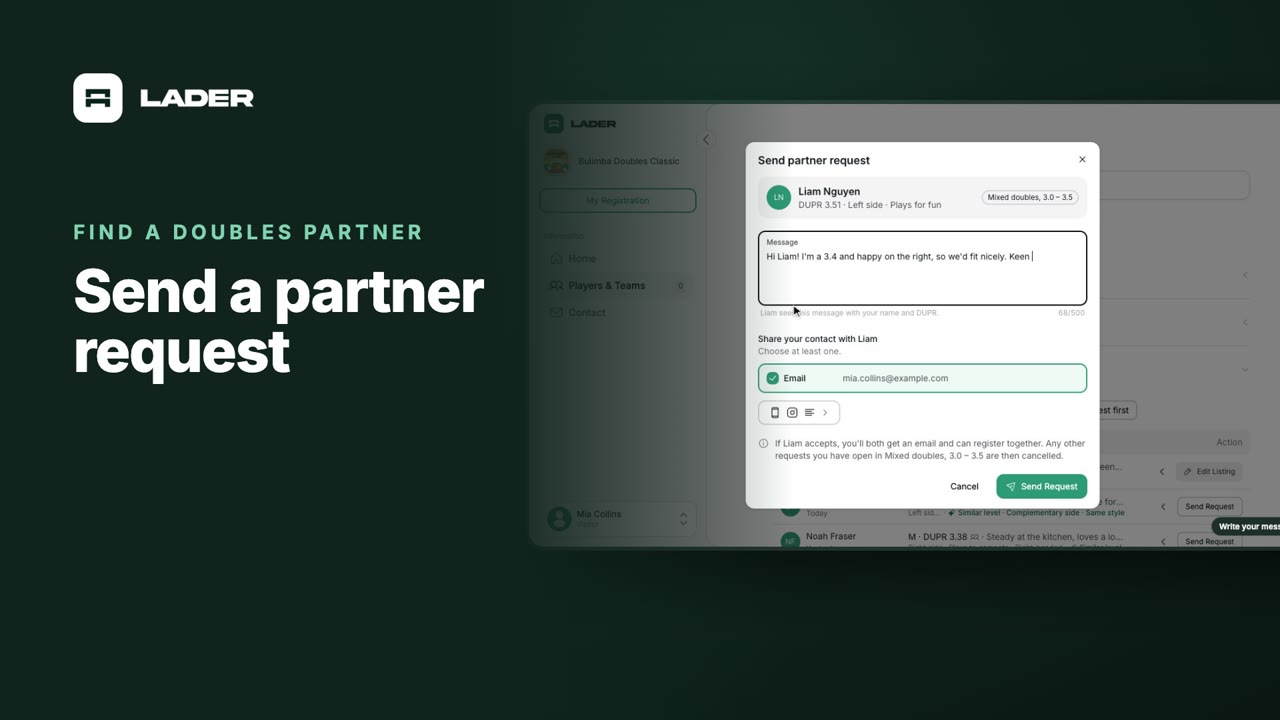
You see their description, how to reach them, and the other divisions they're looking in. Contact details stay partly hidden until you click Show.
Use Side to find a player for the other side of the court, and the sort button to put the newest, best fit or highest rated first.
That's it for this video. Next up: listing yourself.
Still stuck?
Questions about a tournament, league or session? Ask its organizer: their contact details are in the Contact section of its page. For anything else, email us.
More for players
The clubs, events and people shown are fictional demo data. Narration uses an AI-generated voice.