
How to enter your match score in LADER
Enter the score of your match from your phone and save it, and see the standings update.
Transcript
When a tournament lets players enter their own scores, here's how to do it from your phone, straight after your match.
In My Matches, tap the match you've just played.
Enter each side's score.
Then tap Save Score. The OK button at the top only closes the screen, so make sure you use Save Score.
Your match moves to Completed.
And the standings update straight away. If a score is wrong, let the organizer know: they can correct it.
That's it for this video. For step-by-step guides on everything in this series, visit the LADER Help Center.
Still stuck?
Questions about a tournament? Ask its organizer: their contact details are in the Contact section of the tournament page. For anything else, email us.
More for players
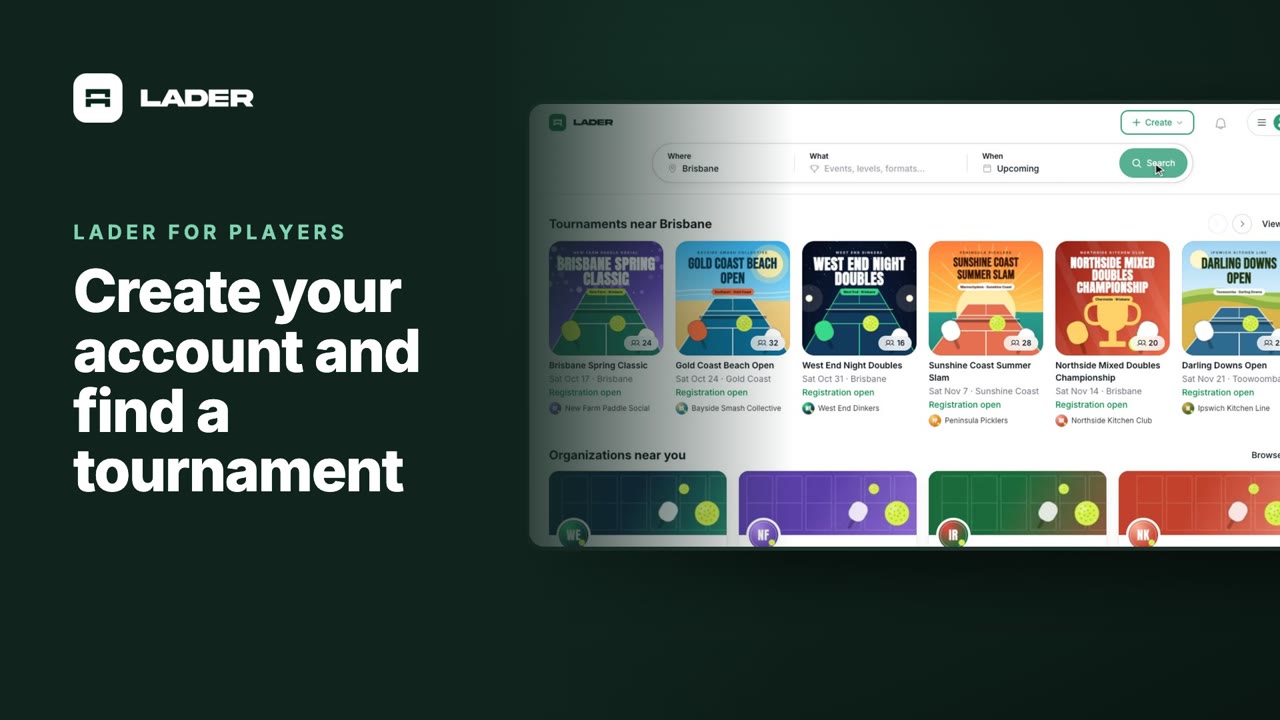
Video 1
Create your account and find a tournament
1:24
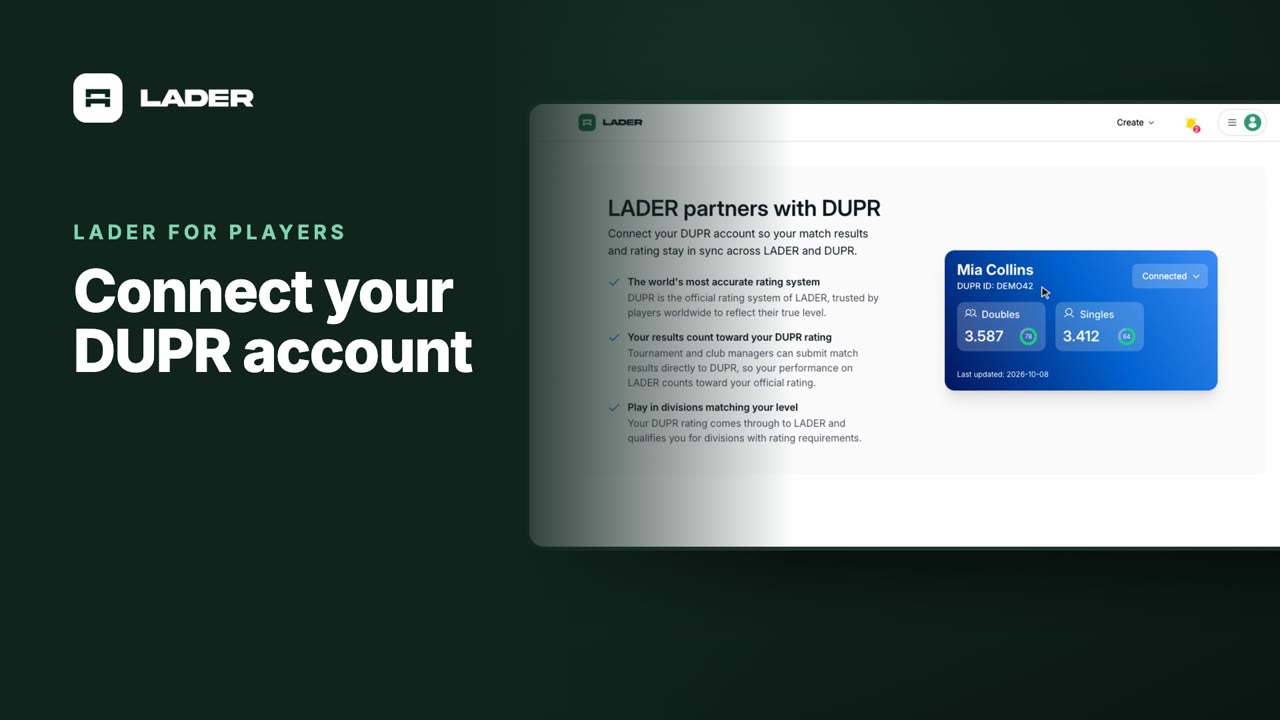
Video 2
Connect your DUPR account
0:58
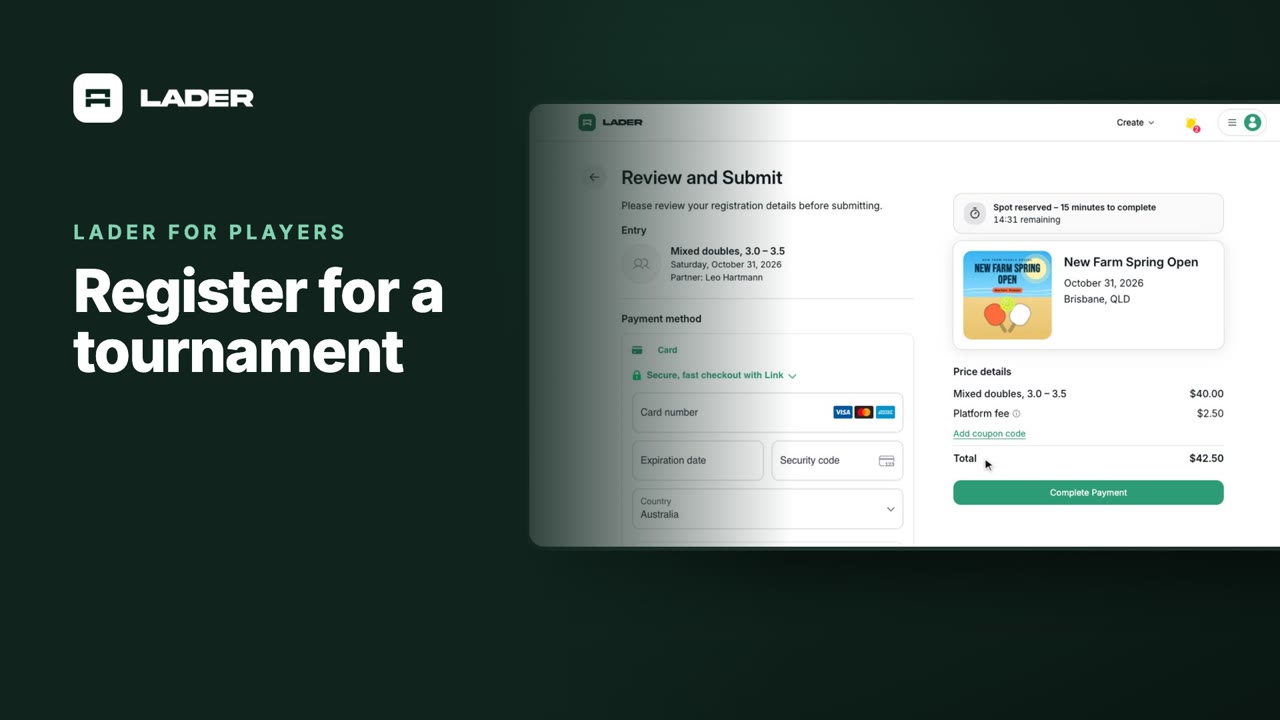
Video 3
Register for a tournament
1:36
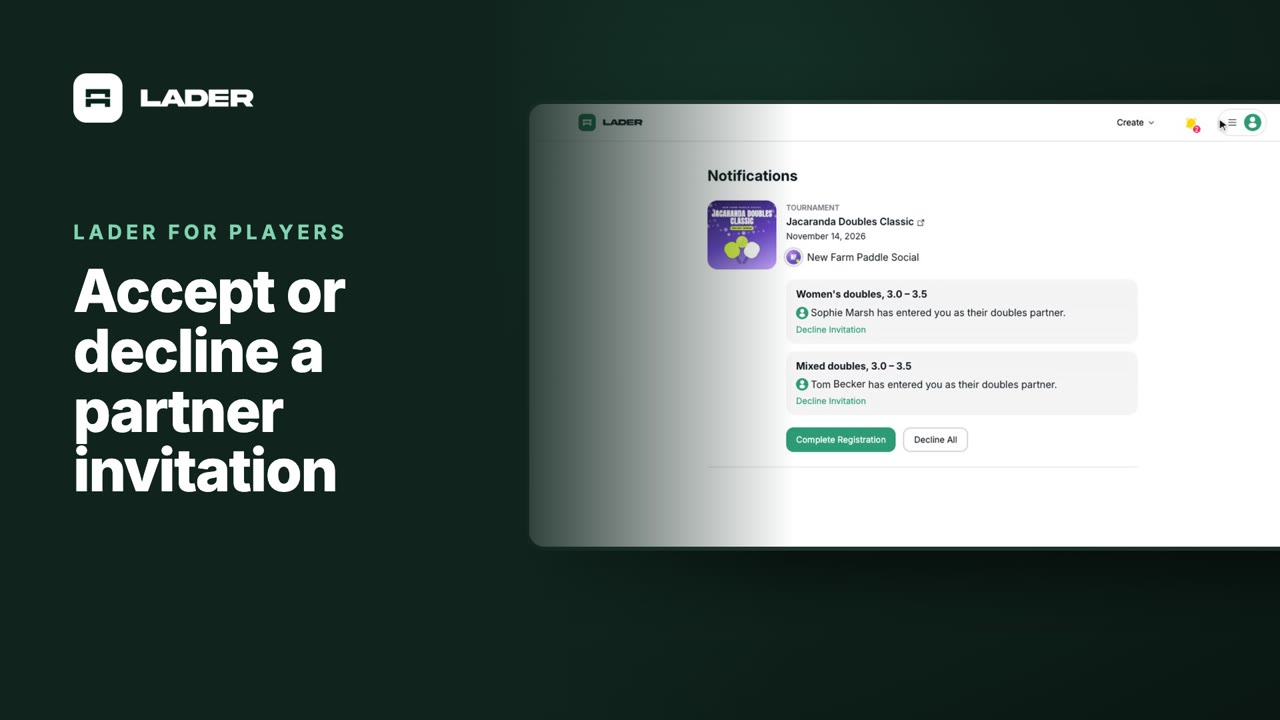
Video 4
Accept or decline a partner invitation
1:07
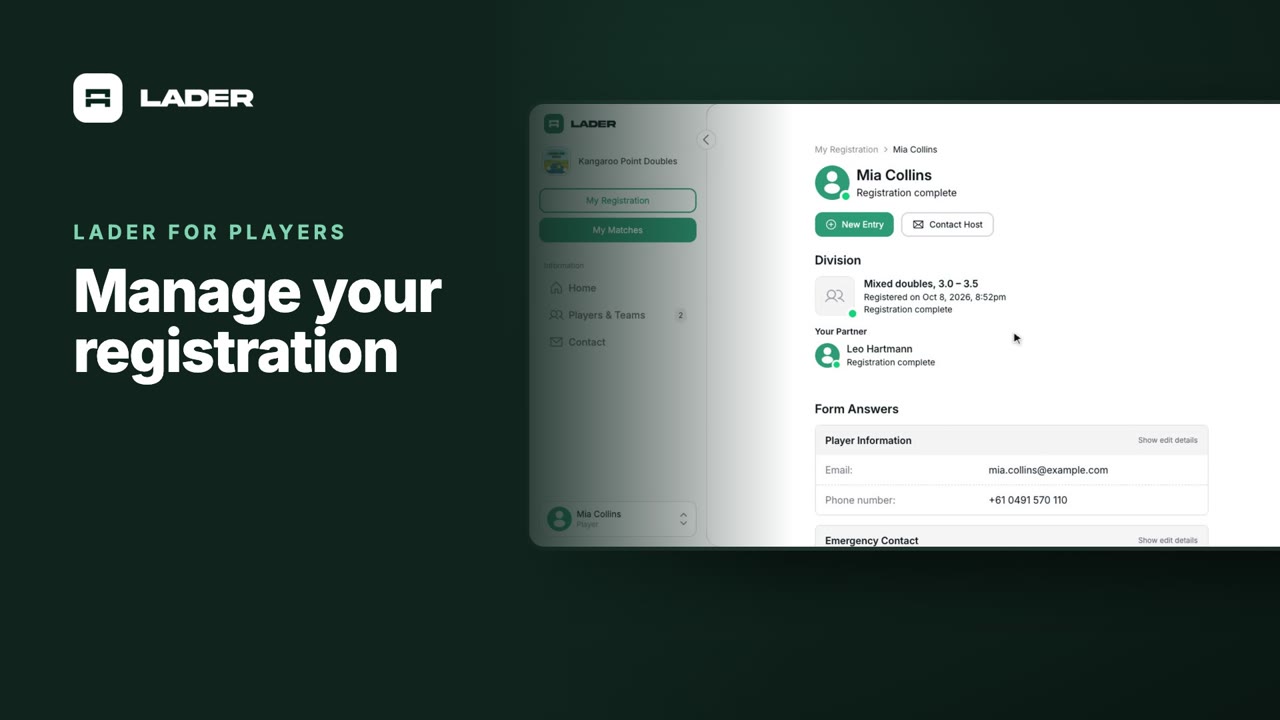
Video 5
Manage your registration
1:01
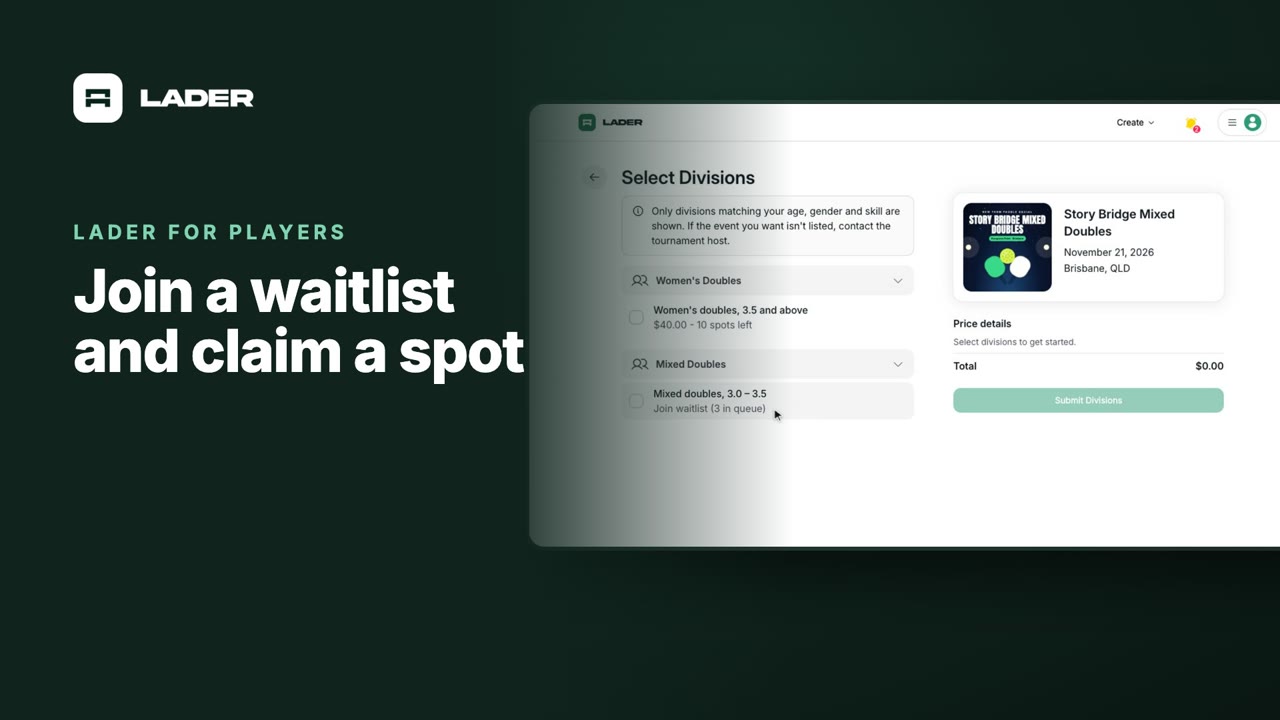
Video 6
Join a waitlist and claim a spot
1:31
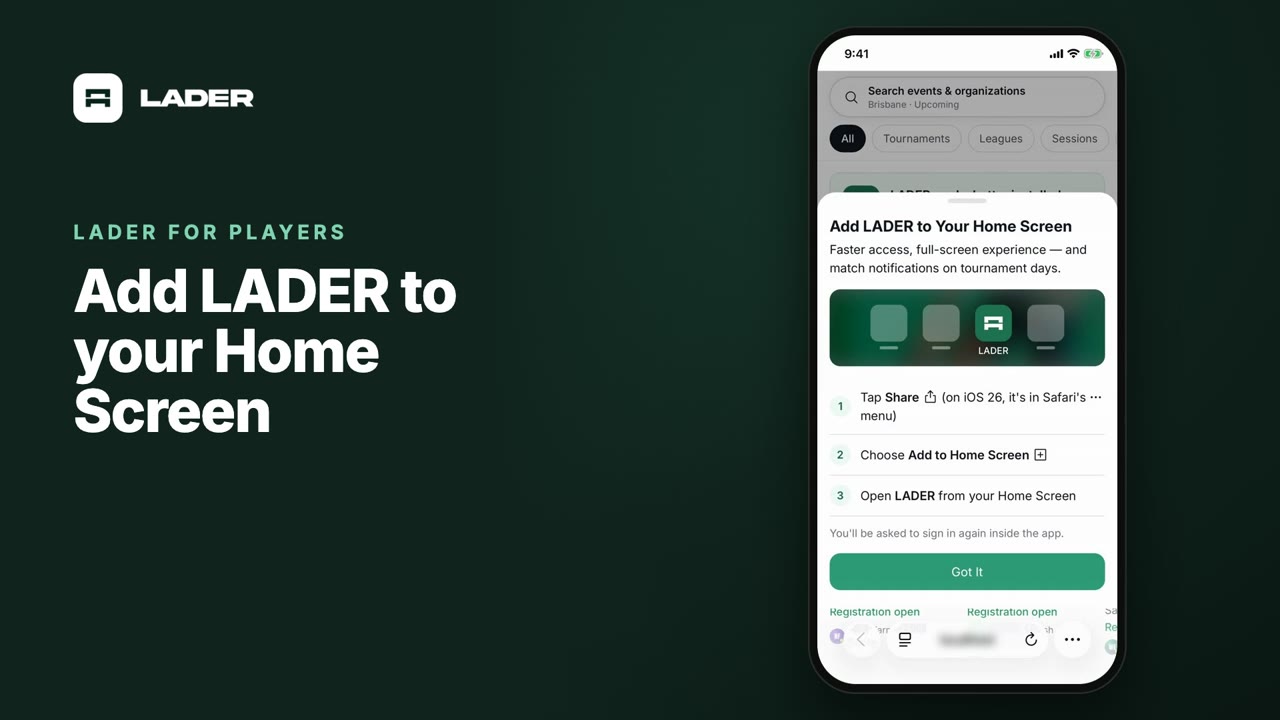
Video 7
Add LADER to your Home Screen
0:55
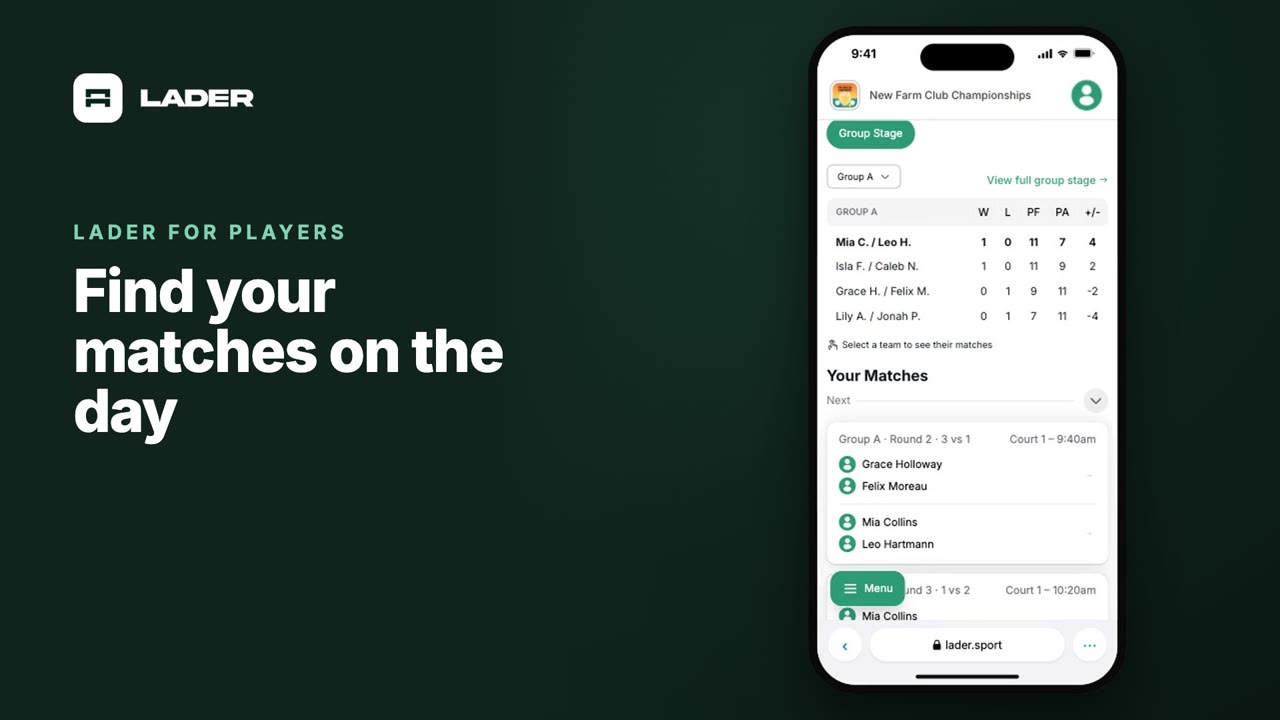
Video 8
Find your matches on the day
0:37
The clubs, events and people shown are fictional demo data. Narration uses an AI-generated voice.