
How to register for a pickleball tournament on LADER
Choose your divisions, invite your partner, answer the organizer’s questions, sign the waiver and pay.
Prefer to read?
Transcript
Found a tournament you want to play in? Here's how to register, from choosing your divisions to paying.
On the tournament's page, click Register Now.
Choose your divisions. You only see the ones that match your age, gender and skill level, with the number of spots left in each.
The price updates as you choose, including a small platform fee. Then click Submit Divisions.
Your spot is now held for fifteen minutes while you finish. For doubles, invite your partner: search for their LADER account, or if they're not on LADER yet, enter their name and email. Then click Submit Partners.
Next, answer the organizer's questions. Anything you've answered for another tournament is filled in for you.
Read the waiver, tick to agree, and click Continue to go to the last step.
Finally, check your entry and the price. At this tournament each player pays their own entry fee, plus a small platform fee.
Have a coupon? Click Add coupon code, enter it, and click Apply.
Then enter your card details: the card number, expiration date and security code.
And click Complete Payment. It takes a few seconds to go through.
You're in! LADER emails you a confirmation, and invites your partner to complete their part.
That's it for this video. Next up: responding to a partner invitation.
Still stuck?
Questions about a tournament? Ask its organizer: their contact details are in the Contact section of the tournament page. For anything else, email us.
More for players
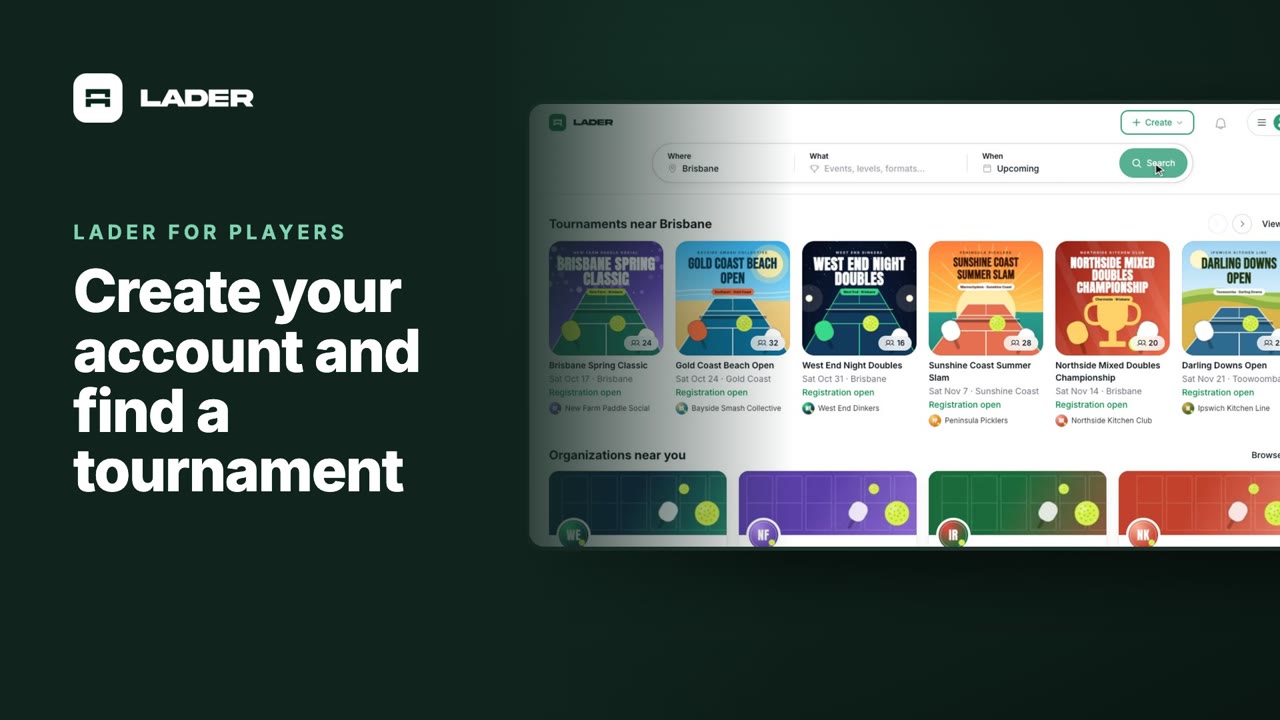
Video 1
Create your account and find a tournament
1:24
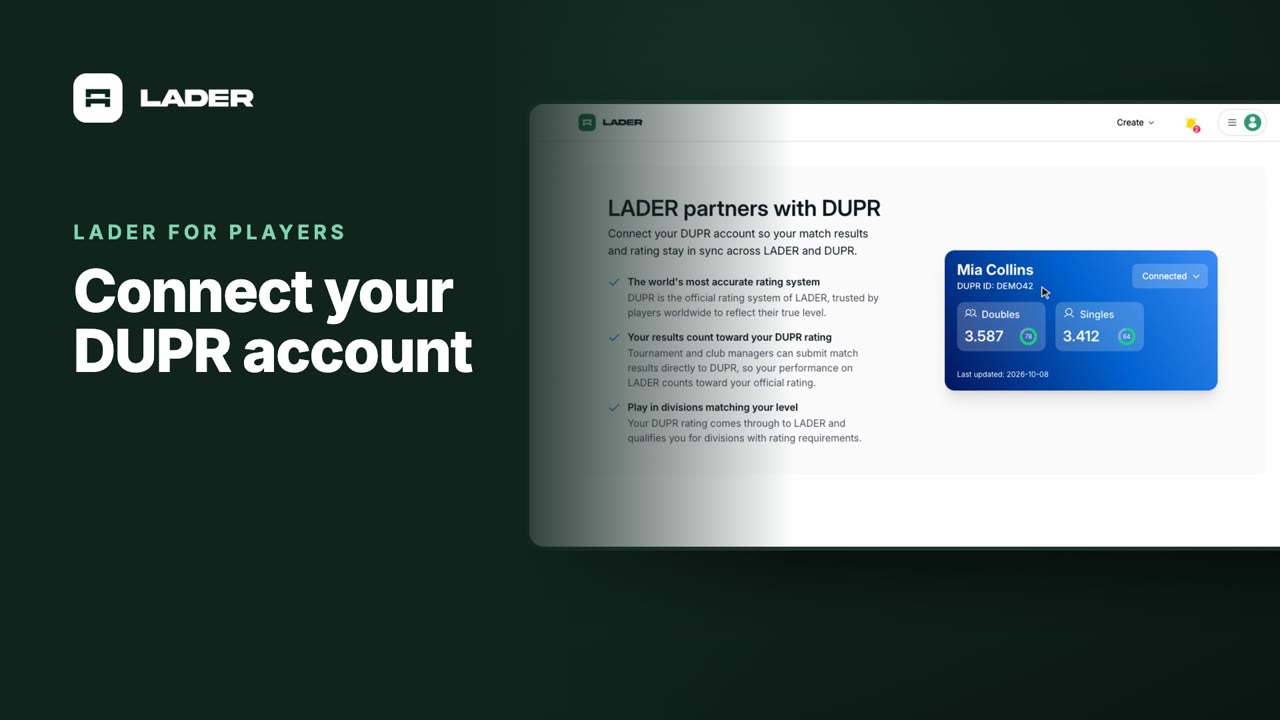
Video 2
Connect your DUPR account
0:58
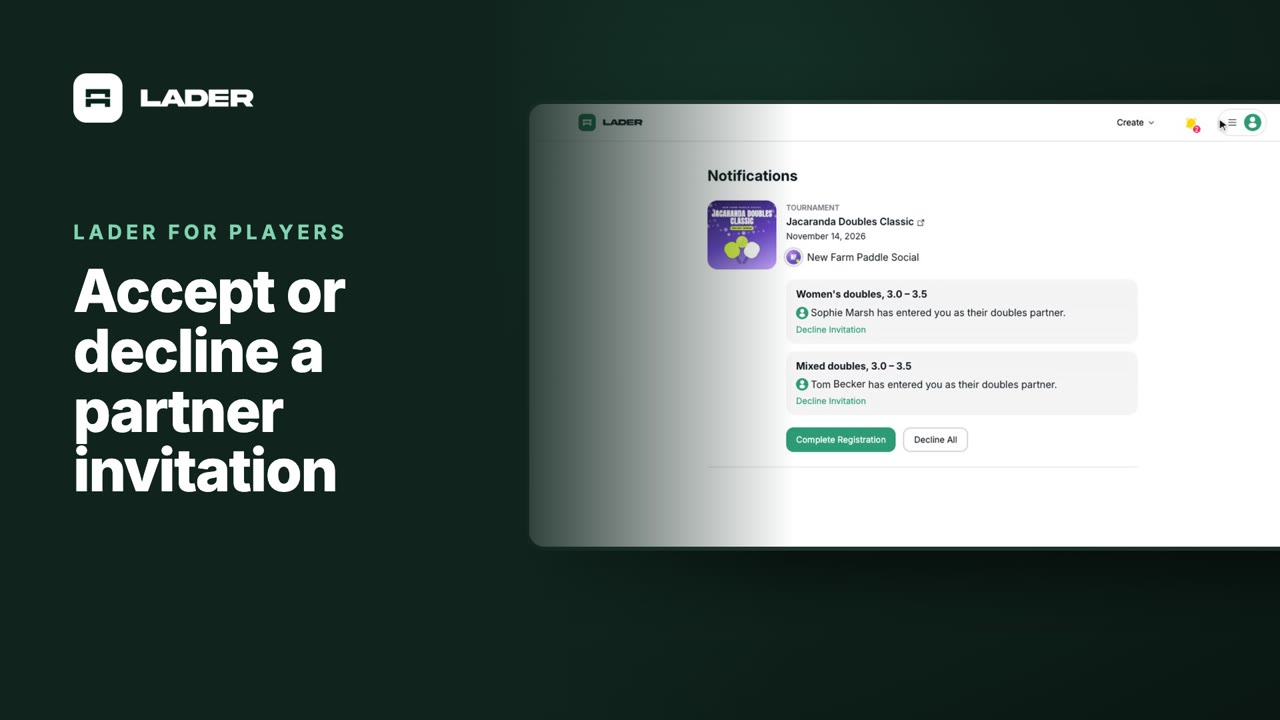
Video 4
Accept or decline a partner invitation
1:07
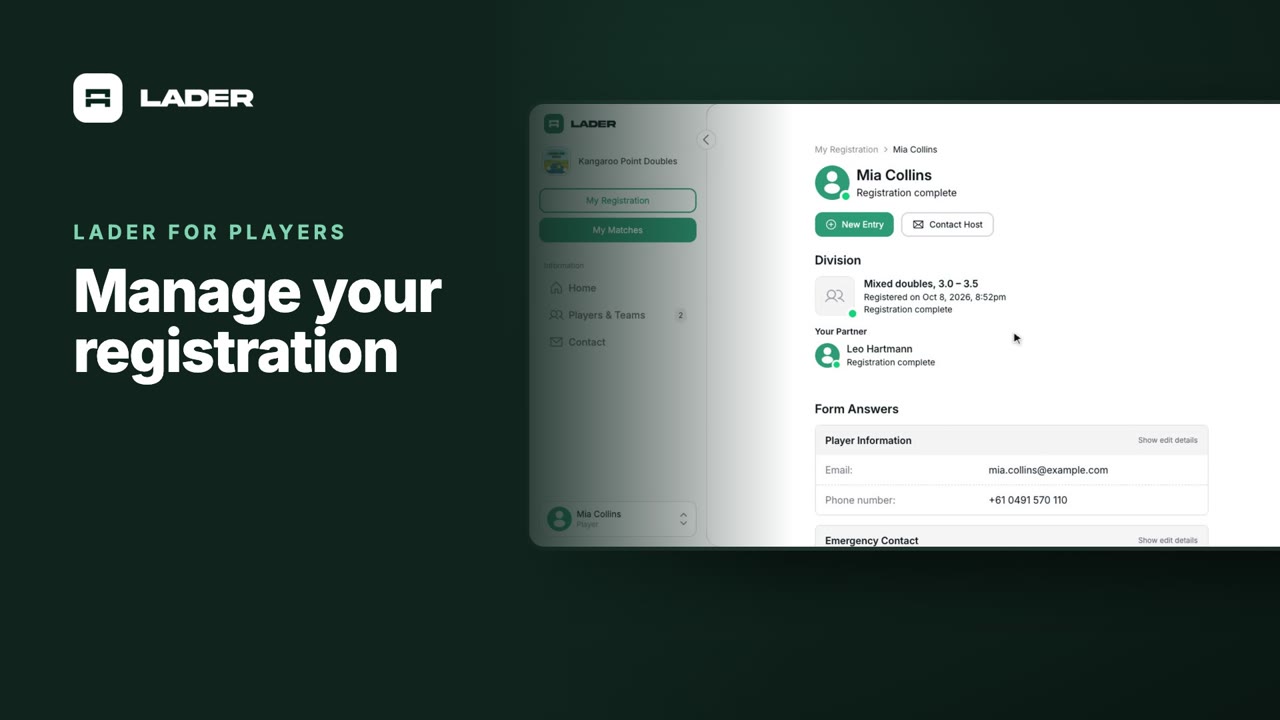
Video 5
Manage your registration
1:01
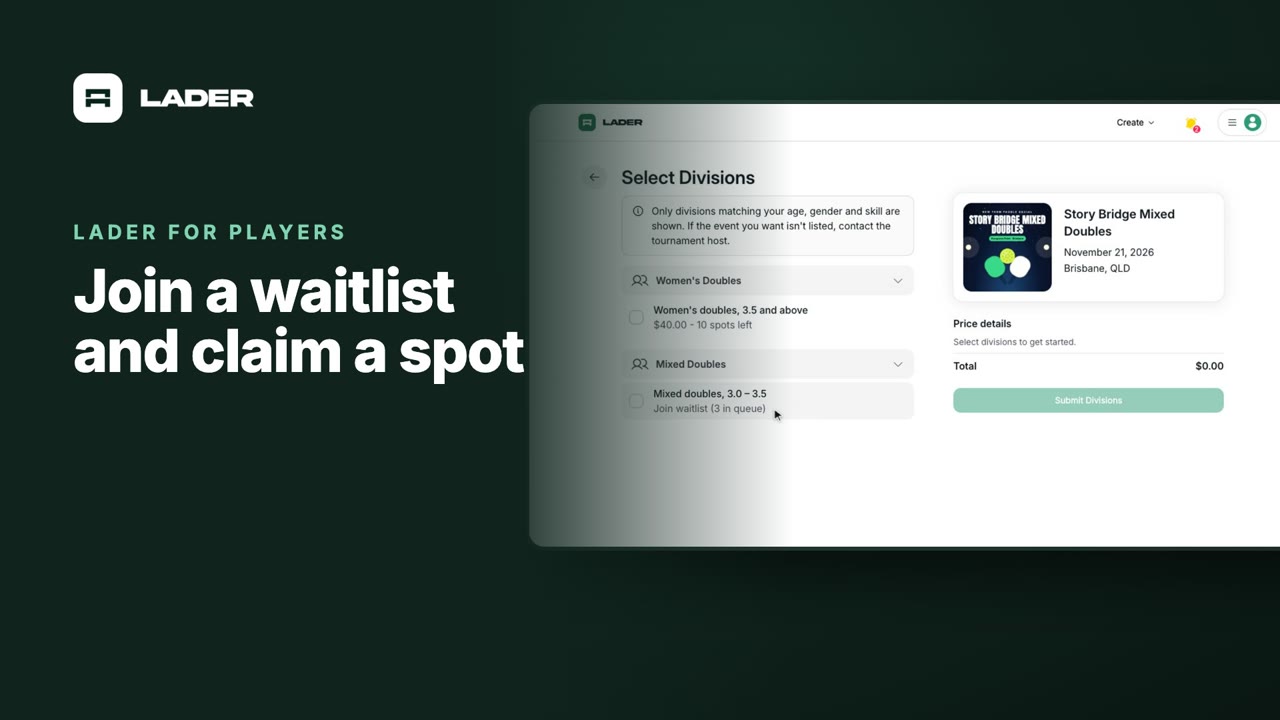
Video 6
Join a waitlist and claim a spot
1:31
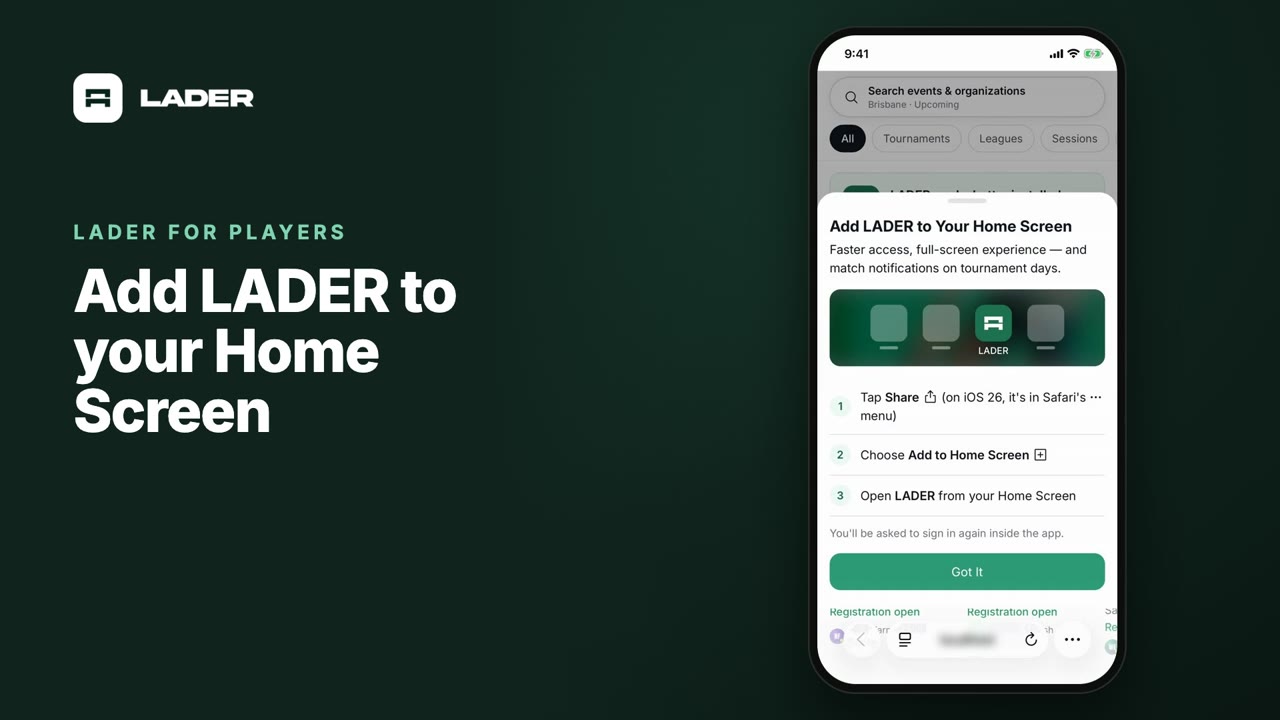
Video 7
Add LADER to your Home Screen
0:55
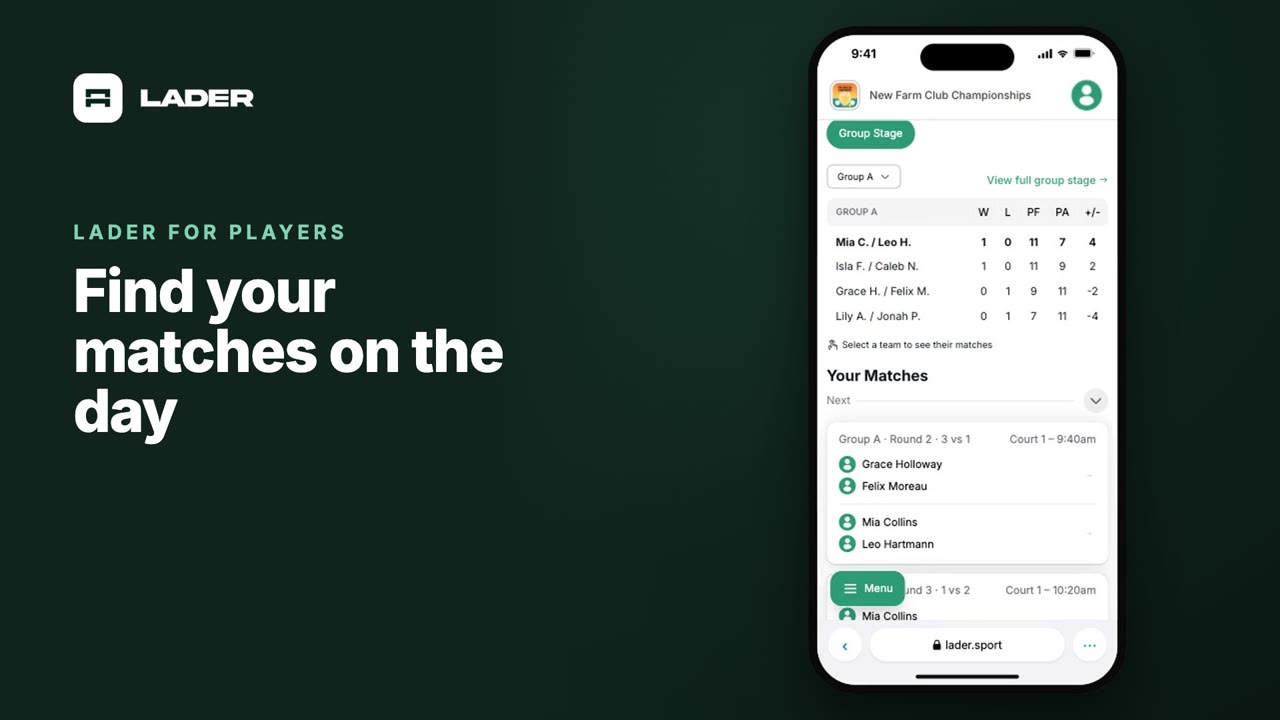
Video 8
Find your matches on the day
0:37
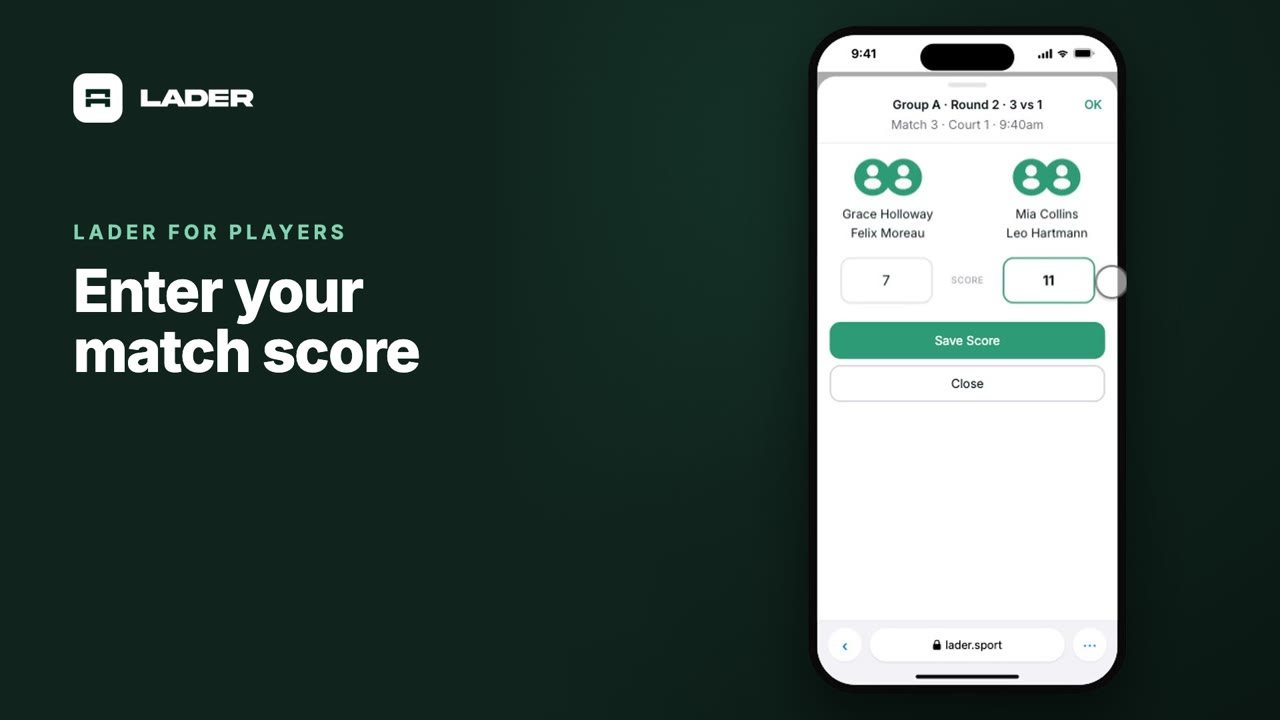
Video 9
Enter your match score
0:44
The clubs, events and people shown are fictional demo data. Narration uses an AI-generated voice.