
How to find your matches on tournament day in LADER
Open My Matches to see your next match, its court and time, your schedule and the standings.
Transcript
On tournament day, LADER on your phone tells you where and when you're playing.
Tap Events, then your tournament.
Tap Menu, then My Matches.
My Matches shows how your group is going, then your matches, starting with the next one: who you're playing, on which court, and when.
To see every match in your group, tap View full group stage.
That's it for this video. Next up: entering your match score.
Still stuck?
Questions about a tournament? Ask its organizer: their contact details are in the Contact section of the tournament page. For anything else, email us.
More for players
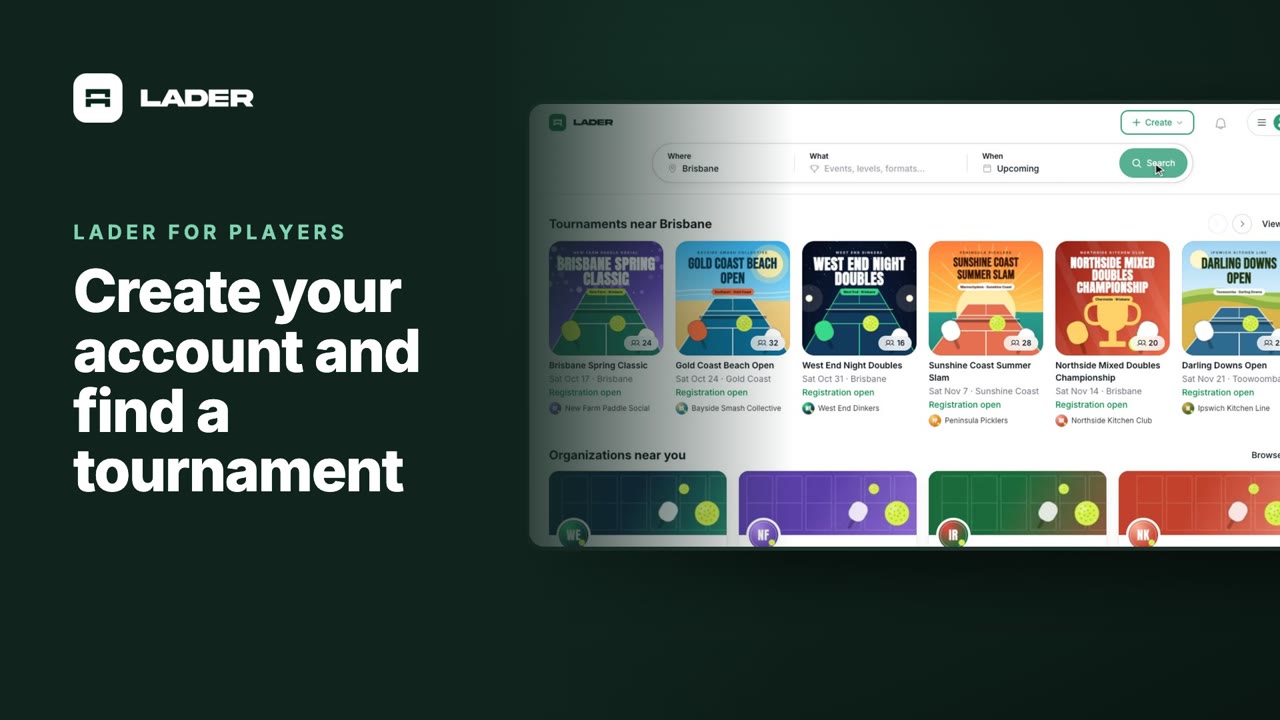
Video 1
Create your account and find a tournament
1:24
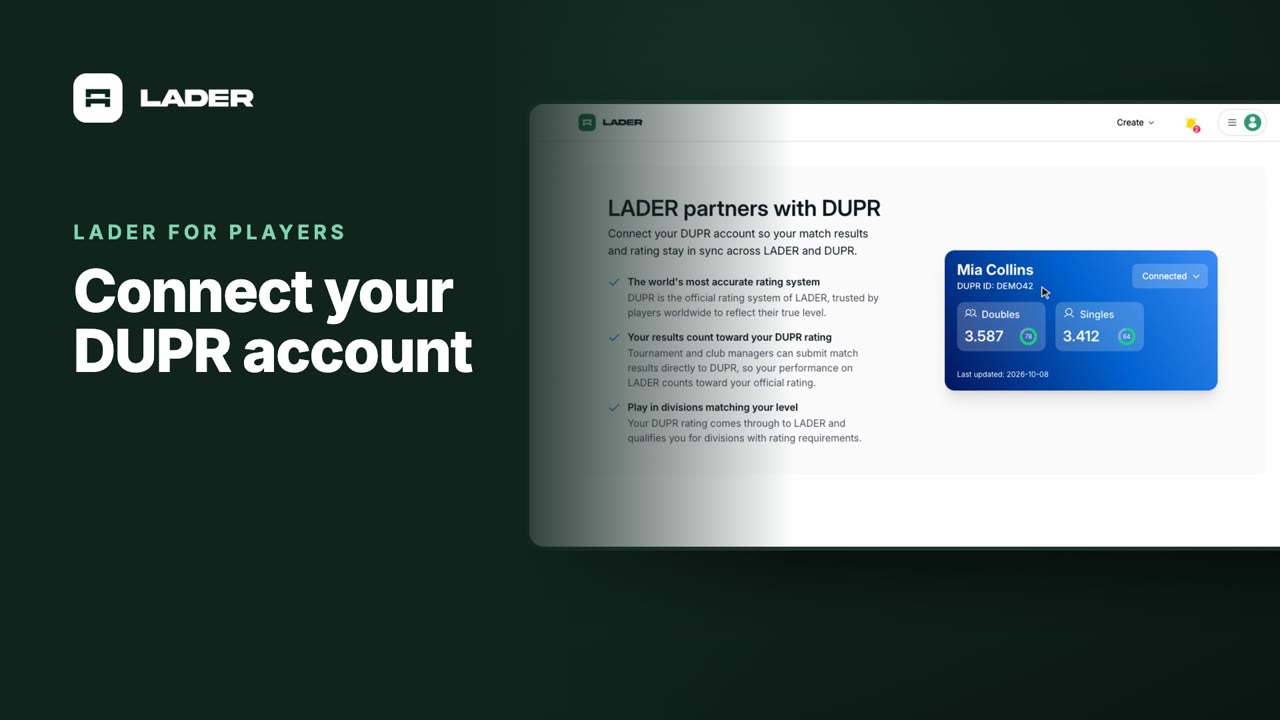
Video 2
Connect your DUPR account
0:58
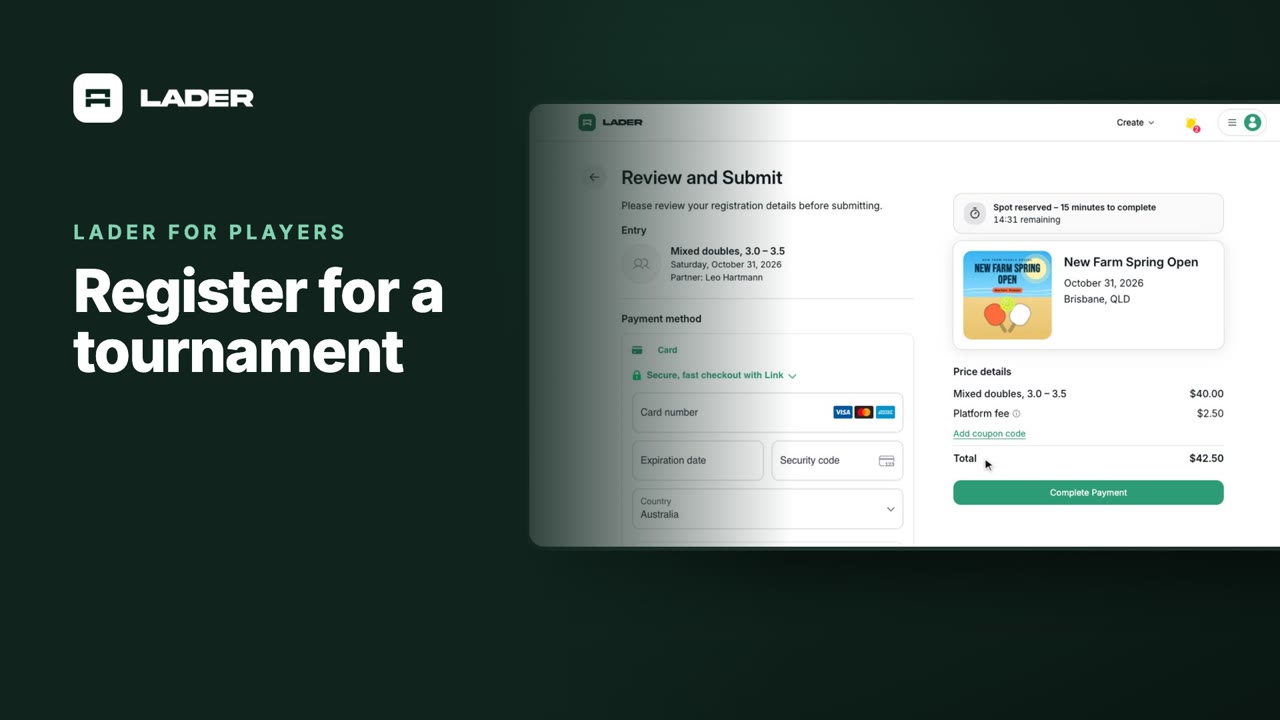
Video 3
Register for a tournament
1:36
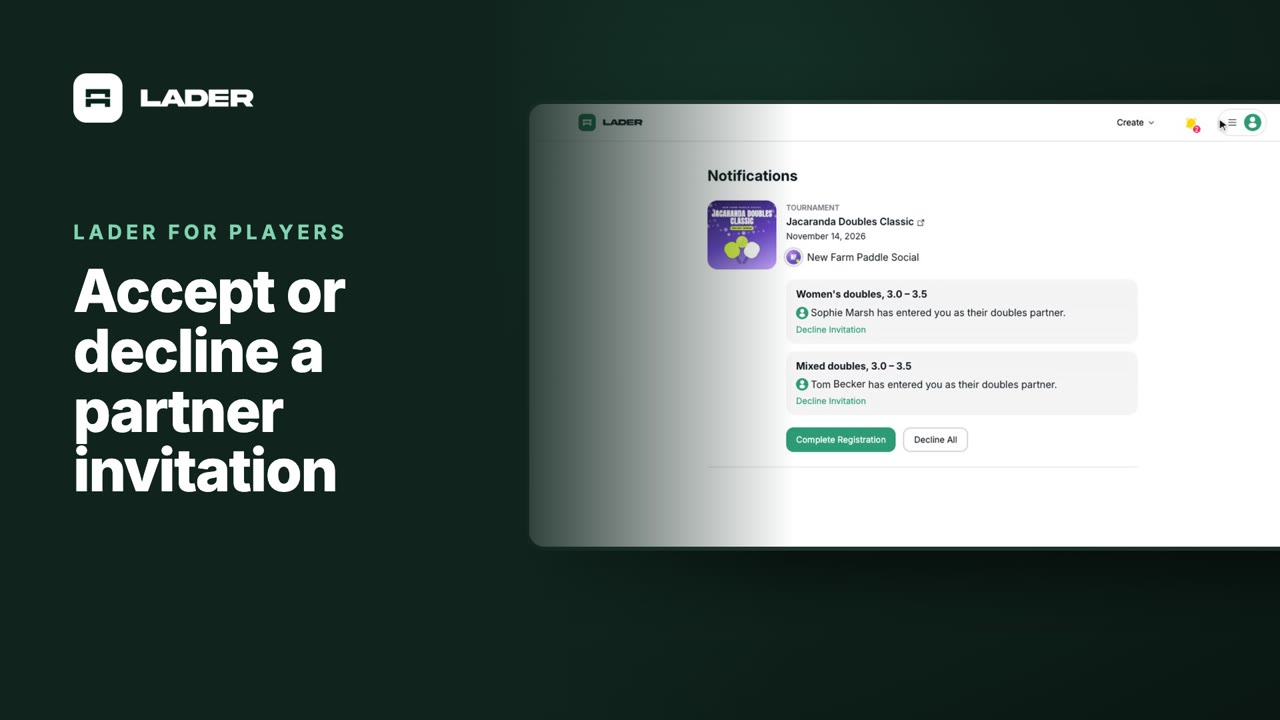
Video 4
Accept or decline a partner invitation
1:07
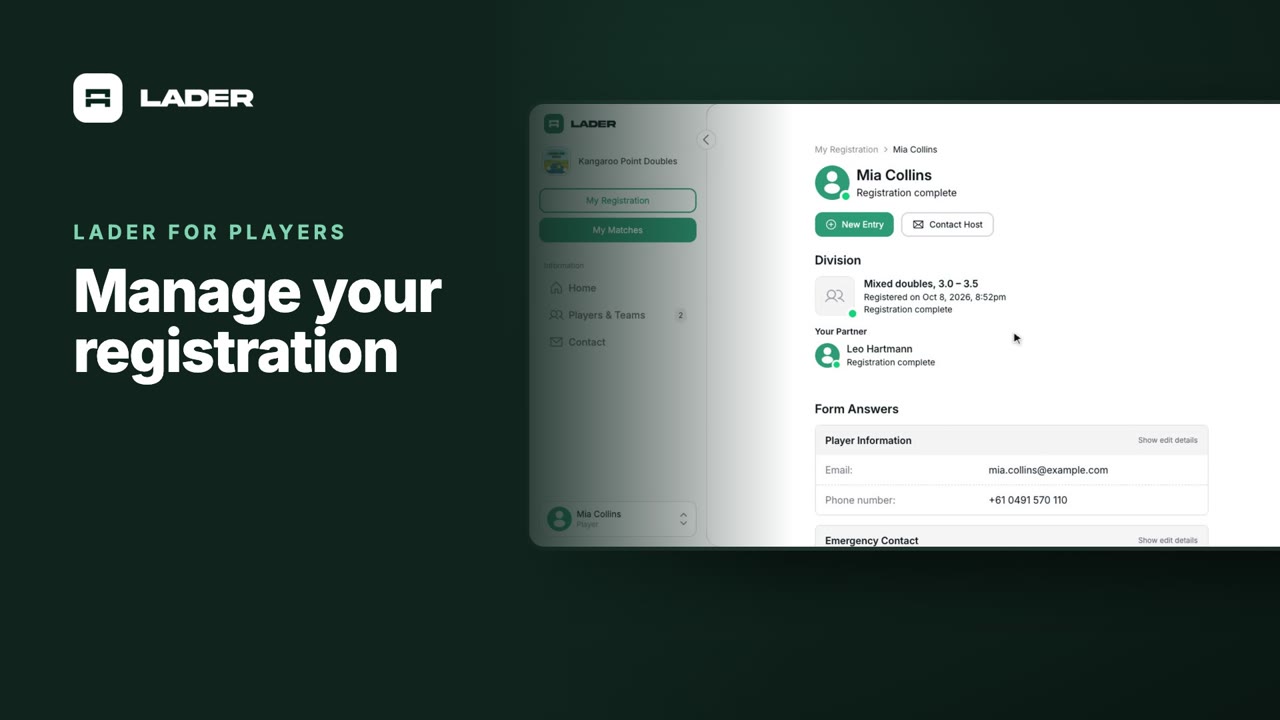
Video 5
Manage your registration
1:01
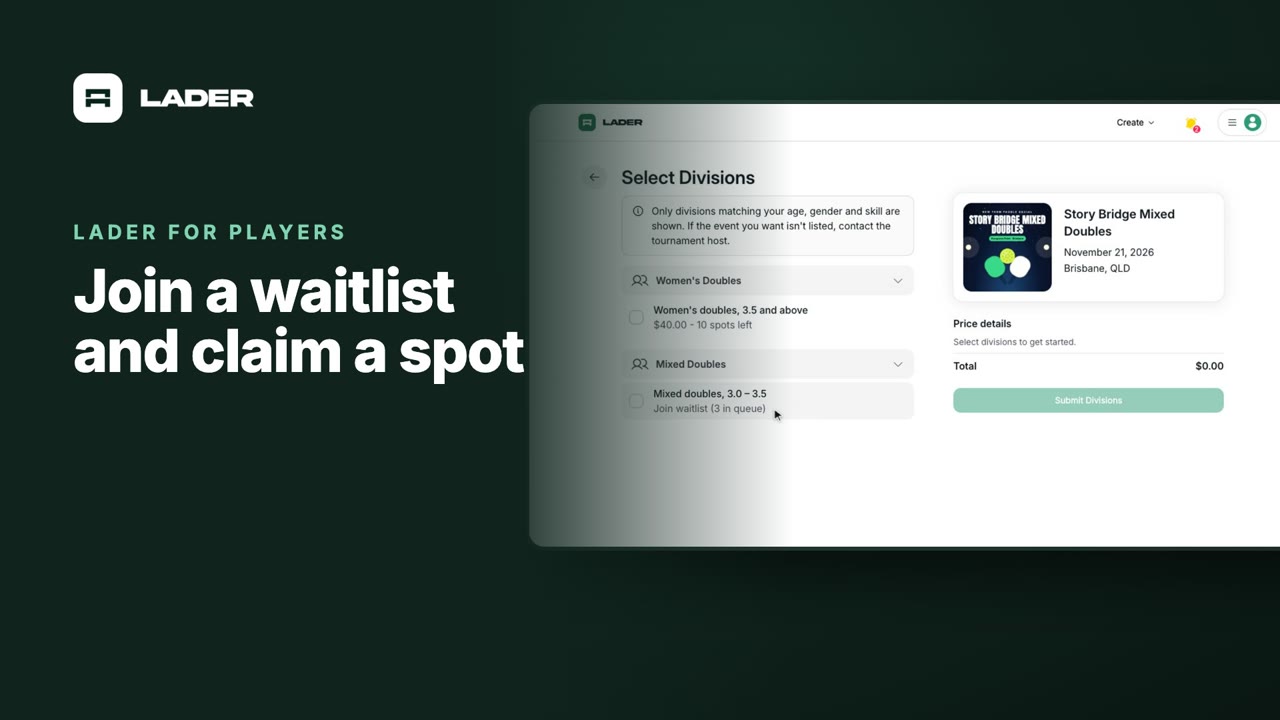
Video 6
Join a waitlist and claim a spot
1:31
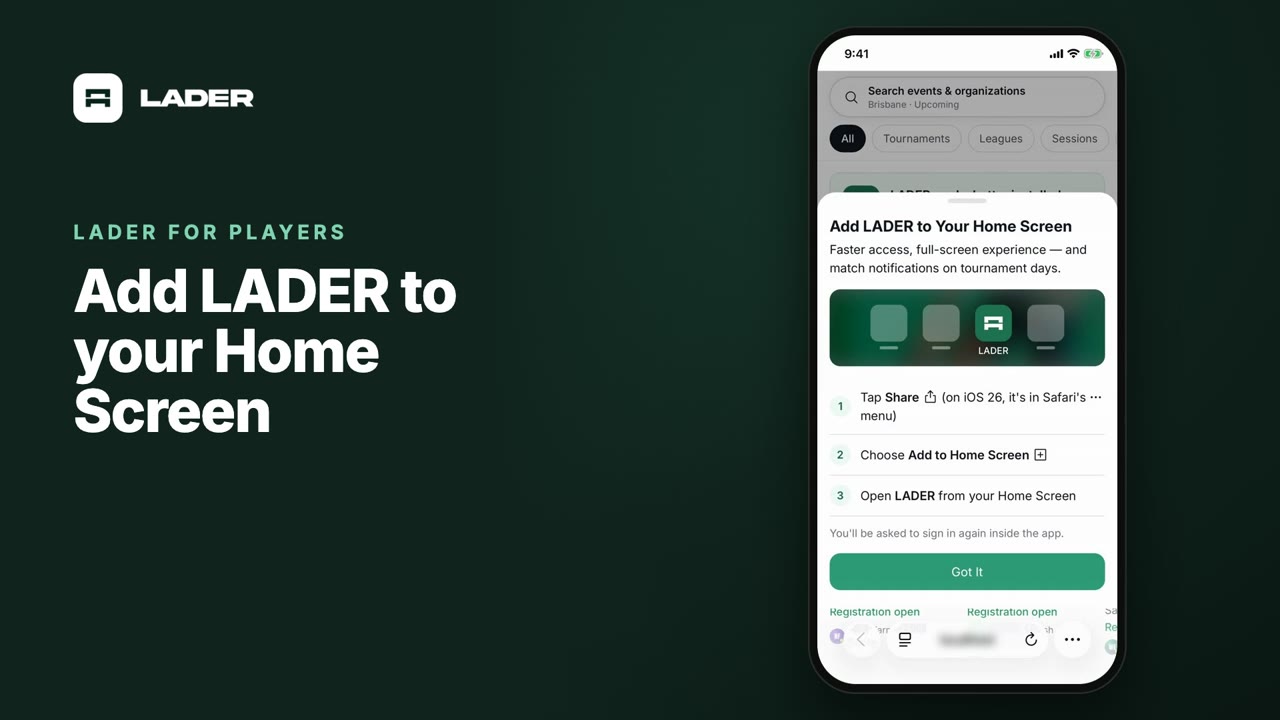
Video 7
Add LADER to your Home Screen
0:55
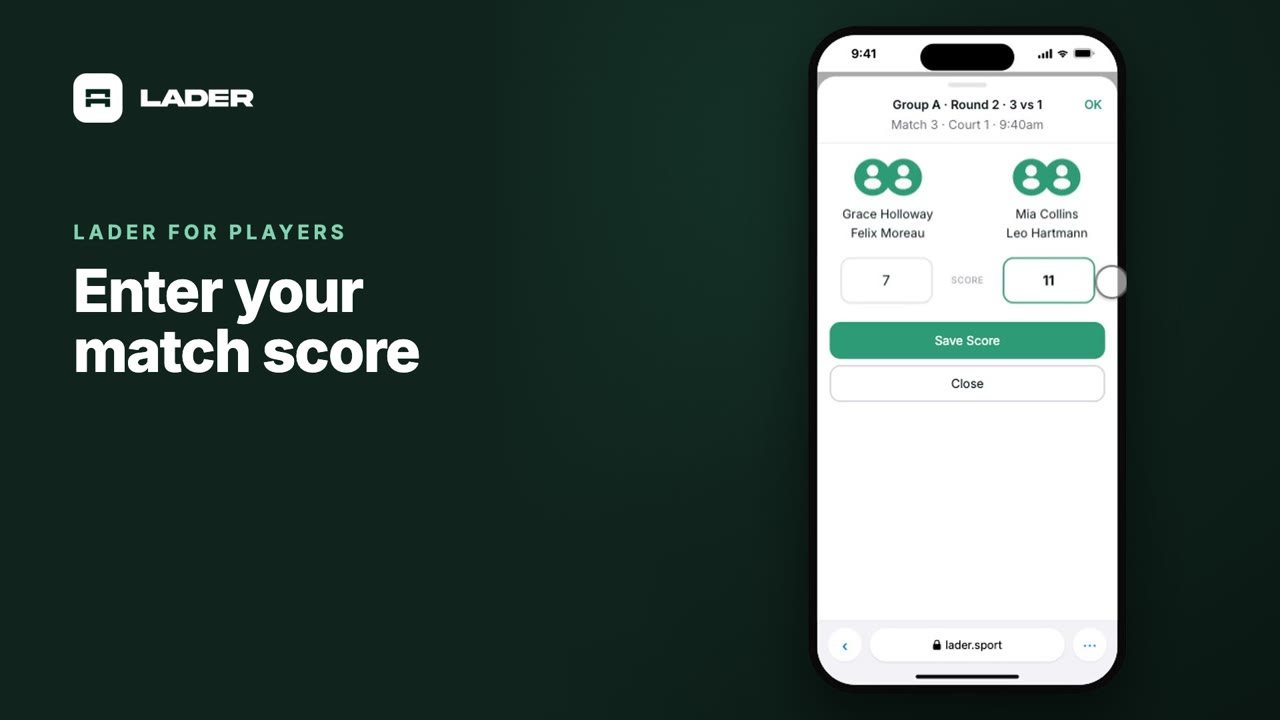
Video 9
Enter your match score
0:44
The clubs, events and people shown are fictional demo data. Narration uses an AI-generated voice.