
How to join a tournament waitlist and claim a spot on LADER
Join the waitlist for a full division for free, then claim your spot and pay when one opens up.
Prefer to read?
Transcript
When a division is full, you can join its waitlist for free, and claim a spot if one opens up.
Click Register Now, as usual.
A full division shows Join waitlist, and how many people are already in the queue. Choose it, and click Submit Divisions.
Search for your partner, pick them from the list, and click Submit Partners.
Joining a waitlist is free: you only pay if you get a spot. Click Submit Registration.
You're on the waitlist, and you can see your place in line.
Your registration page shows it too: click Tournament Page, then Manage Registration. From there you can change your partner, or leave the waitlist.
When a spot opens up, LADER emails you, and you have a set time to claim it.
Here, it's forty-eight hours.
To take the spot, click Claim Spot. It's held for you while you finish.
Complete your registration and pay, just like a normal entry.
Then enter your card details: your card number, expiration date and security code.
Then click Complete Payment. It takes a few seconds to go through.
And with that, the spot is yours.
That's it for this video. Next up: adding LADER to your iPhone's Home Screen, ready for tournament day.
Still stuck?
Questions about a tournament? Ask its organizer: their contact details are in the Contact section of the tournament page. For anything else, email us.
More for players
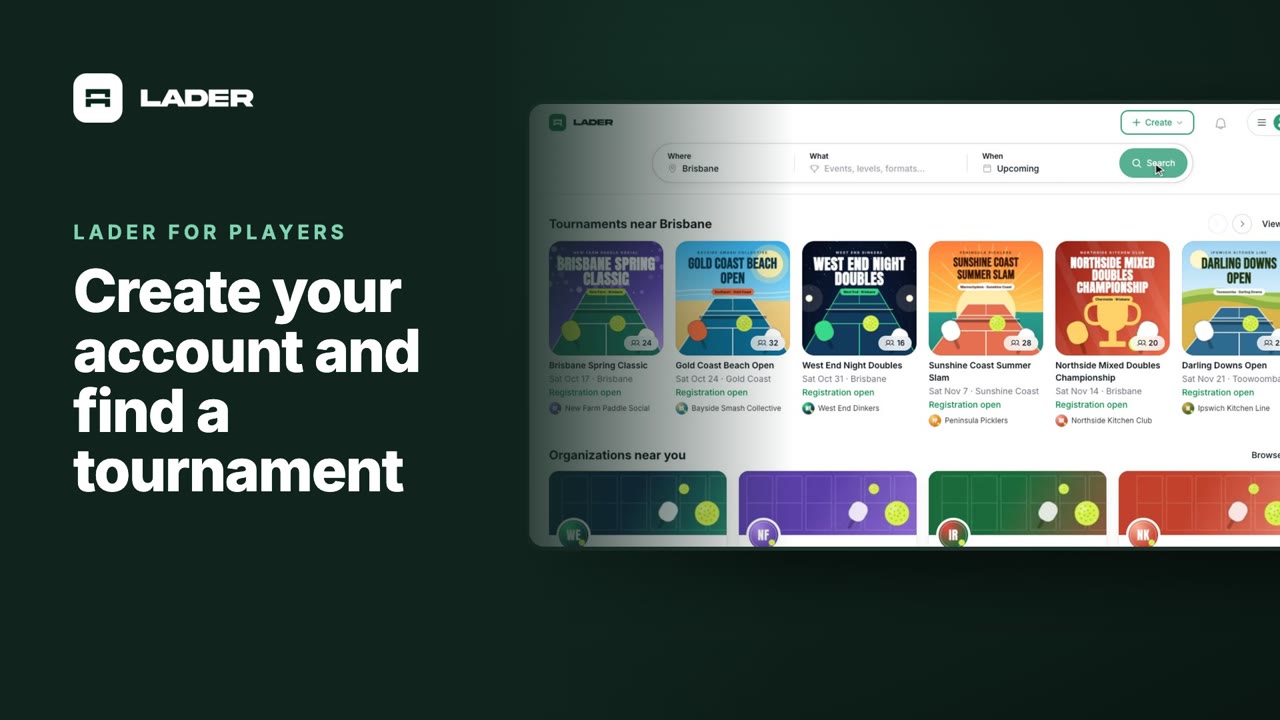
Video 1
Create your account and find a tournament
1:24
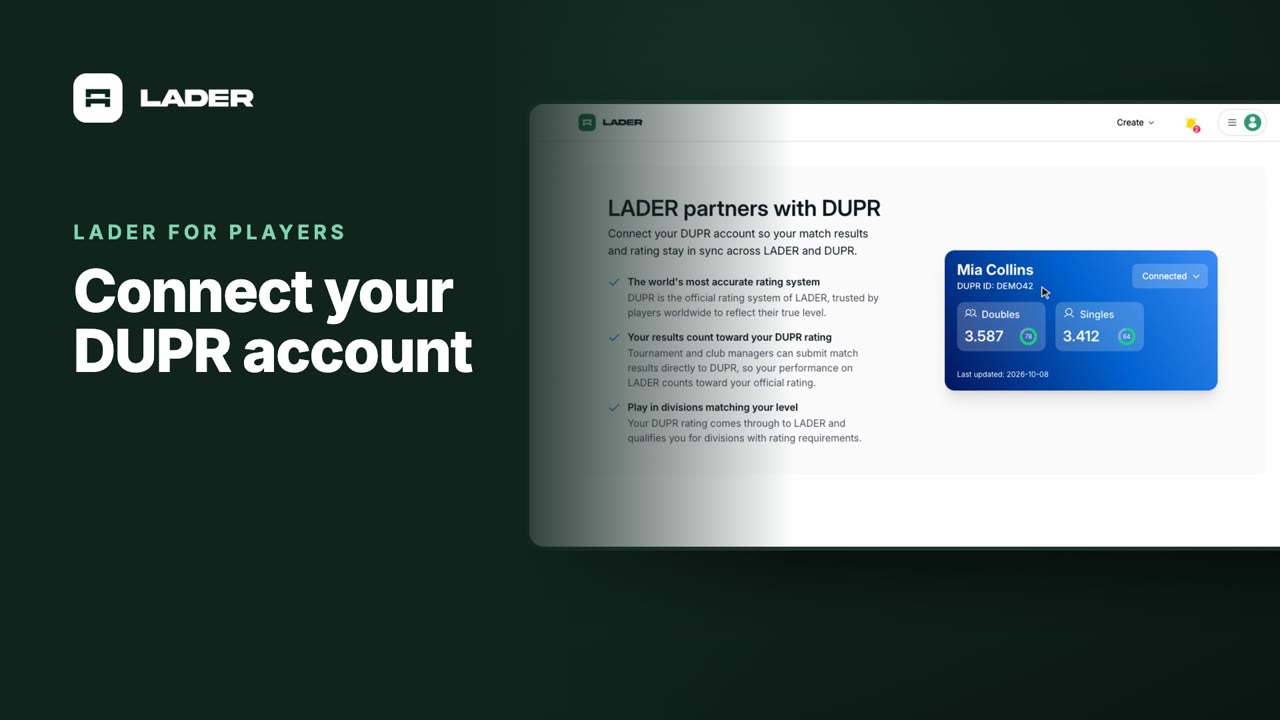
Video 2
Connect your DUPR account
0:58
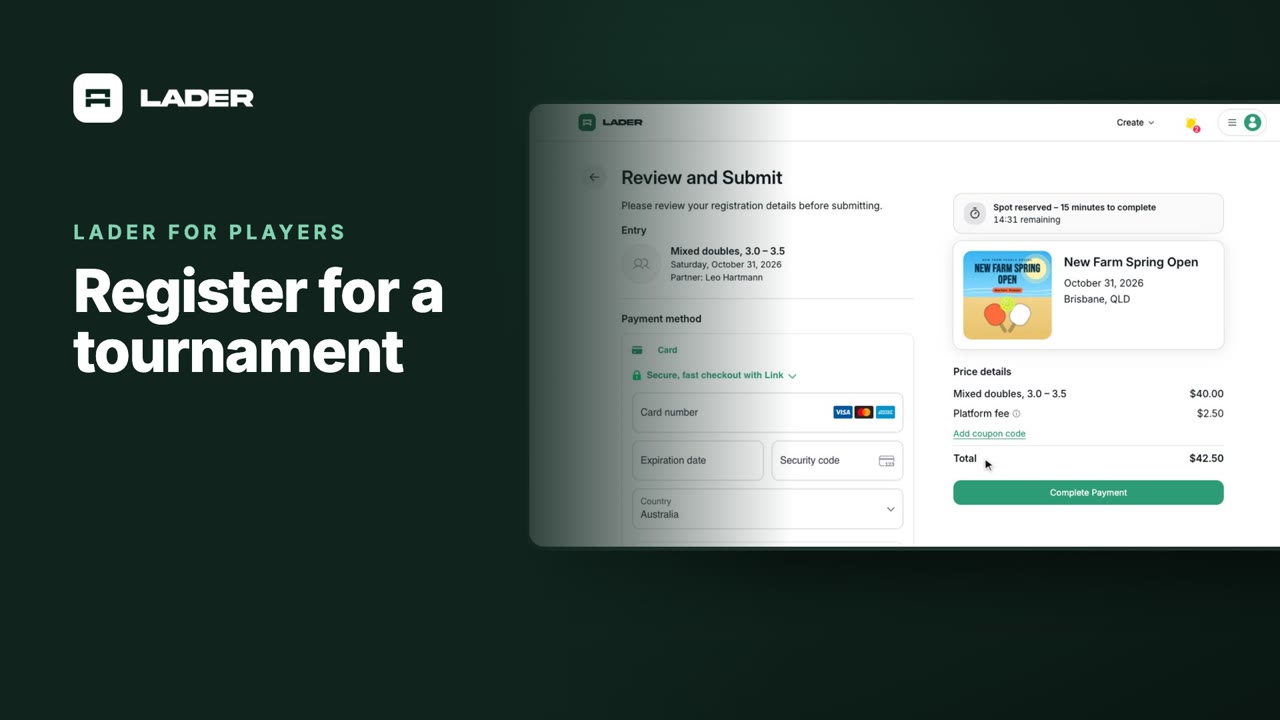
Video 3
Register for a tournament
1:36
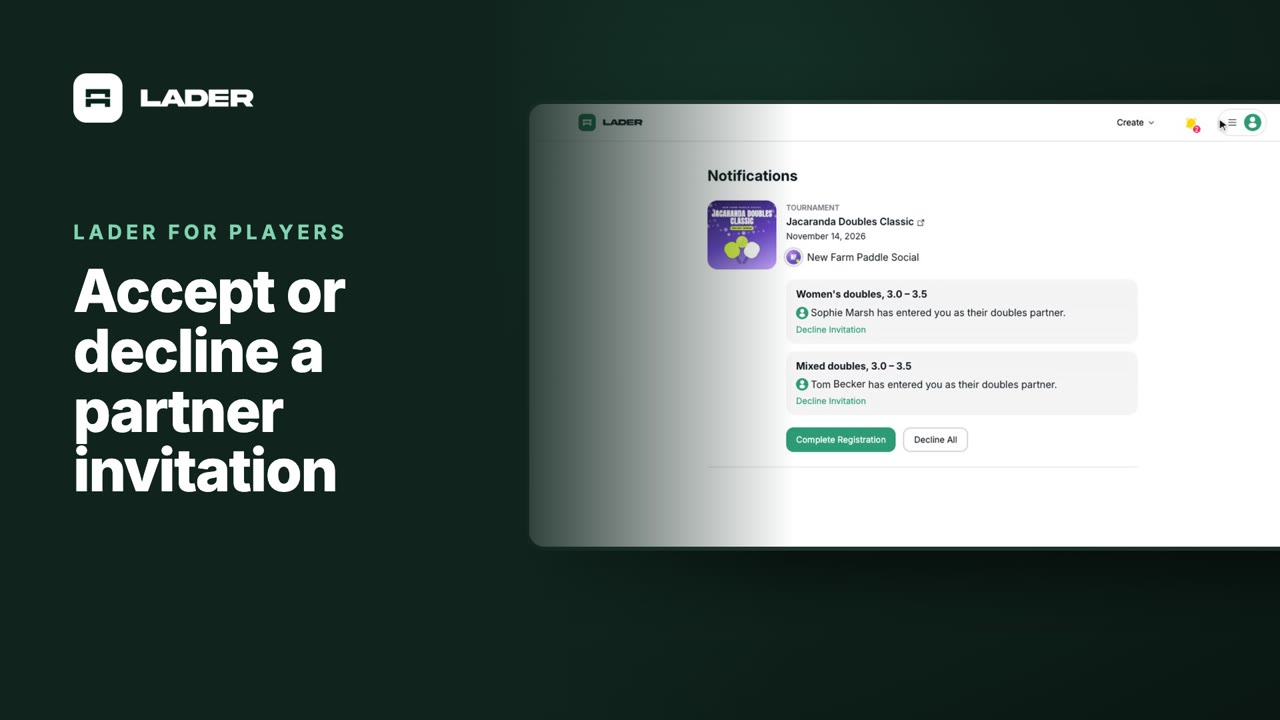
Video 4
Accept or decline a partner invitation
1:07
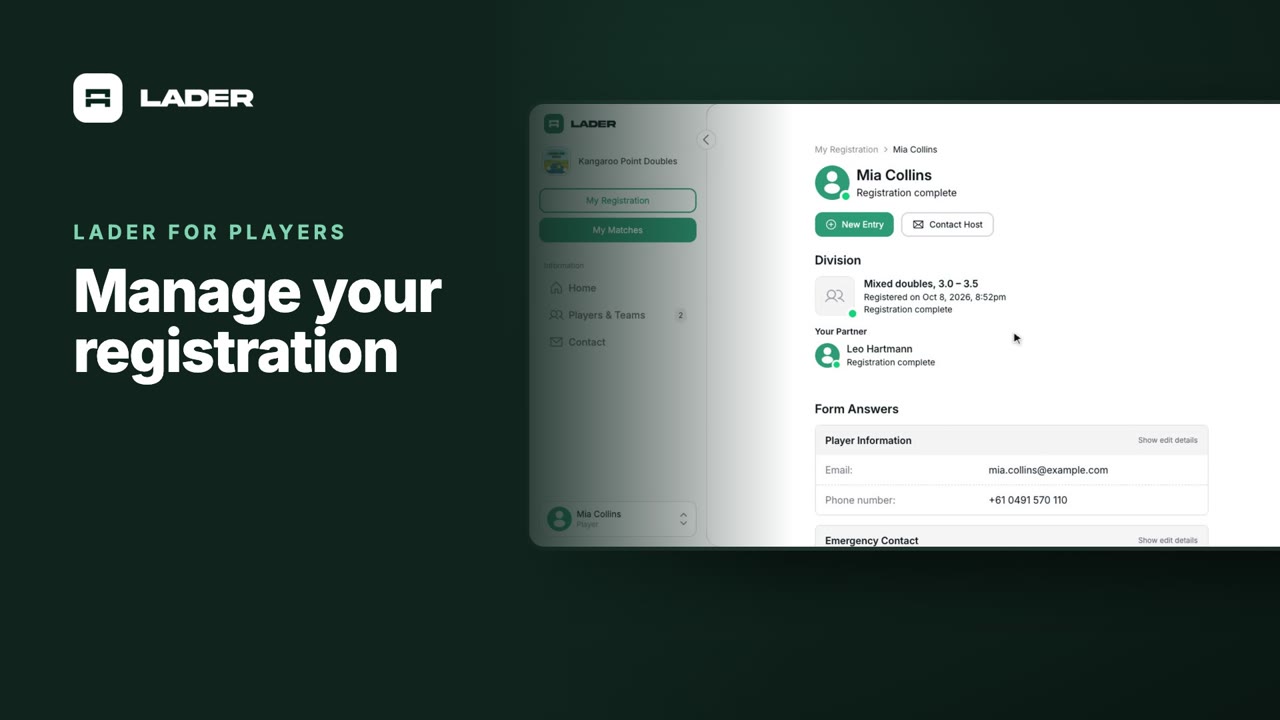
Video 5
Manage your registration
1:01
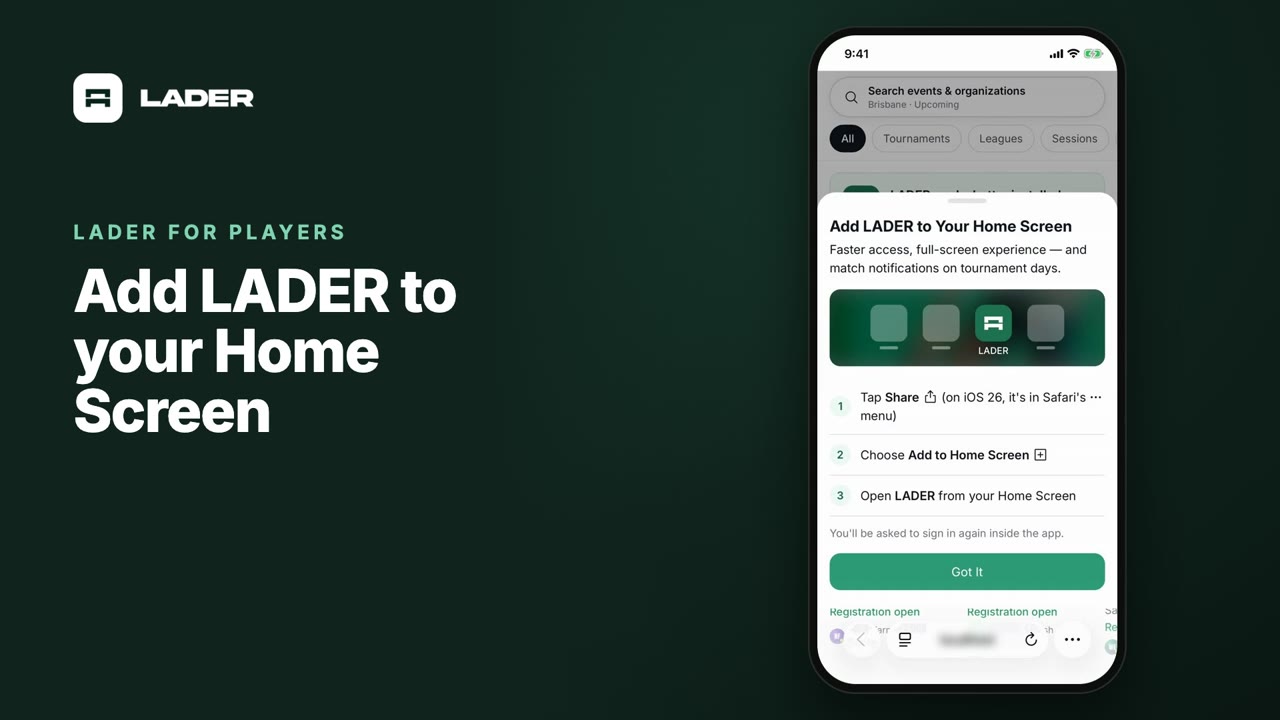
Video 7
Add LADER to your Home Screen
0:55
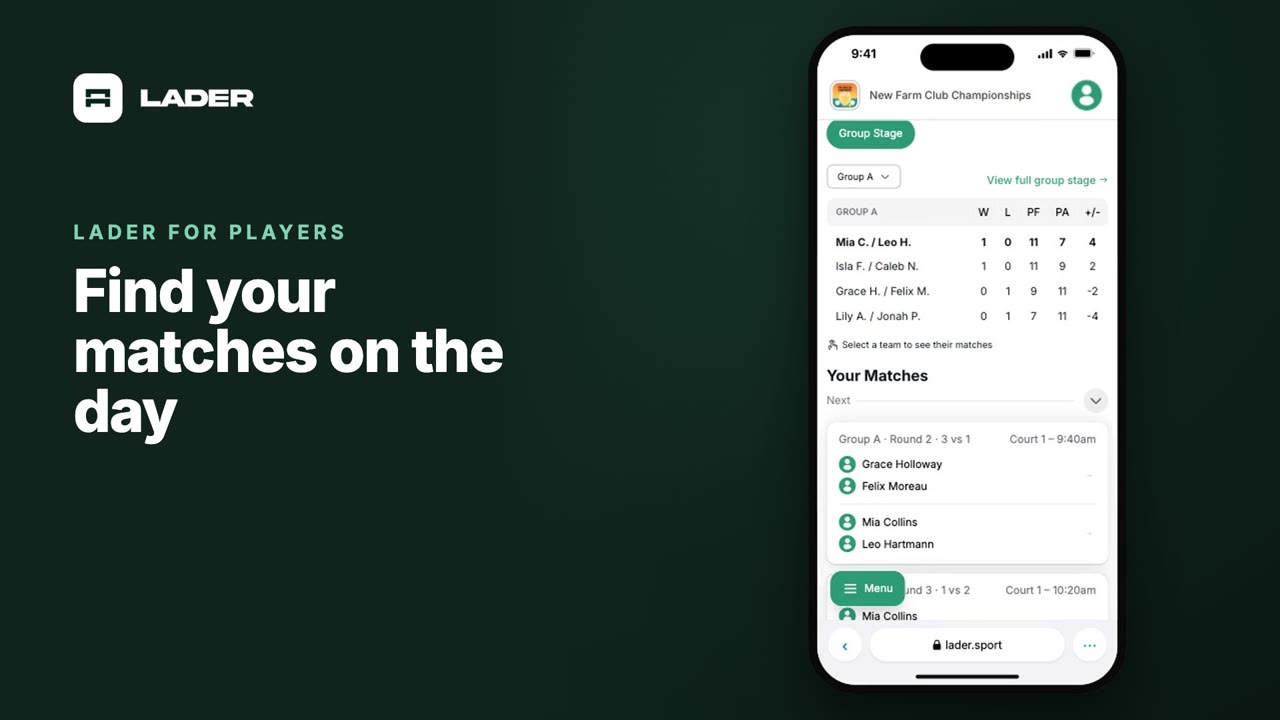
Video 8
Find your matches on the day
0:37
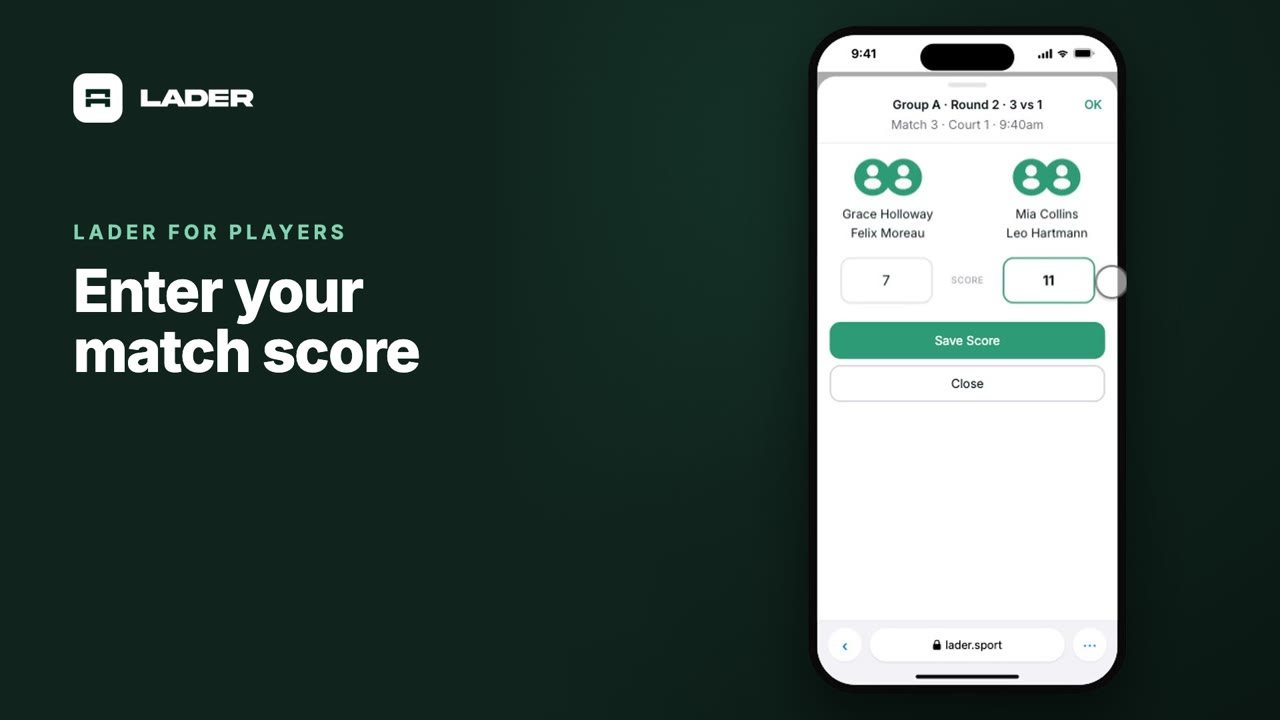
Video 9
Enter your match score
0:44
The clubs, events and people shown are fictional demo data. Narration uses an AI-generated voice.