
How to connect your DUPR account to LADER
Connect DUPR so your ratings come through to LADER, and see which divisions of a DUPR-rated tournament you can enter.
Prefer to read?
Transcript
Many tournaments use DUPR ratings to decide who can enter each division. Connecting your DUPR account to LADER takes about a minute.
Open your account menu, and choose Connect DUPR.
Click Connect my DUPR. DUPR's own sign-in opens, and you sign in with your DUPR email and password.
Once you've signed in, you're back in LADER with your DUPR account connected.
Here you can see your DUPR ID, and your doubles and singles ratings. They stay up to date as you play.
Now, when you register for a tournament that uses DUPR, LADER checks your ratings for you.
Divisions that match your rating are open to you. Ones outside your range are grayed out, so you can't enter them by mistake. Singles divisions use your singles rating, and doubles divisions use your doubles rating.
That's it for this video. Next up: registering for a tournament.
Still stuck?
Questions about a tournament? Ask its organizer: their contact details are in the Contact section of the tournament page. For anything else, email us.
More for players
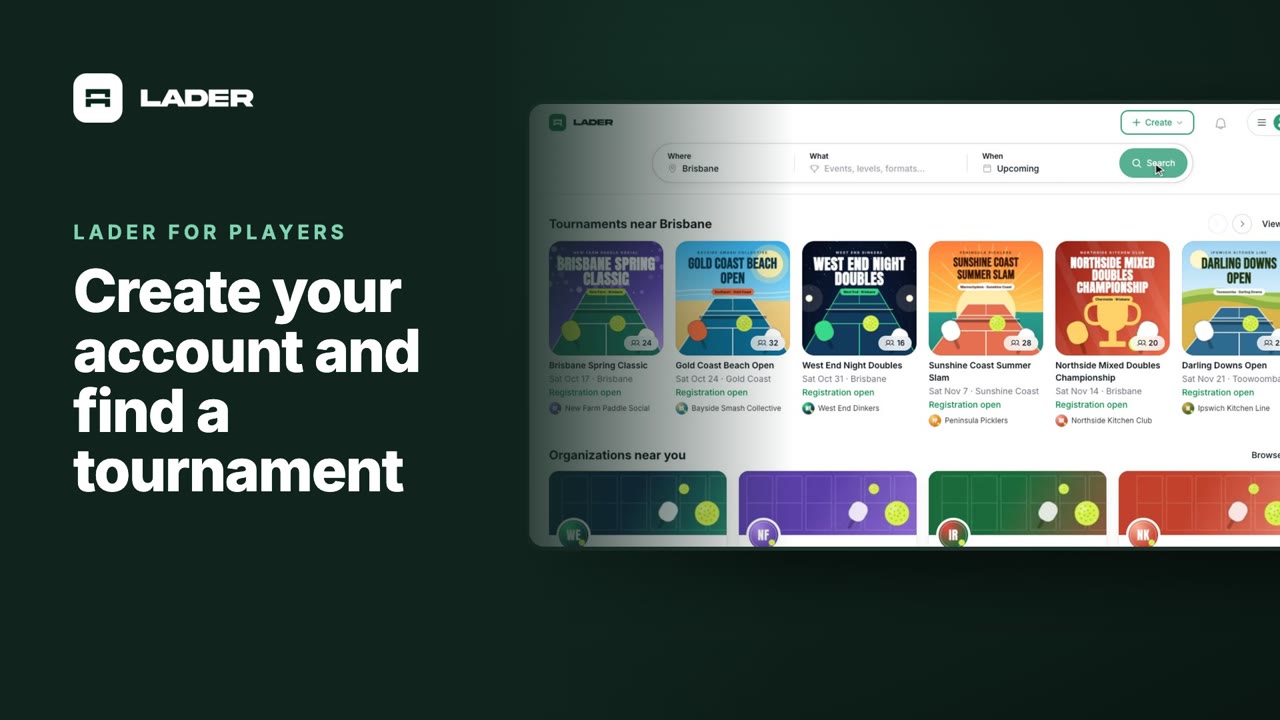
Video 1
Create your account and find a tournament
1:24
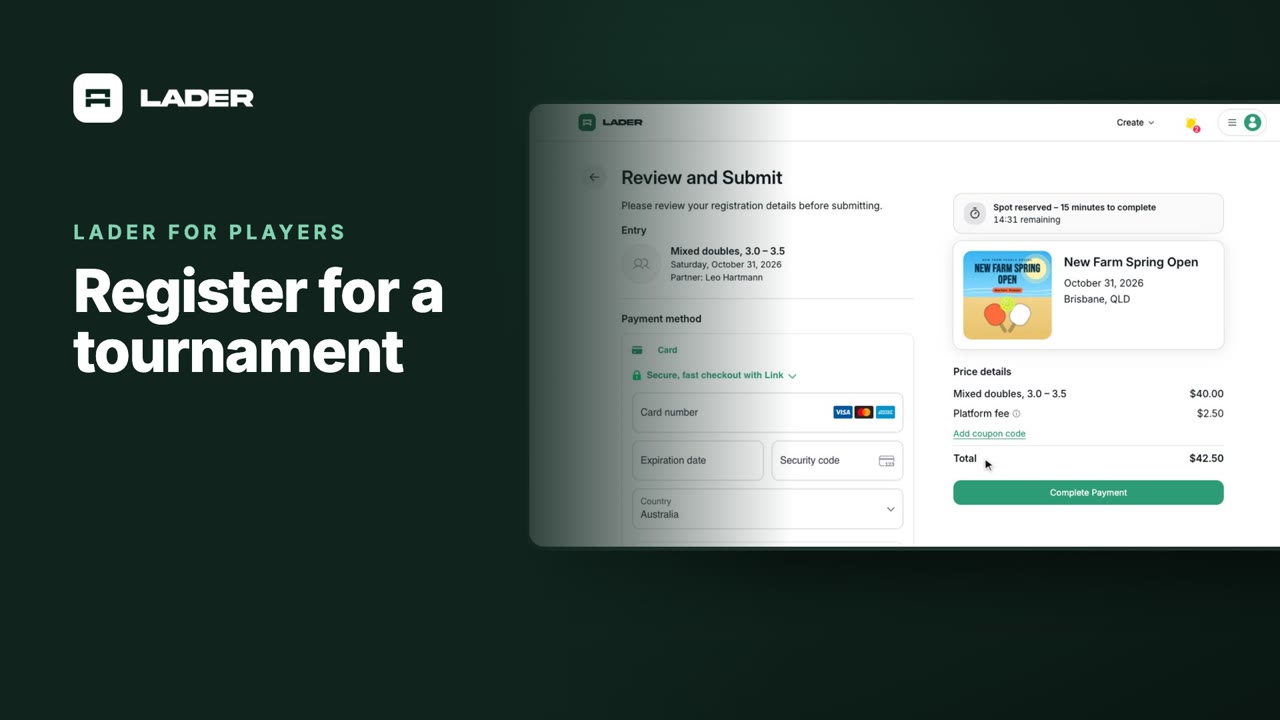
Video 3
Register for a tournament
1:36
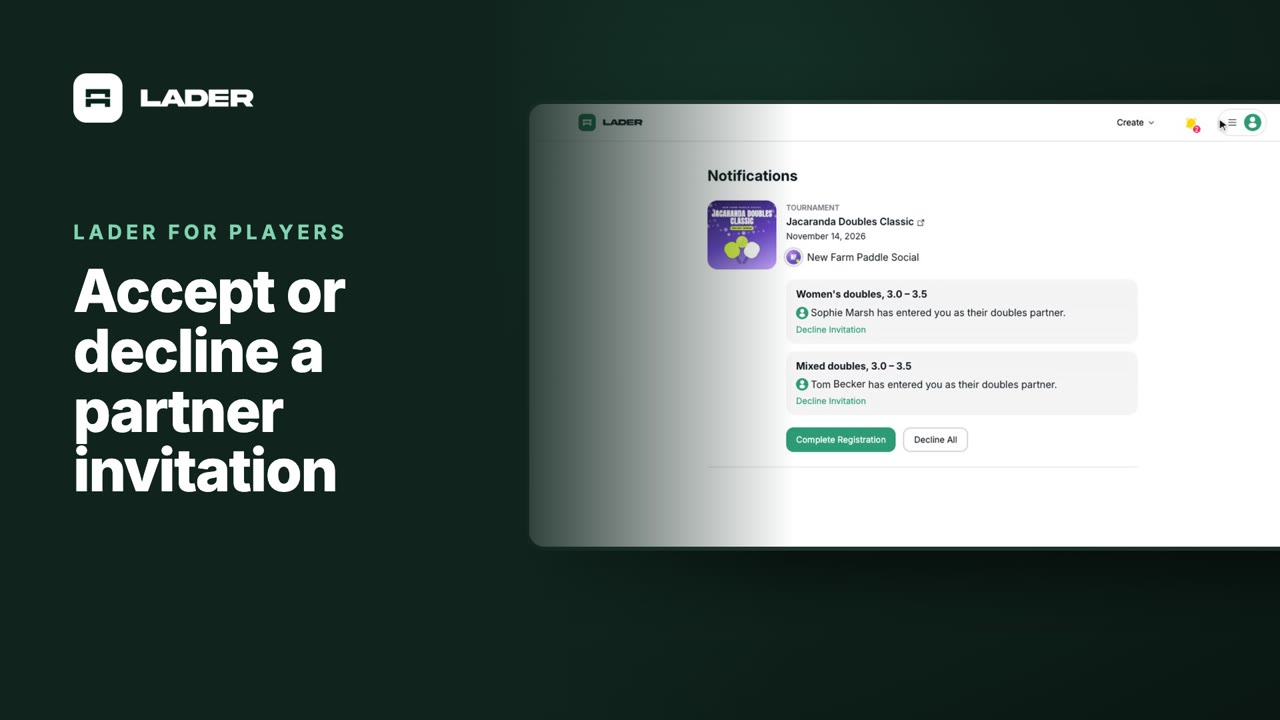
Video 4
Accept or decline a partner invitation
1:07
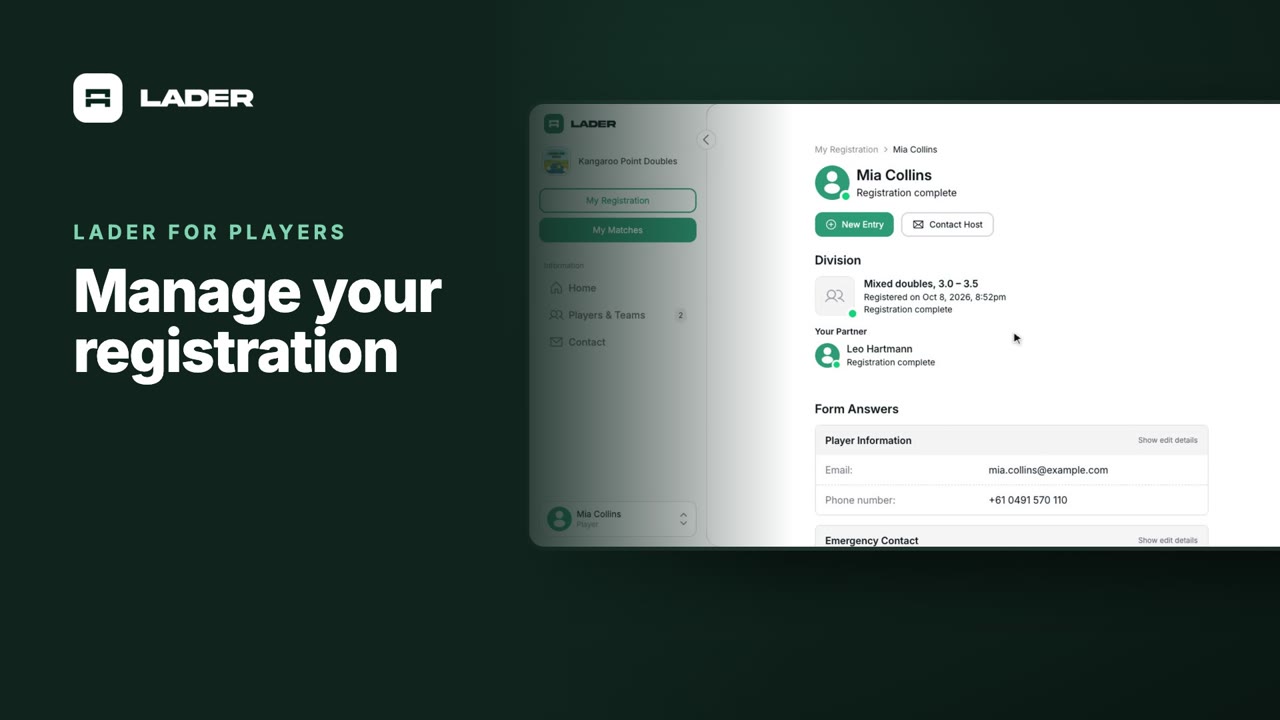
Video 5
Manage your registration
1:01
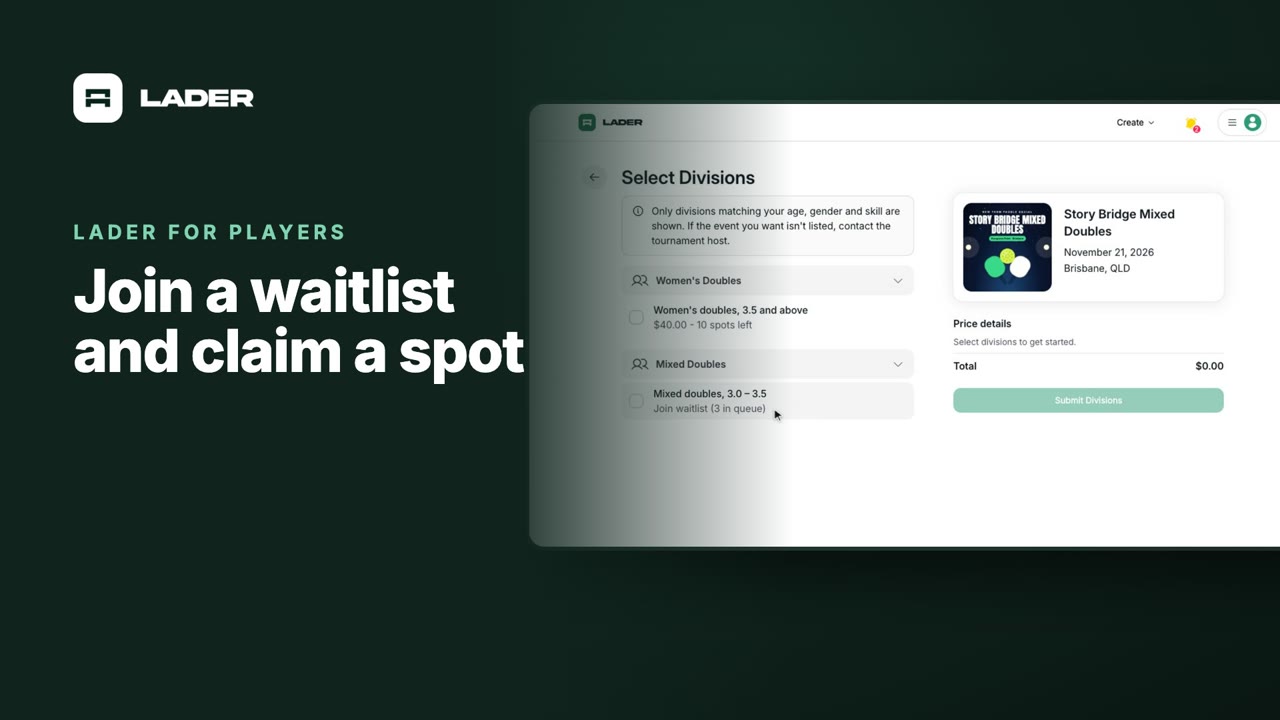
Video 6
Join a waitlist and claim a spot
1:31
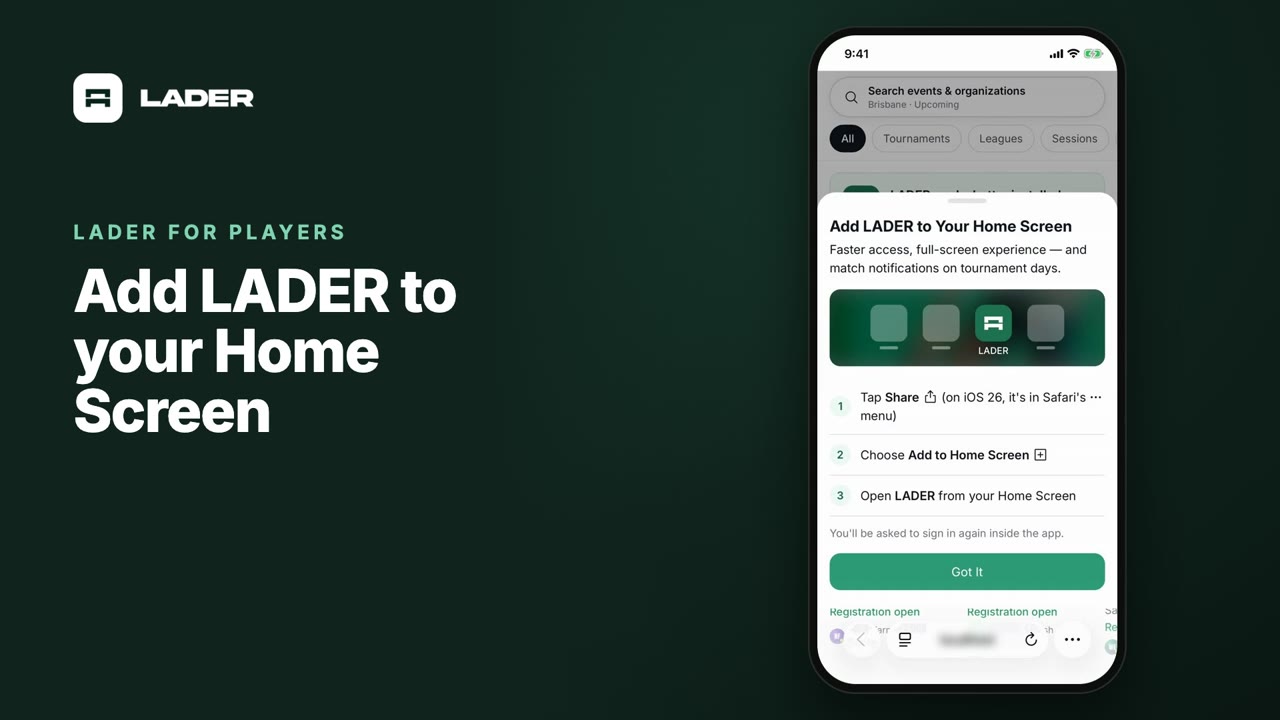
Video 7
Add LADER to your Home Screen
0:55
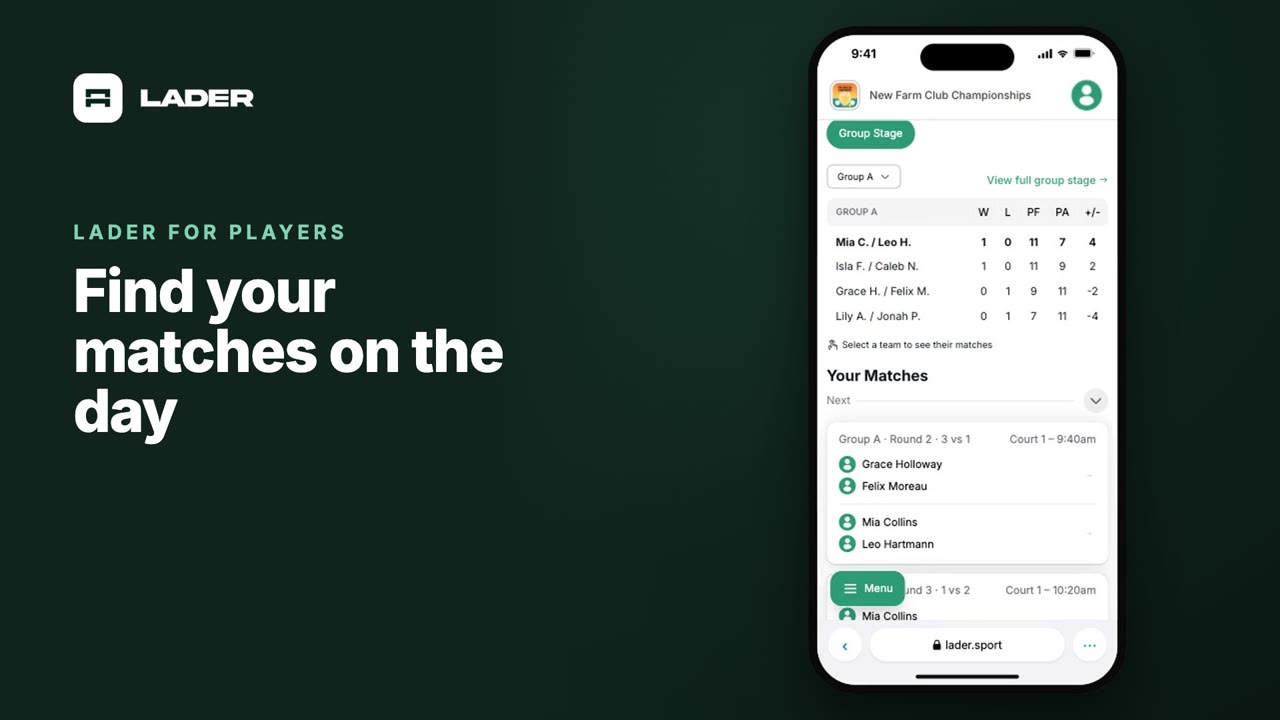
Video 8
Find your matches on the day
0:37
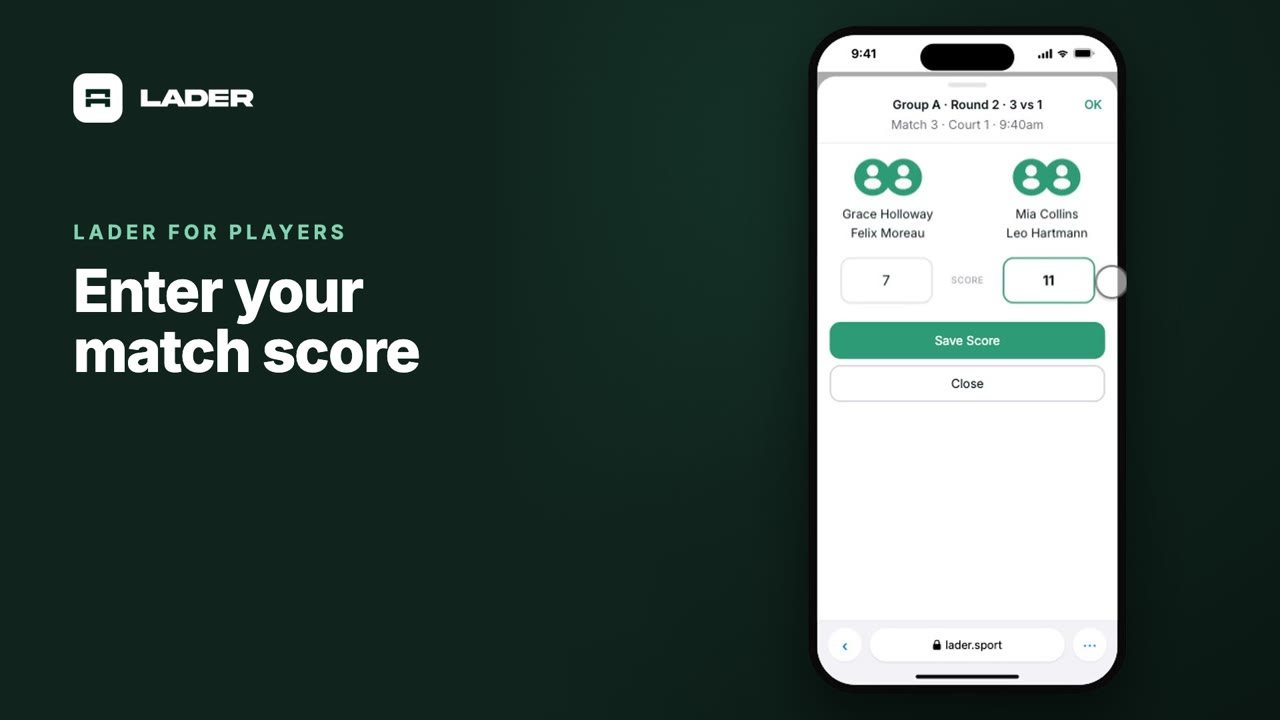
Video 9
Enter your match score
0:44
The clubs, events and people shown are fictional demo data. Narration uses an AI-generated voice.