
How to create a LADER player account and find a pickleball tournament
Sign up with your email, add the details that decide which divisions you can enter, and find tournaments near you.
Prefer to read?
Transcript
Welcome to LADER. In this video you'll create your player account, and find a tournament to play in.
Go to the LADER sign-up page, enter your email address, and click Submit.
LADER emails you a six-character code. Type it in, and click Submit.
Now add your details. Your gender and date of birth decide which divisions you can enter, so make sure they're right.
Start typing your city, and pick it from the list. LADER uses it to show you tournaments near you.
Choose a password, and type it again to confirm it. Then agree to the terms, and click Create Account.
You're in. Your home page shows tournaments near you, starting with the soonest.
To look further afield, use the search bar at the top: where, what and when. Then click Search to see what's on.
Here are the results. You can narrow them by skill, format and date, and see where everything is on the map. Click a tournament to open its page.
A tournament's page shows when it's on, the entry price, where it's played, and the divisions on offer. When you're ready to play, click Register. We'll walk through registering in its own video.
That's it for this video. Next up: connecting your DUPR account.
Still stuck?
Questions about a tournament? Ask its organizer: their contact details are in the Contact section of the tournament page. For anything else, email us.
More for players
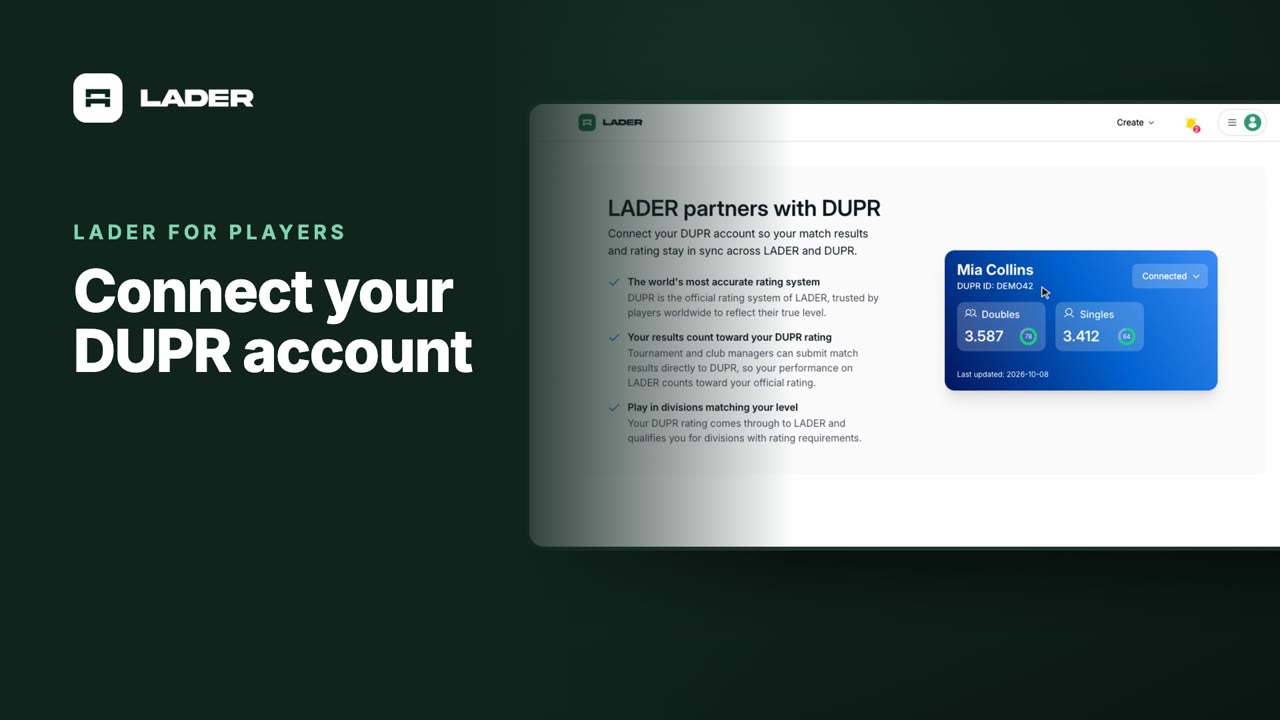
Video 2
Connect your DUPR account
0:58
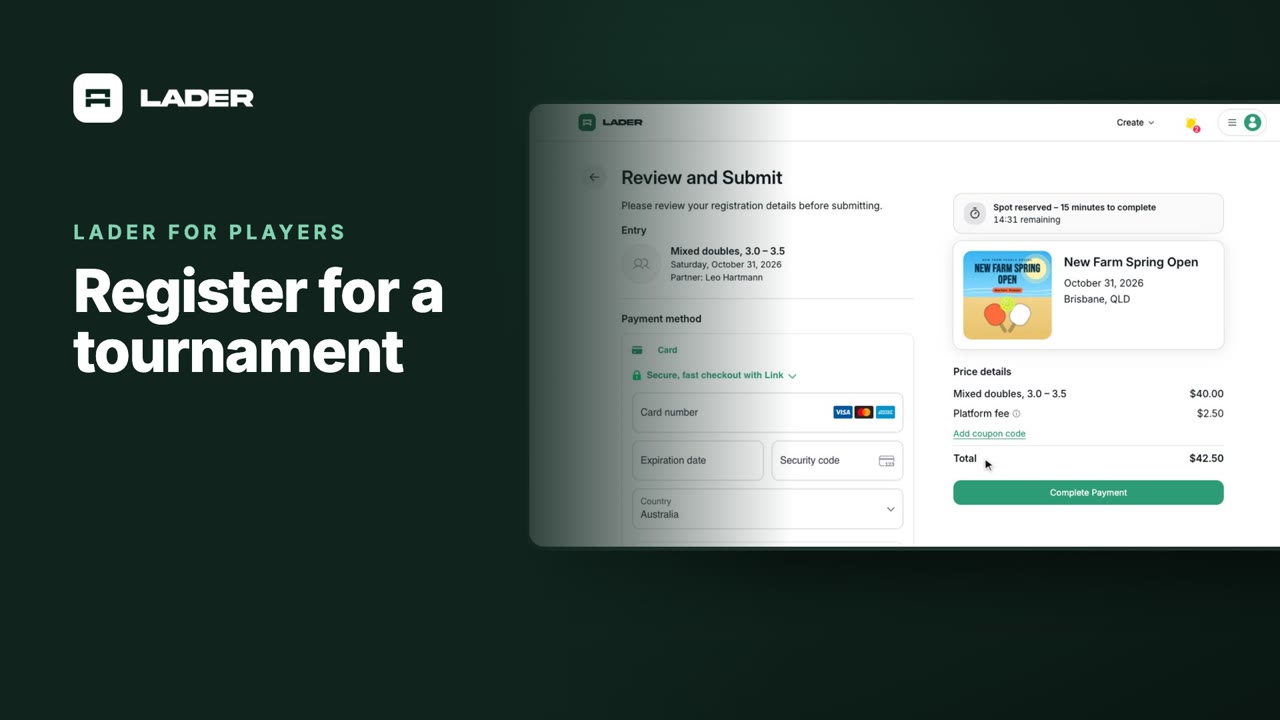
Video 3
Register for a tournament
1:36
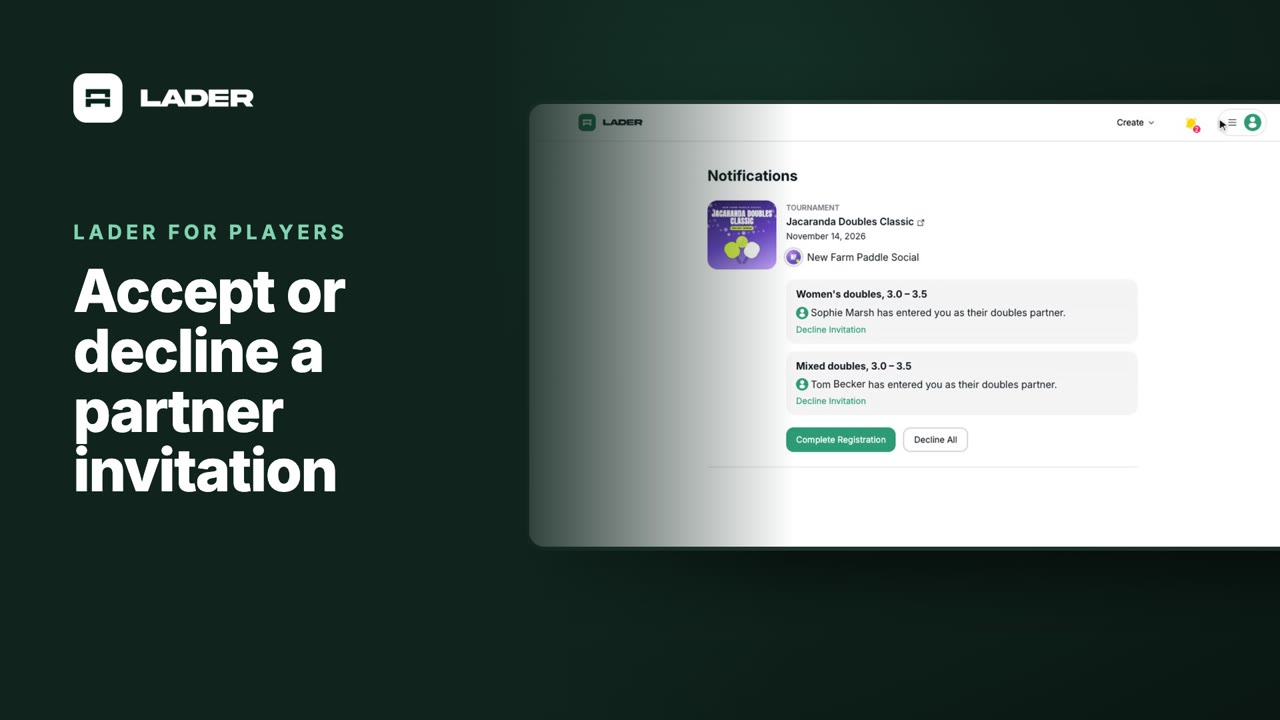
Video 4
Accept or decline a partner invitation
1:07
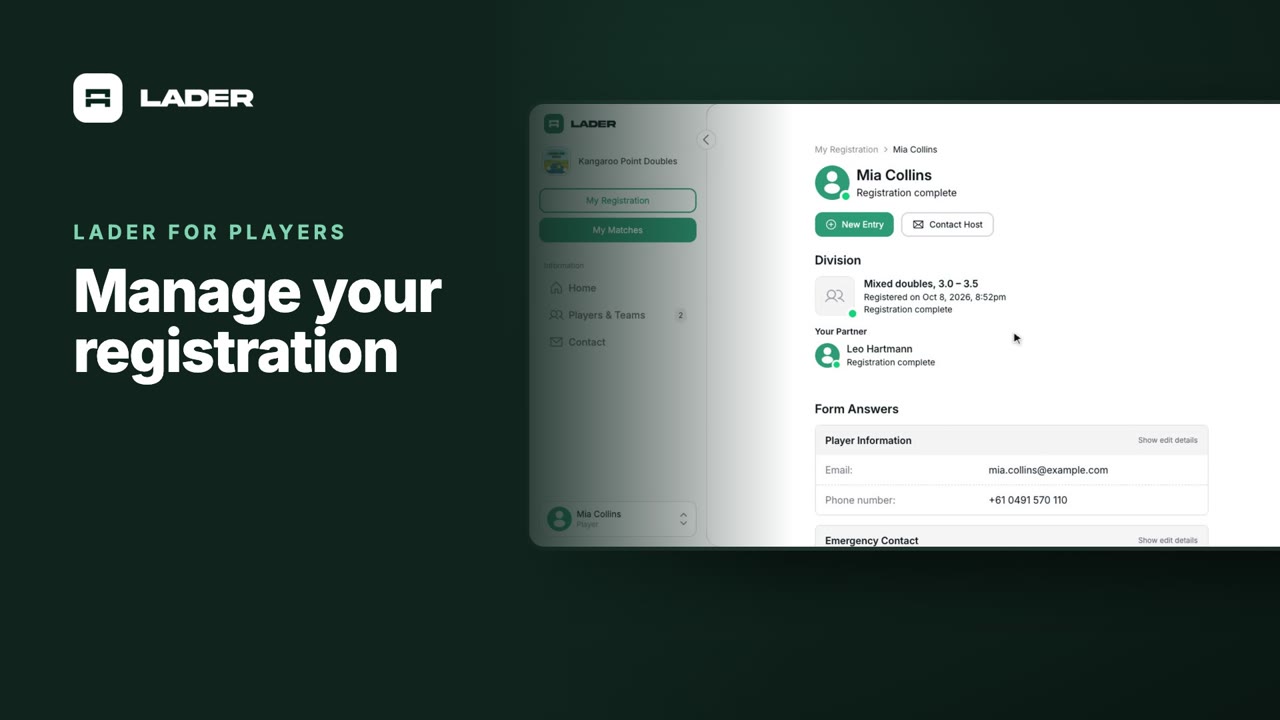
Video 5
Manage your registration
1:01
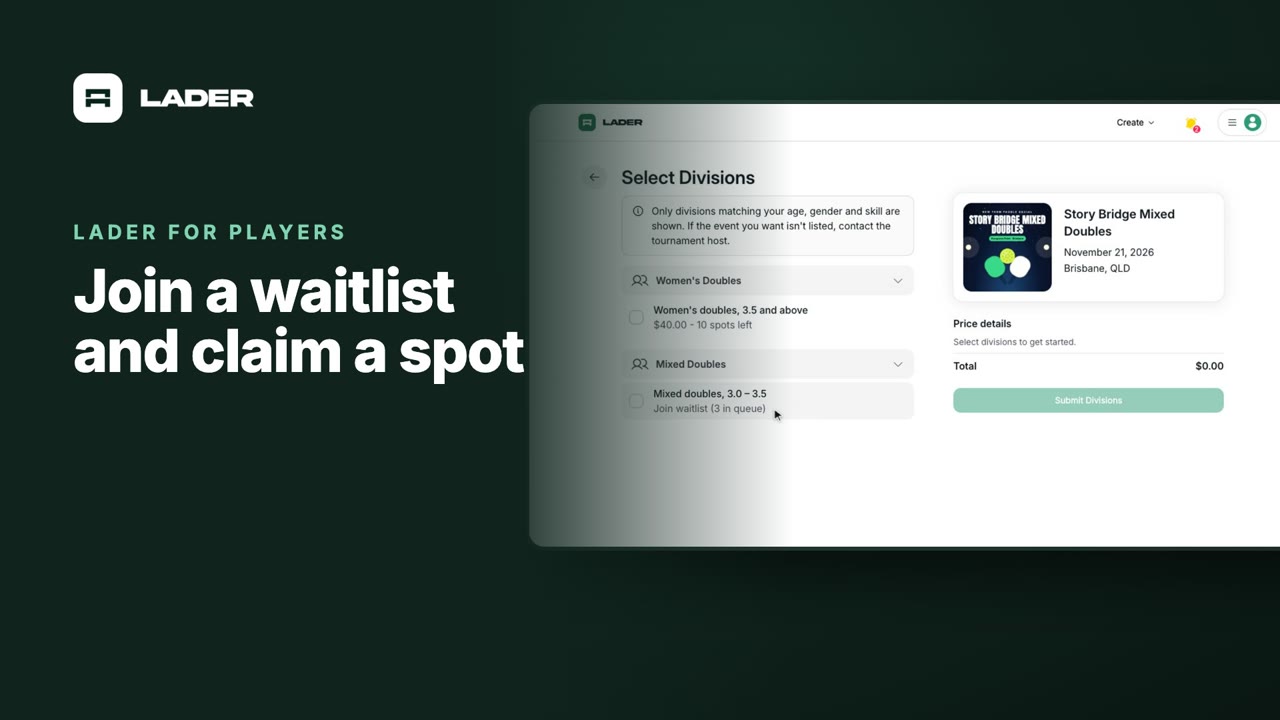
Video 6
Join a waitlist and claim a spot
1:31
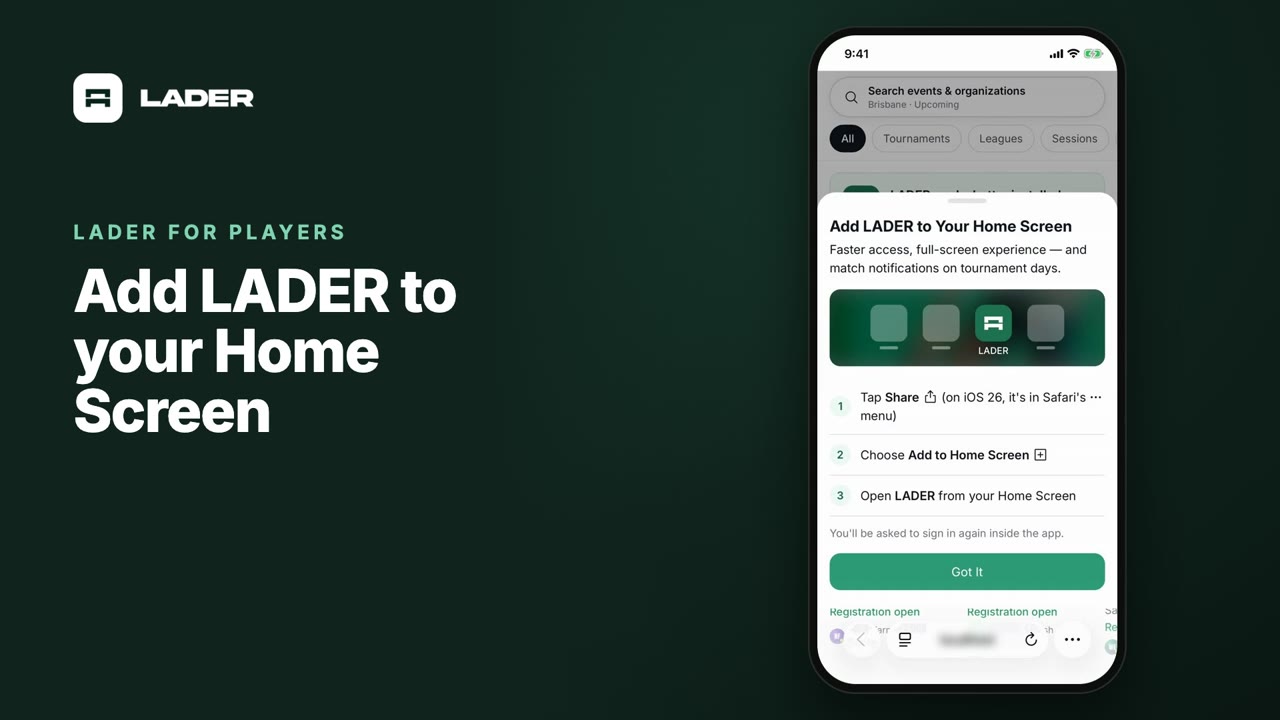
Video 7
Add LADER to your Home Screen
0:55
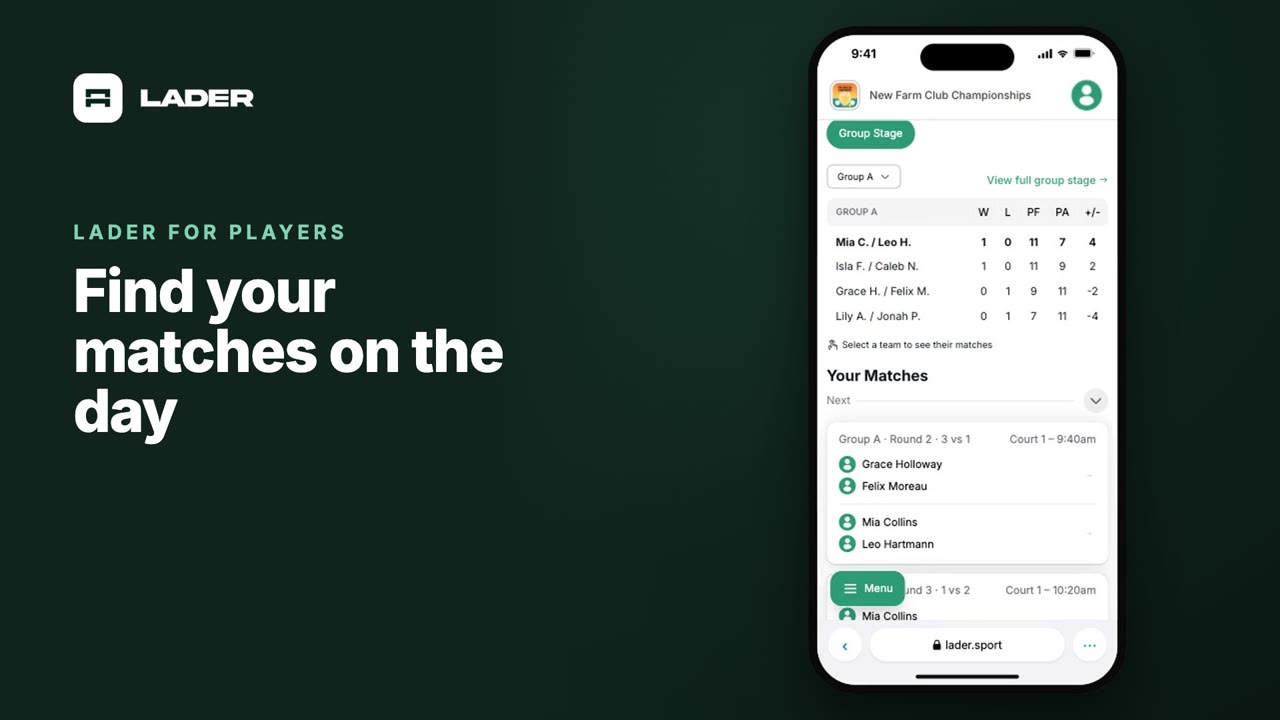
Video 8
Find your matches on the day
0:37
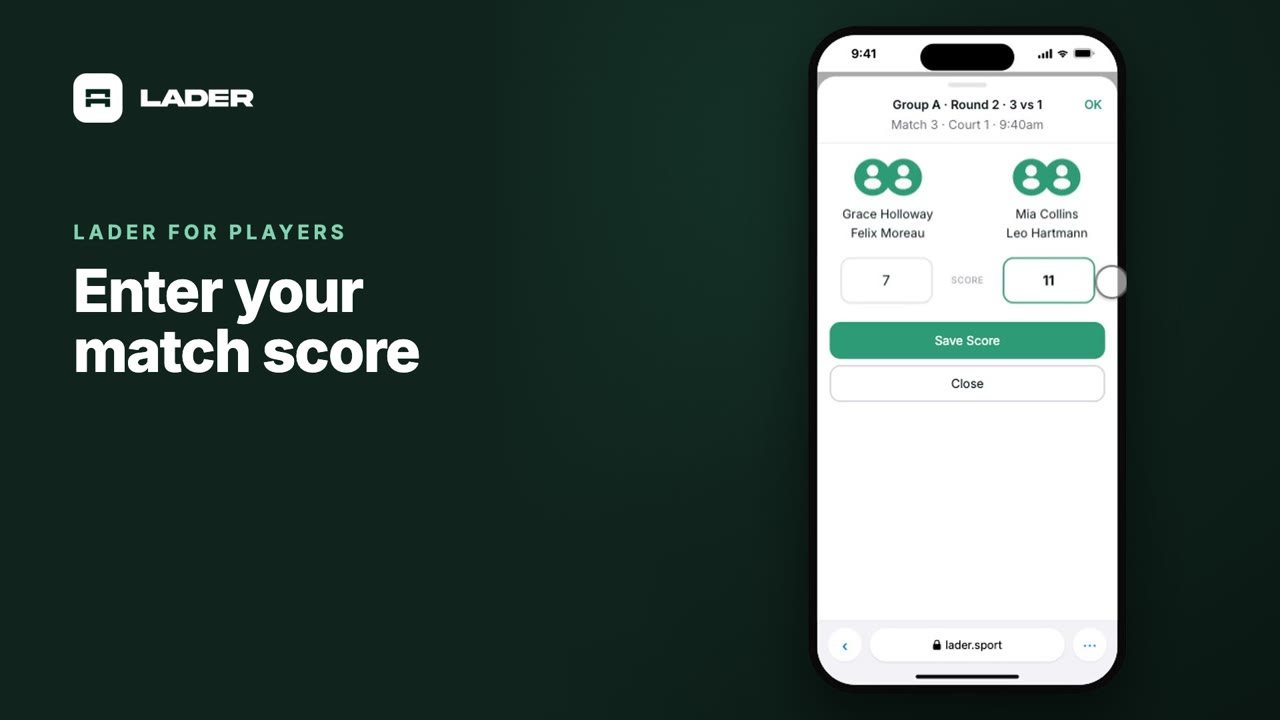
Video 9
Enter your match score
0:44
The clubs, events and people shown are fictional demo data. Narration uses an AI-generated voice.